Tour
Teacher's Desk in screenshots
66 views from the live application – from the first setup step to the report grade, all in your language.

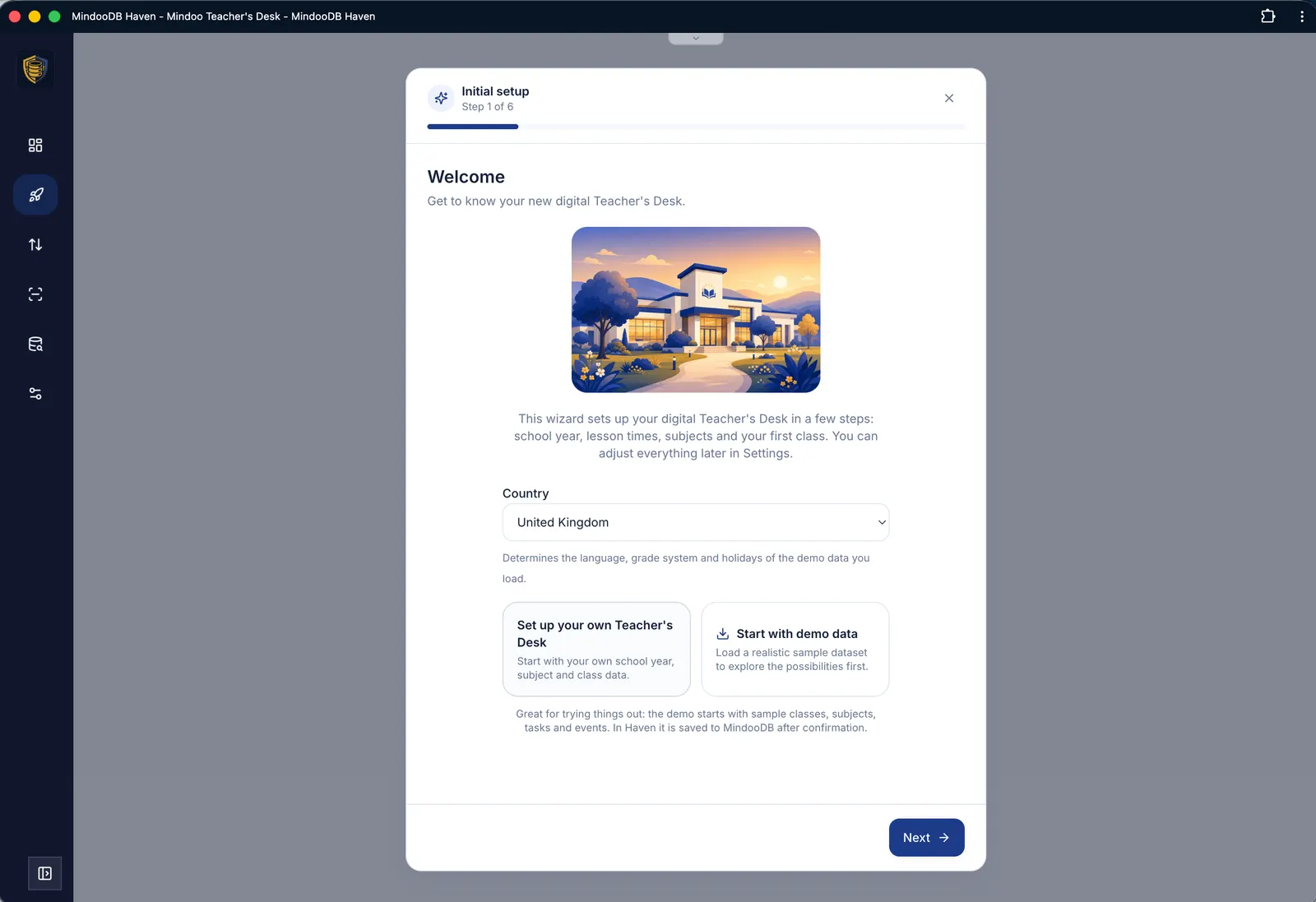
First-time setup
A wizard sets up your Teacher's Desk in six steps – school year, lesson times, subjects, your own teacher details and your first class. If you would rather explore first, start with realistic demo data.

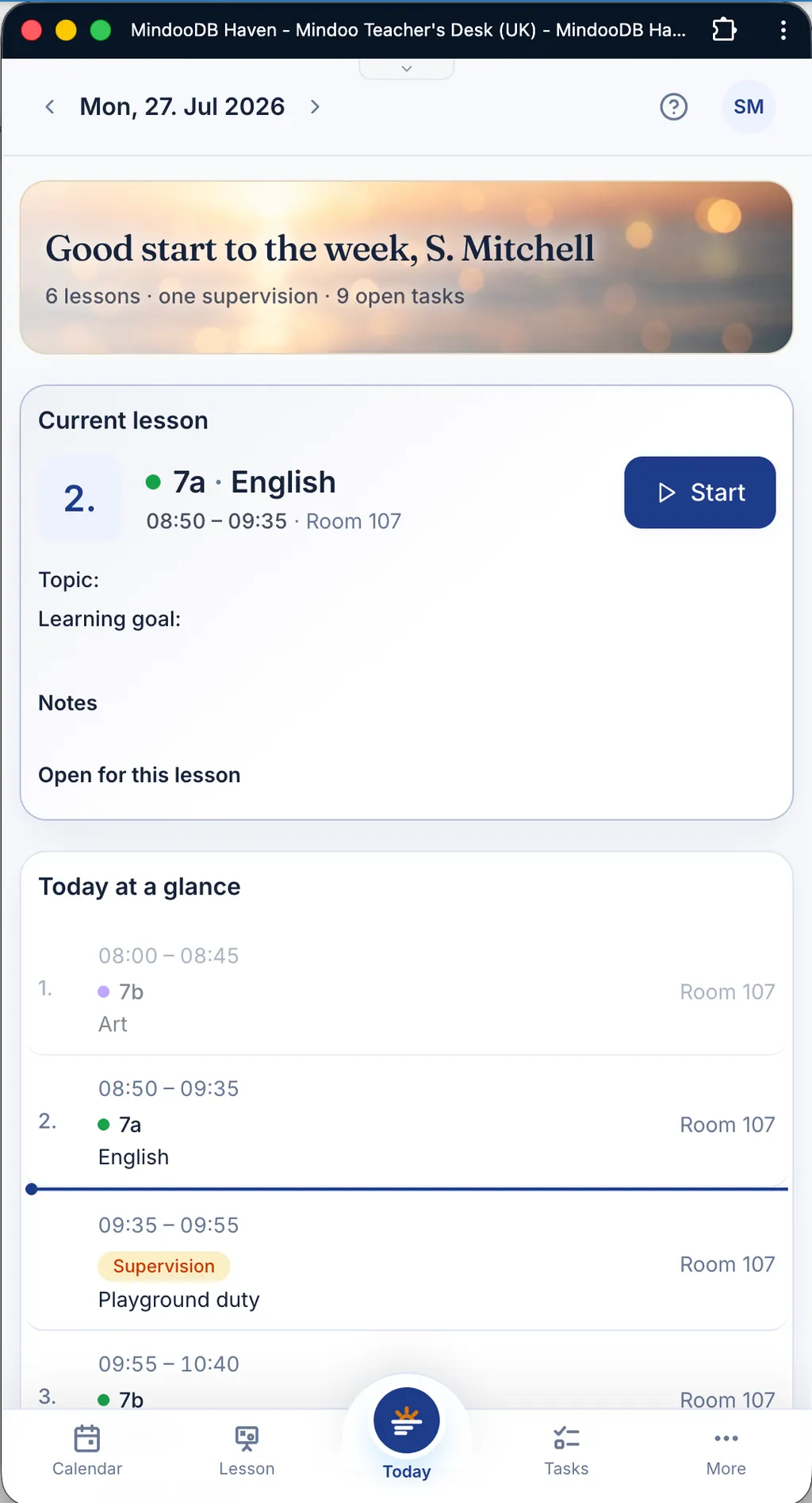
Today & every device
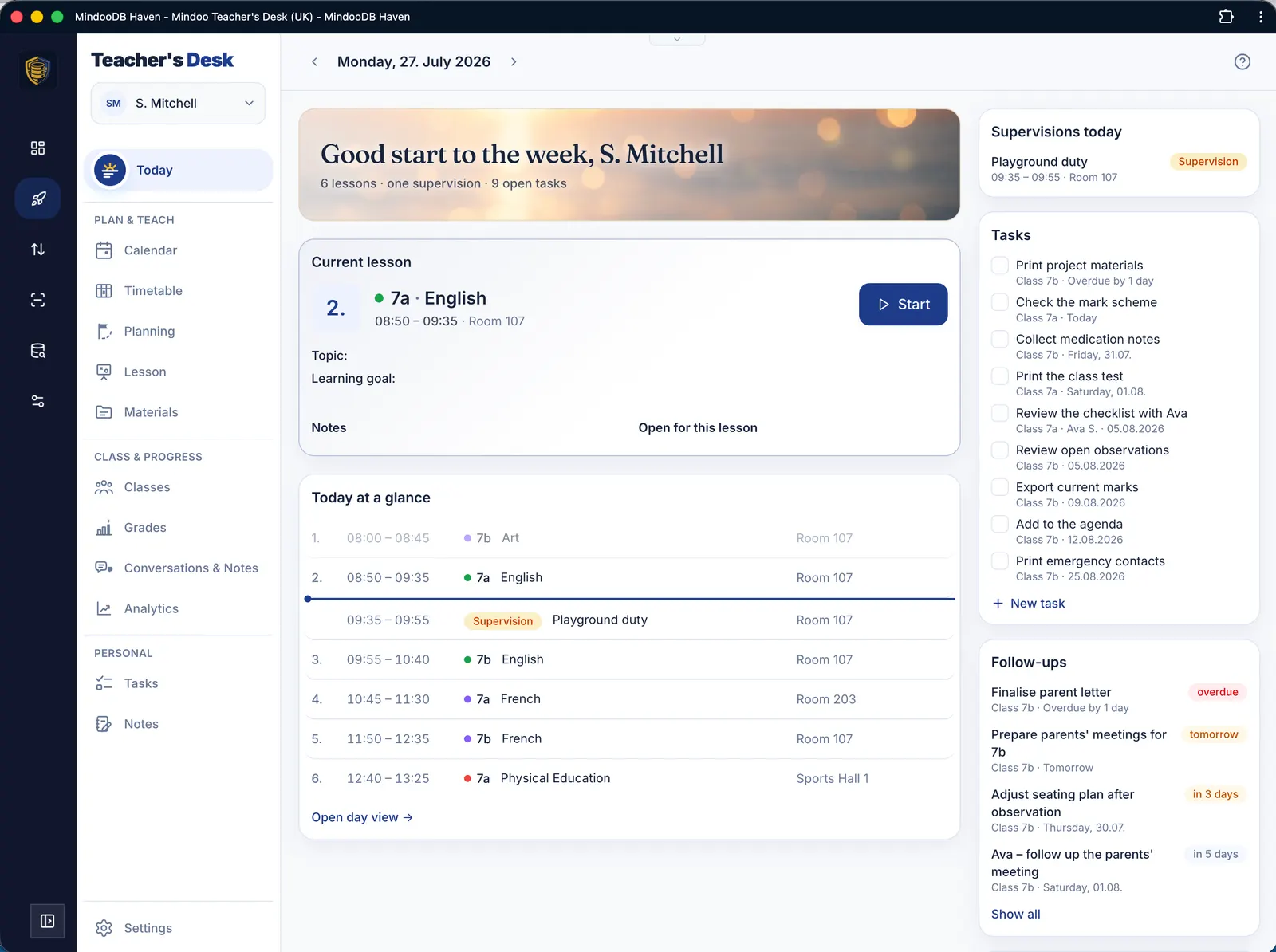
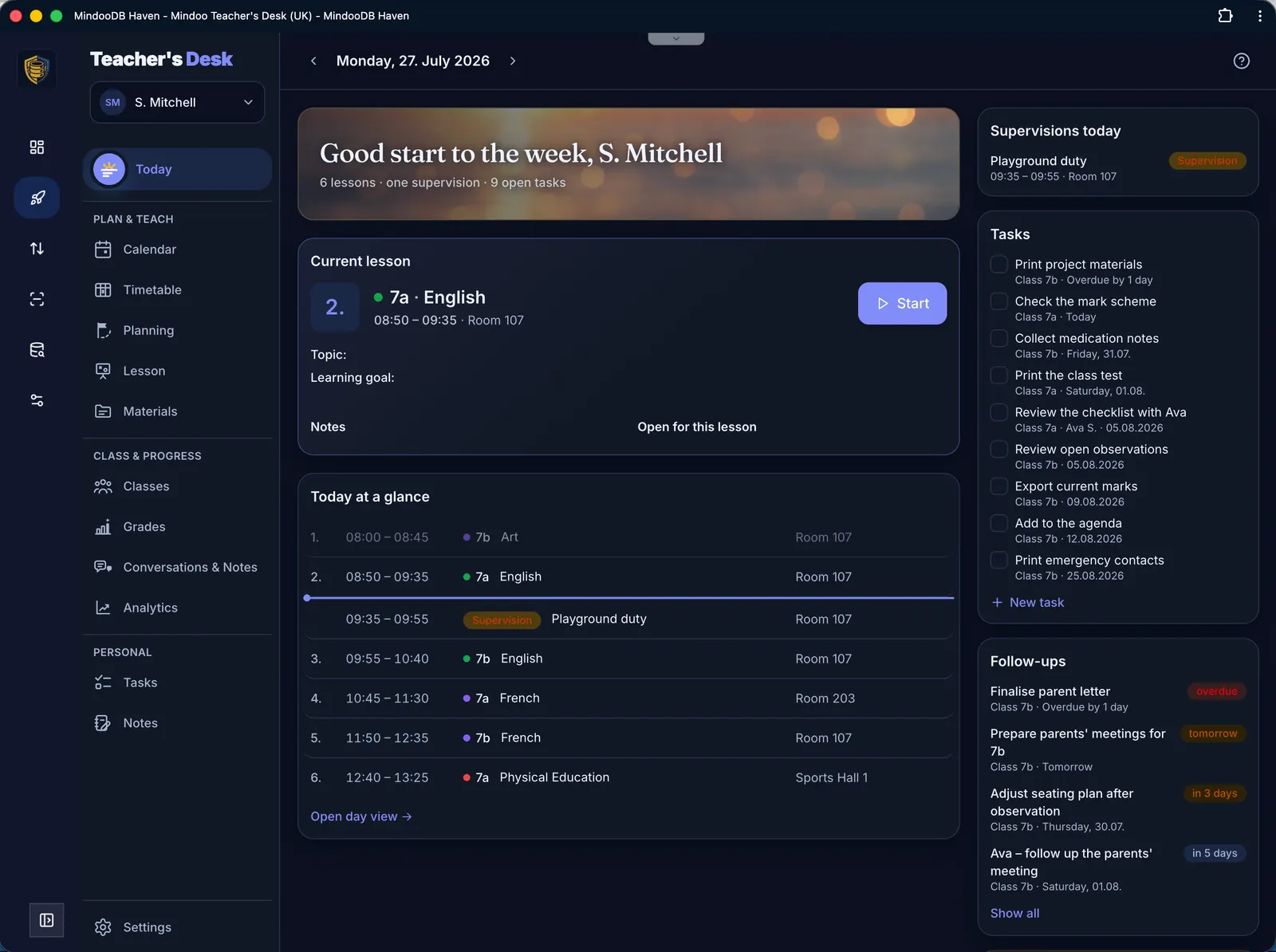
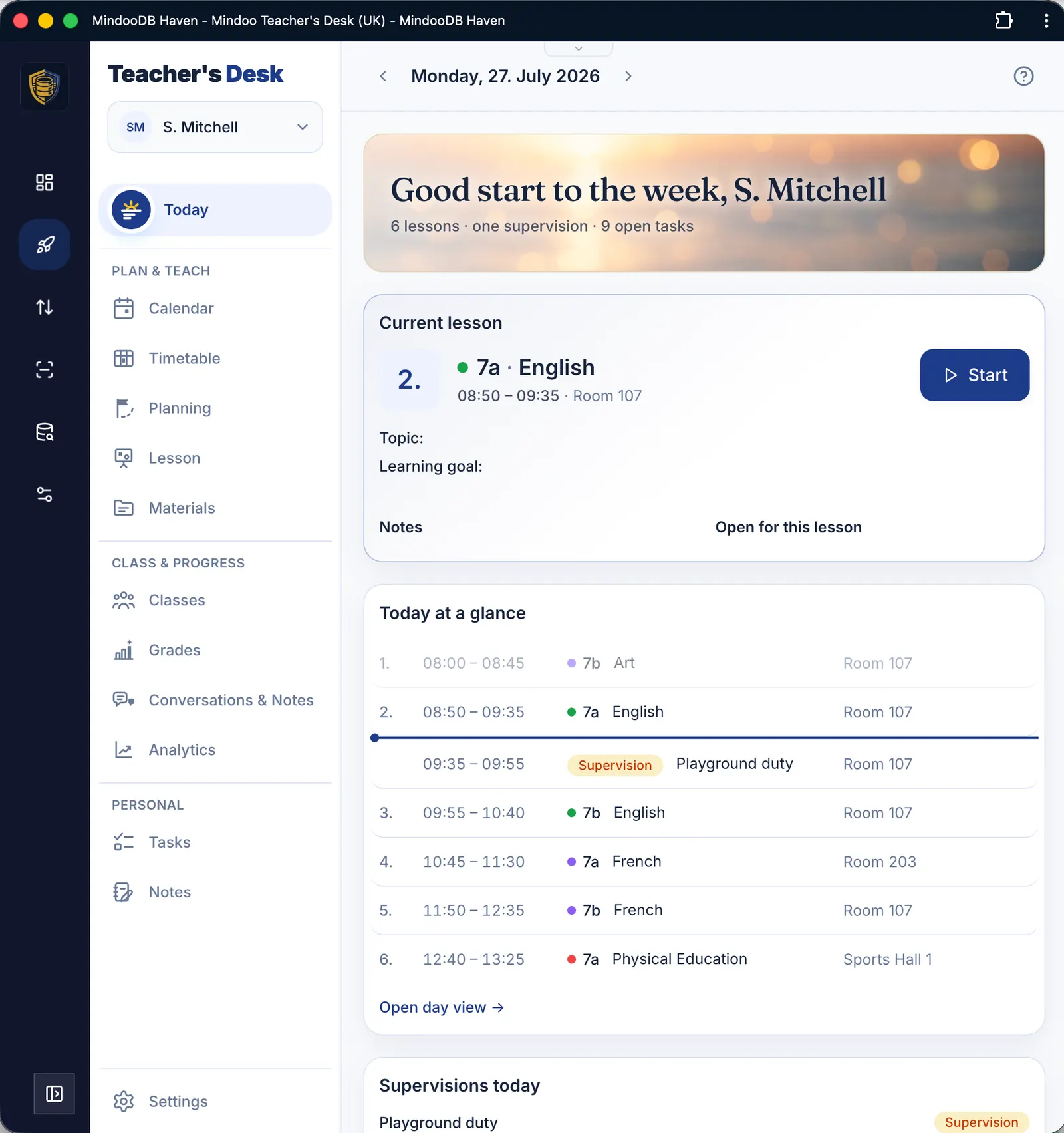
The daily overview brings together the current lesson, the timetable, supervision duties and open tasks. The layout adapts to desktop, tablet and phone – in light mode as well as dark.

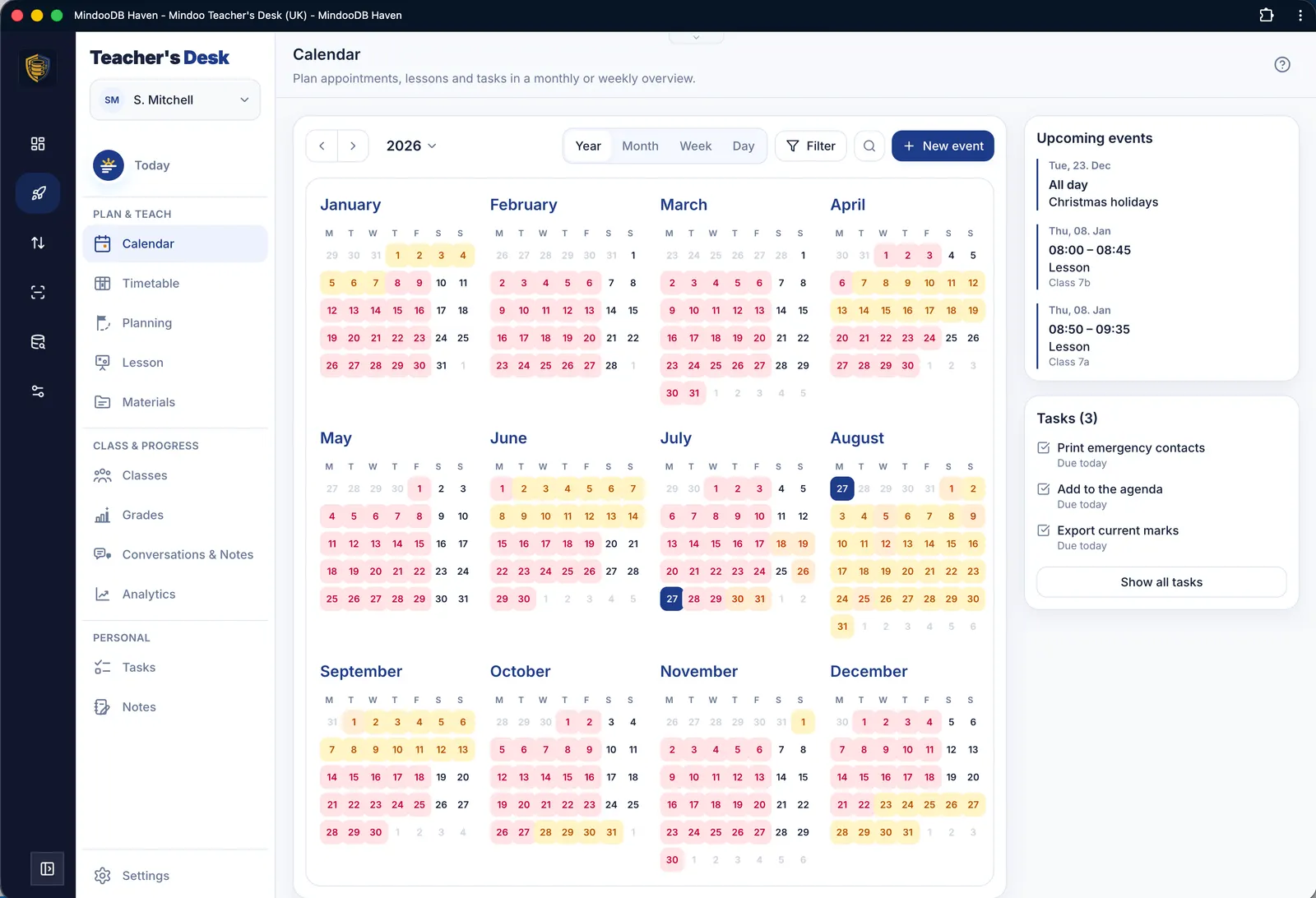
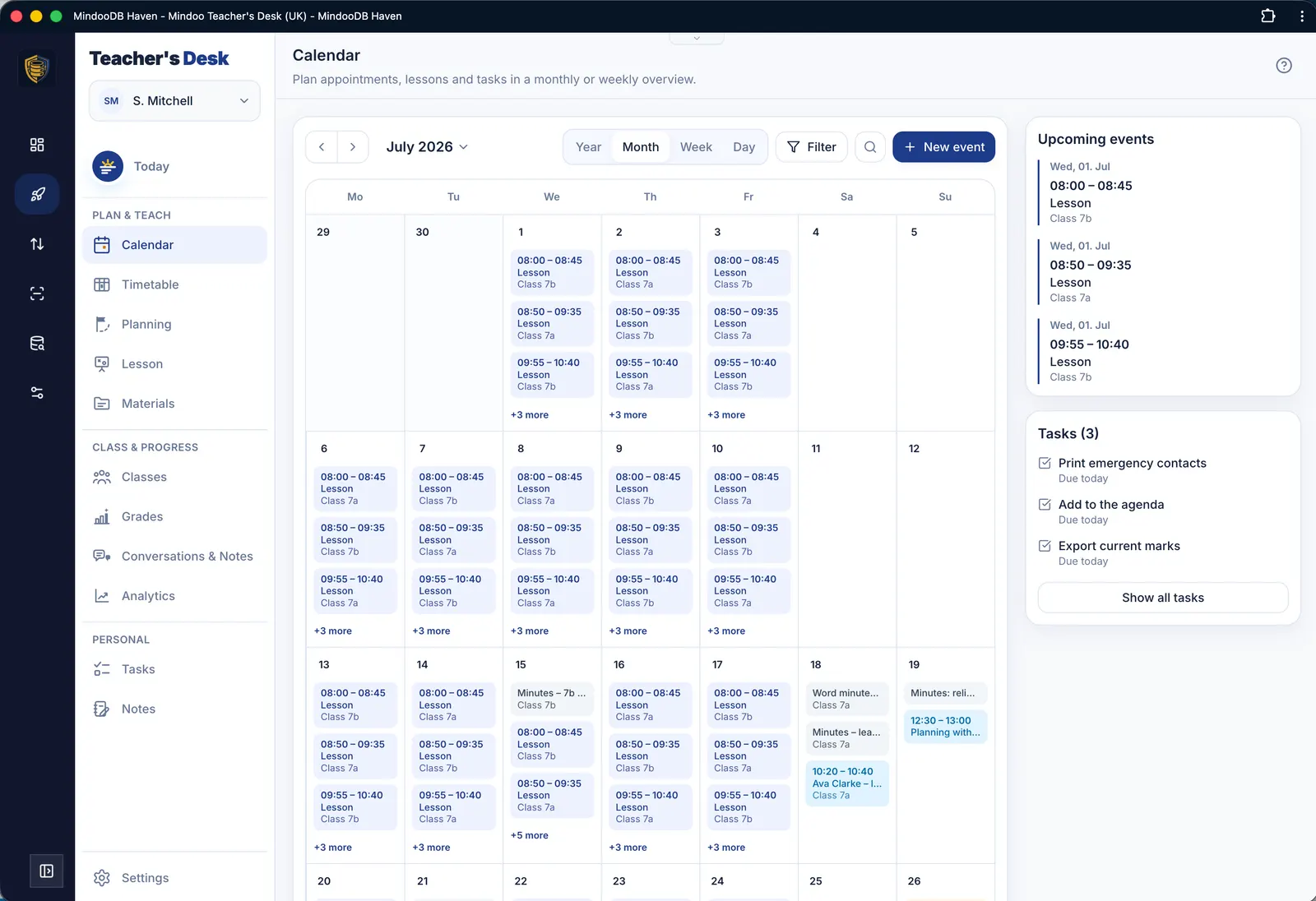
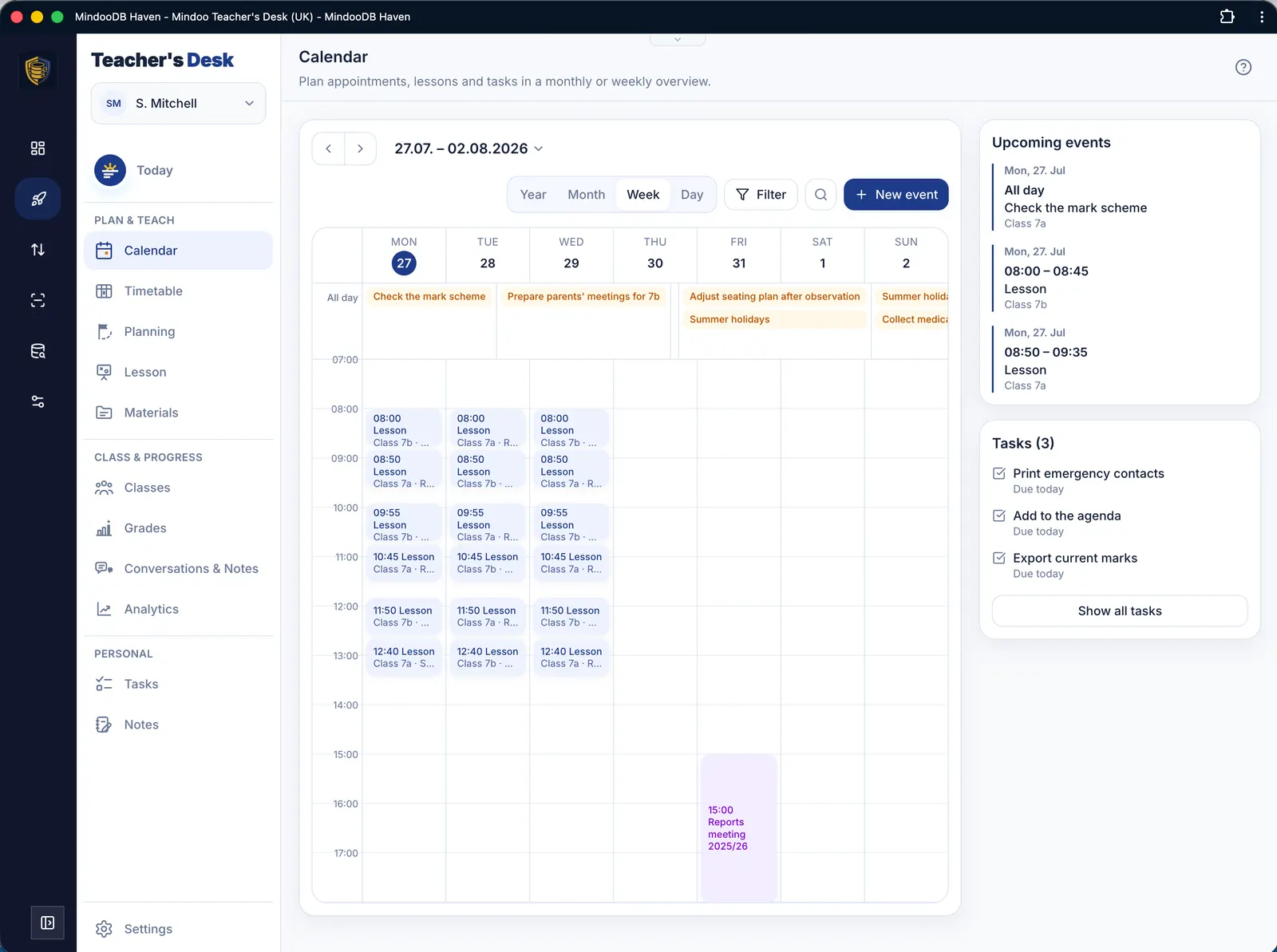
Calendar
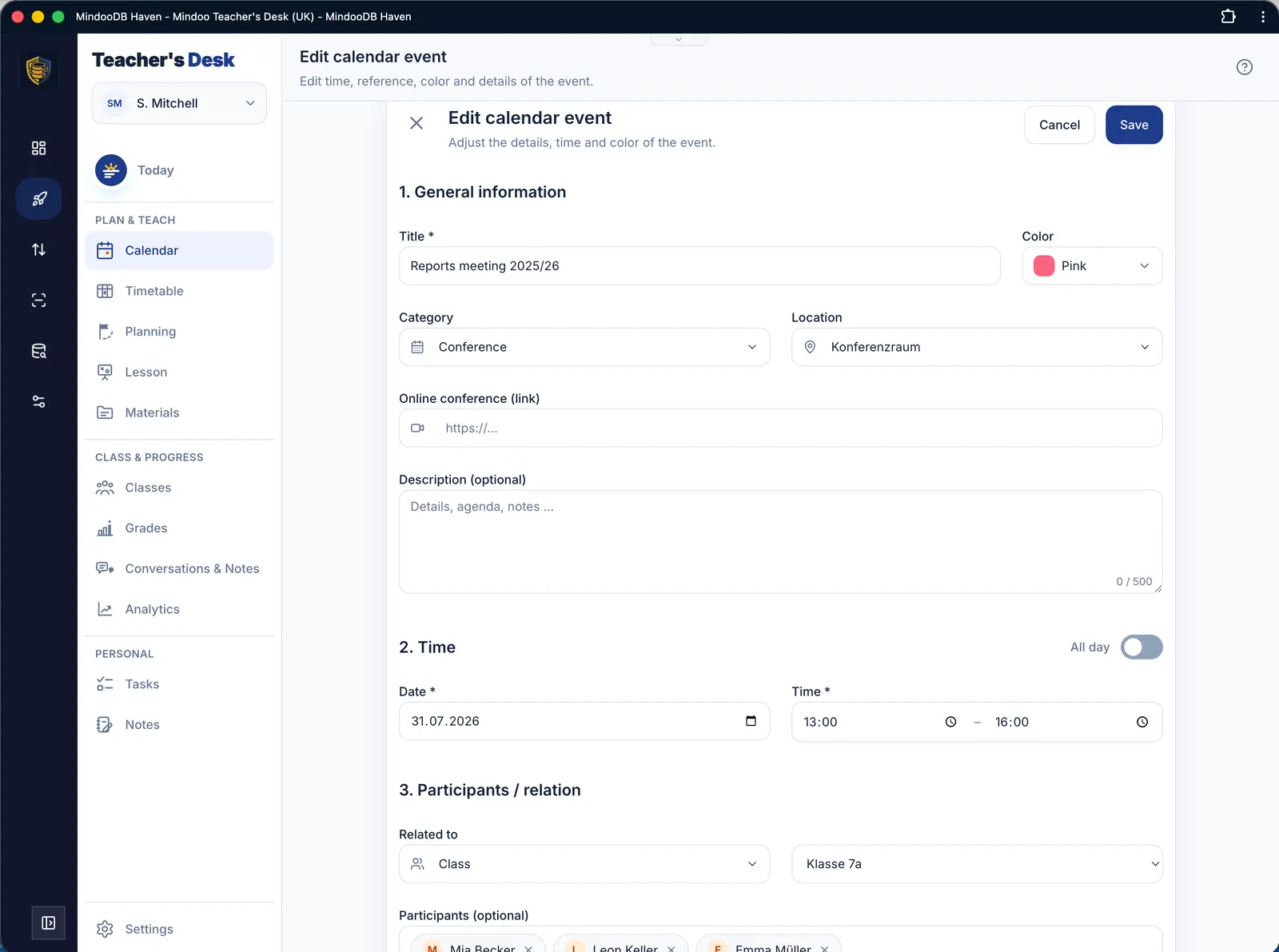
Appointments, lessons and tasks in a yearly, monthly or weekly view – with all the details right on the entry itself.

Timetable
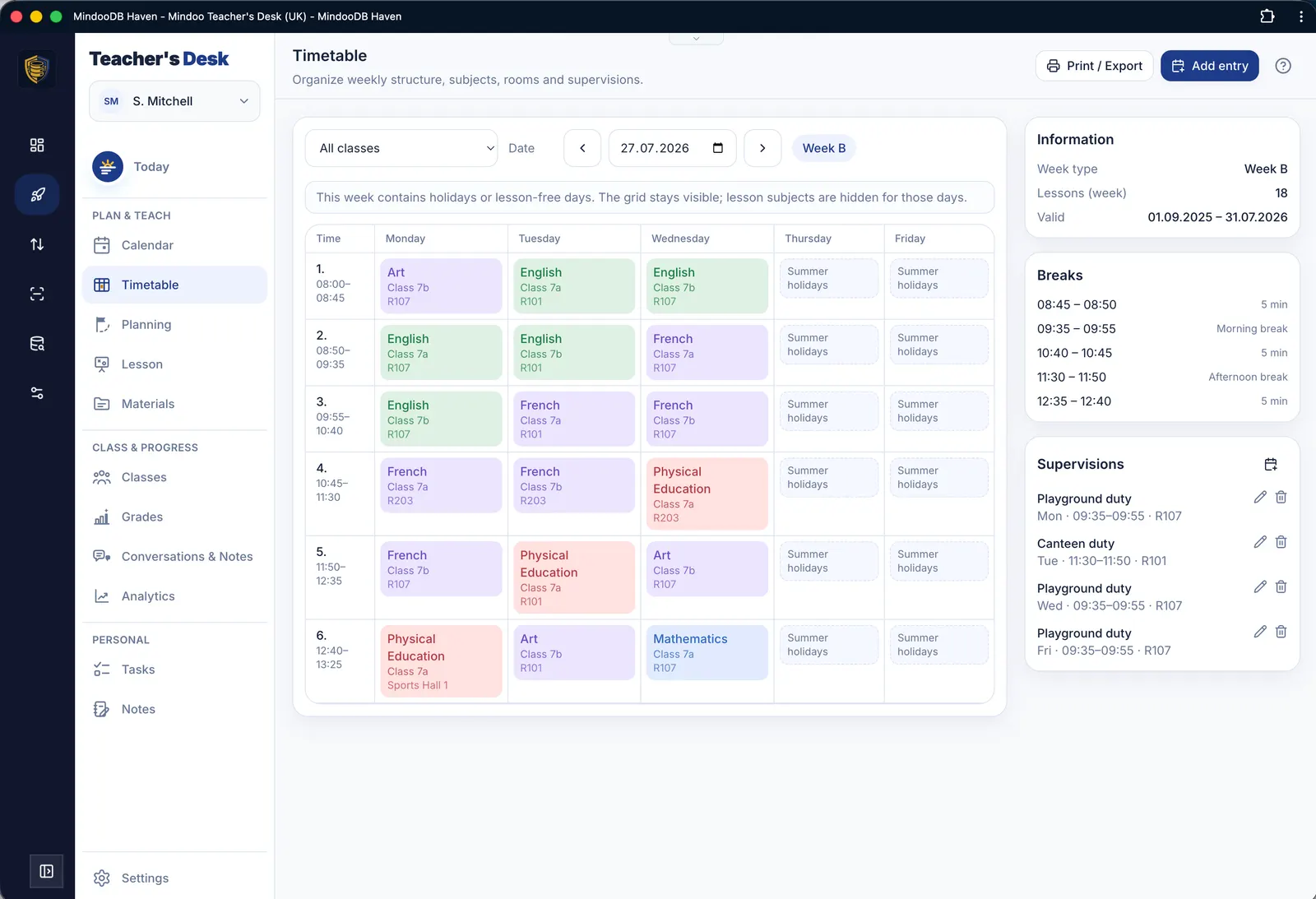
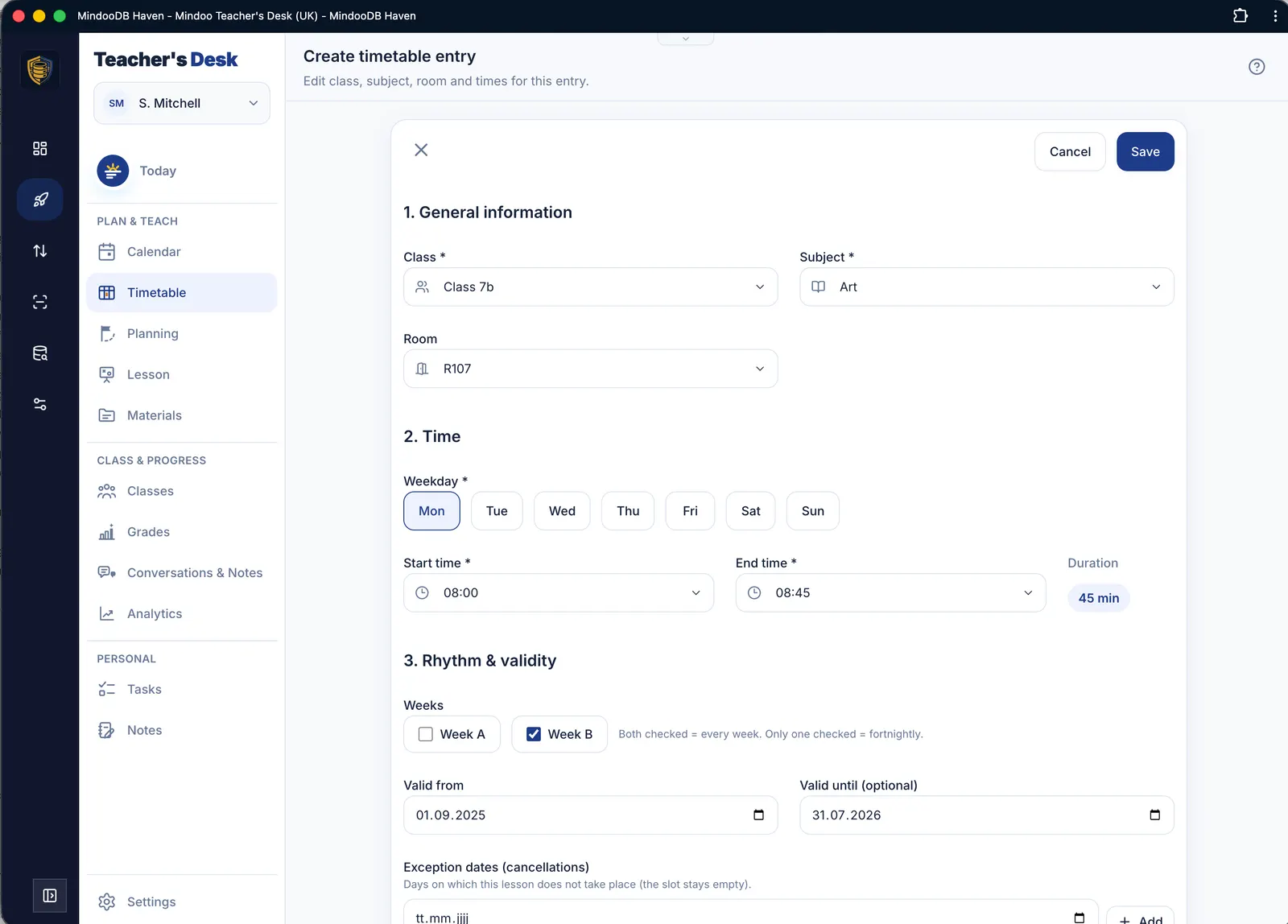
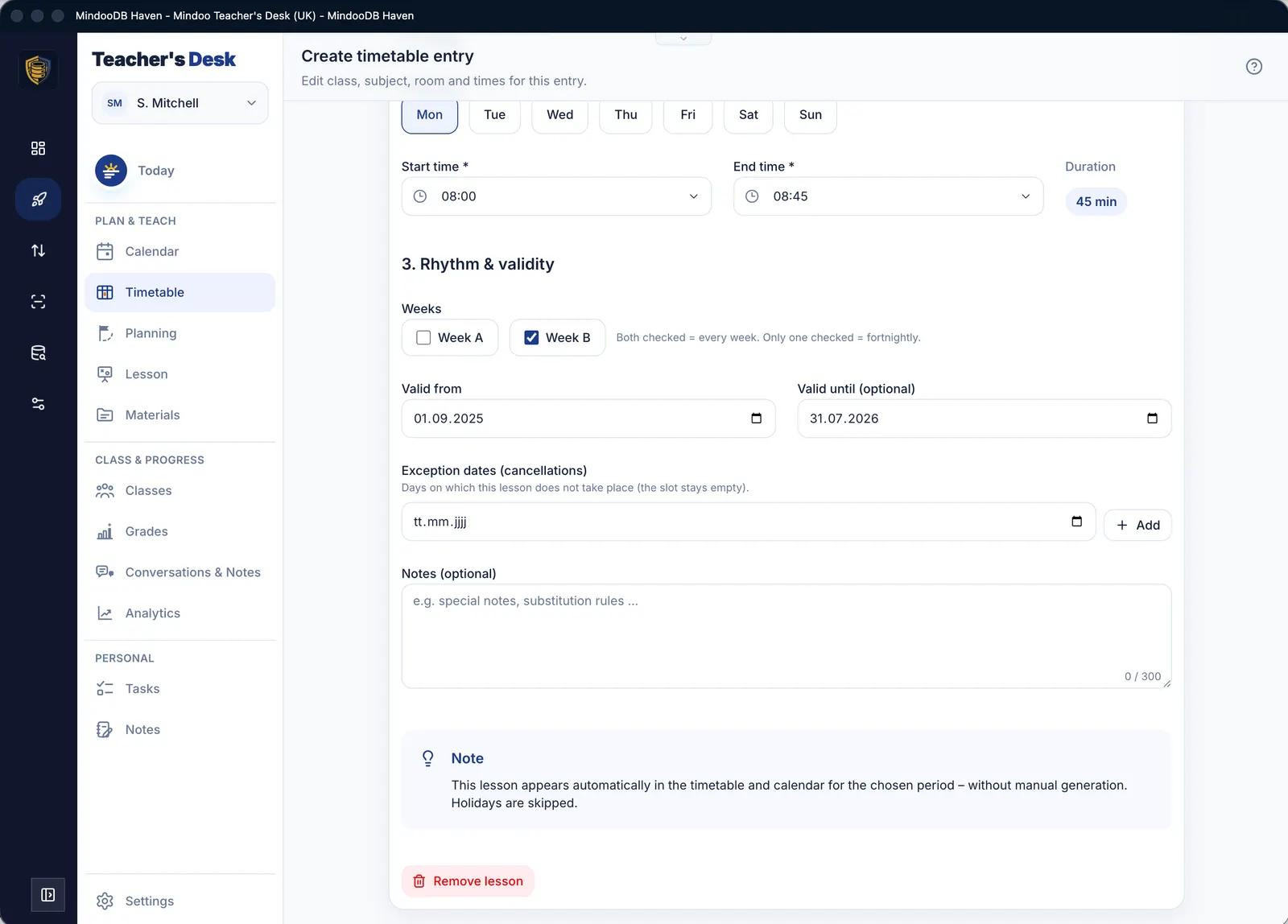
Your weekly structure with subjects, rooms, breaks and supervision duties. School holidays imported via the settings are automatically left out of the display.

Planning
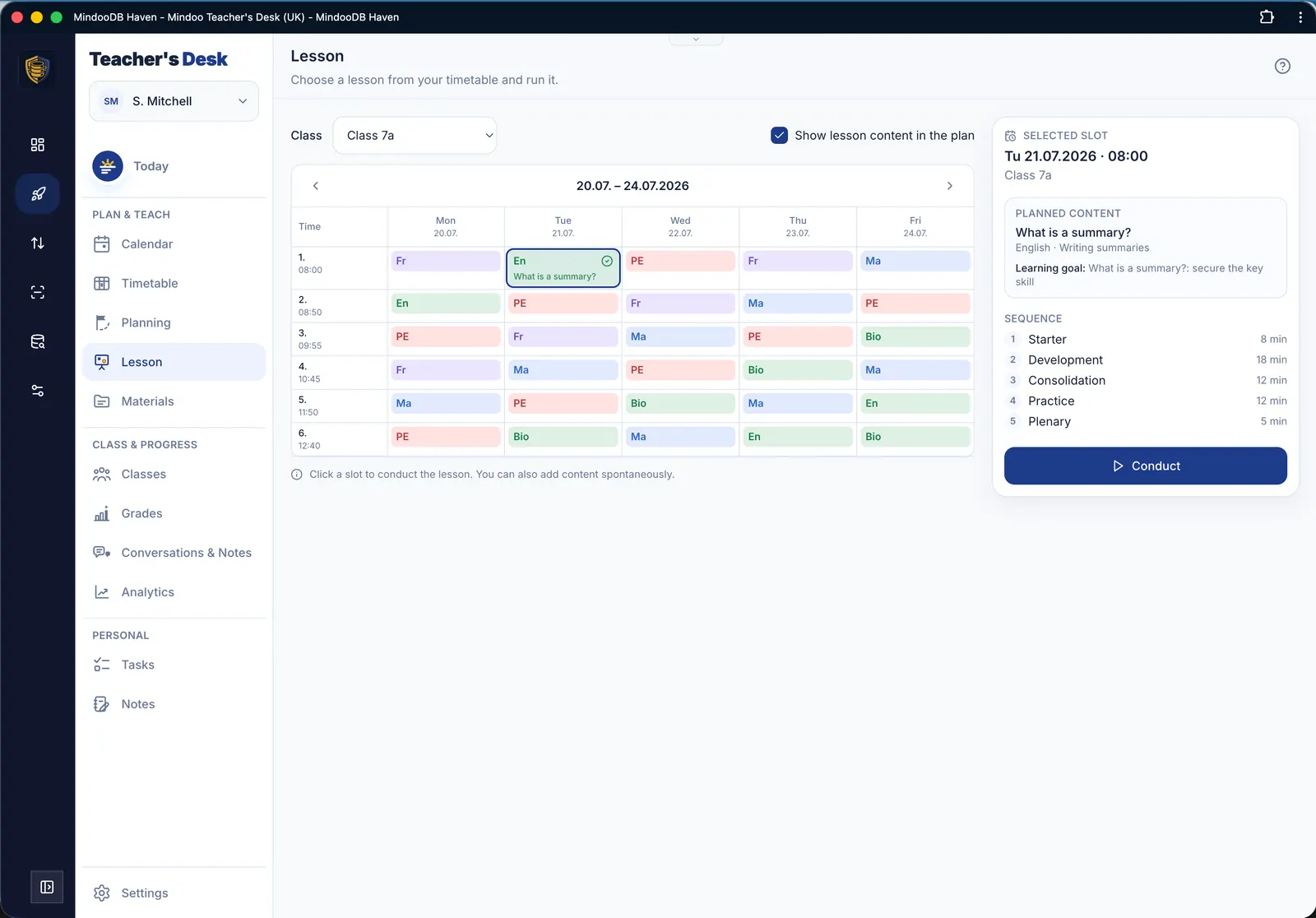
Fill the slots of your timetable with actual lessons – either from an existing scheme of work or with ad-hoc content.
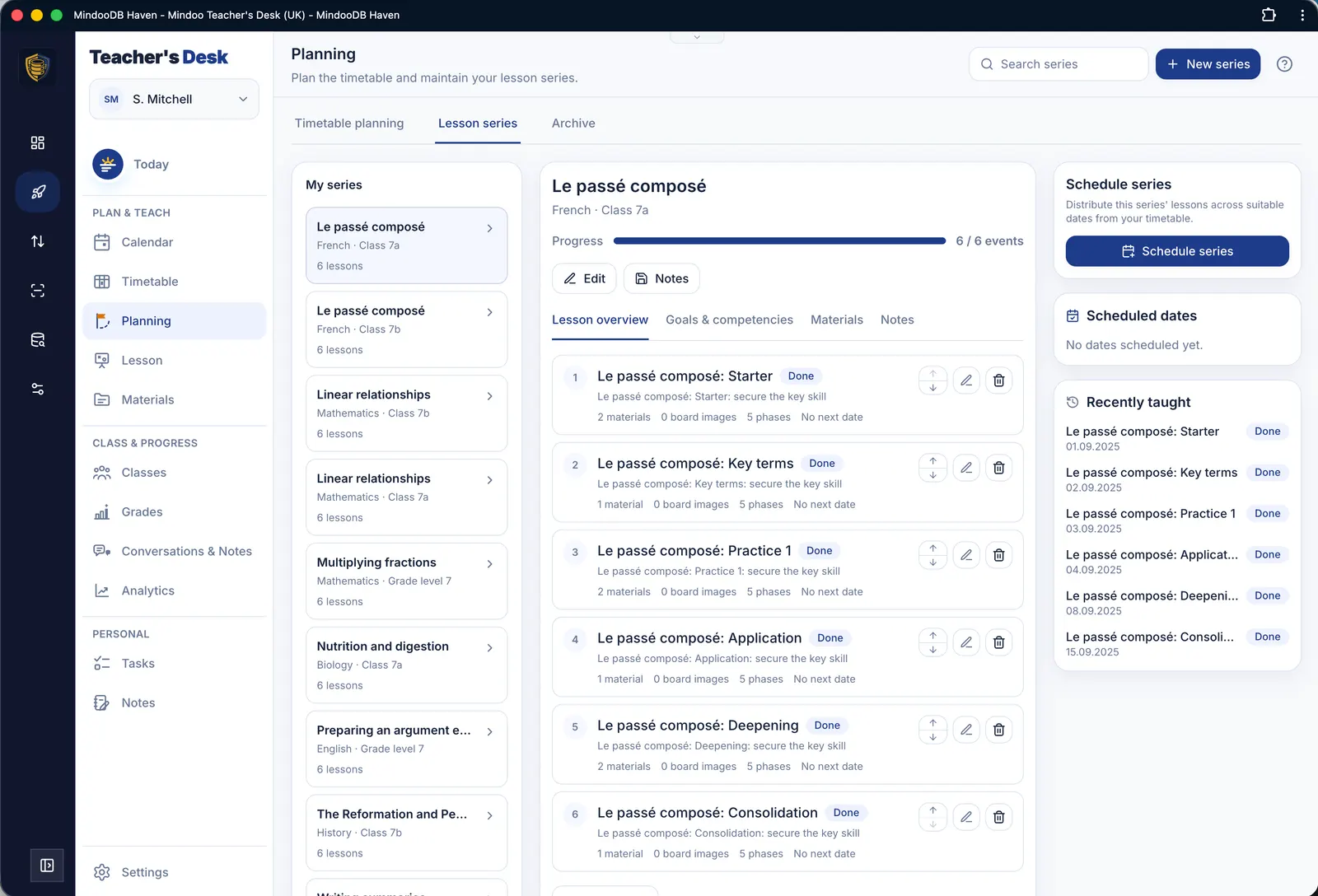
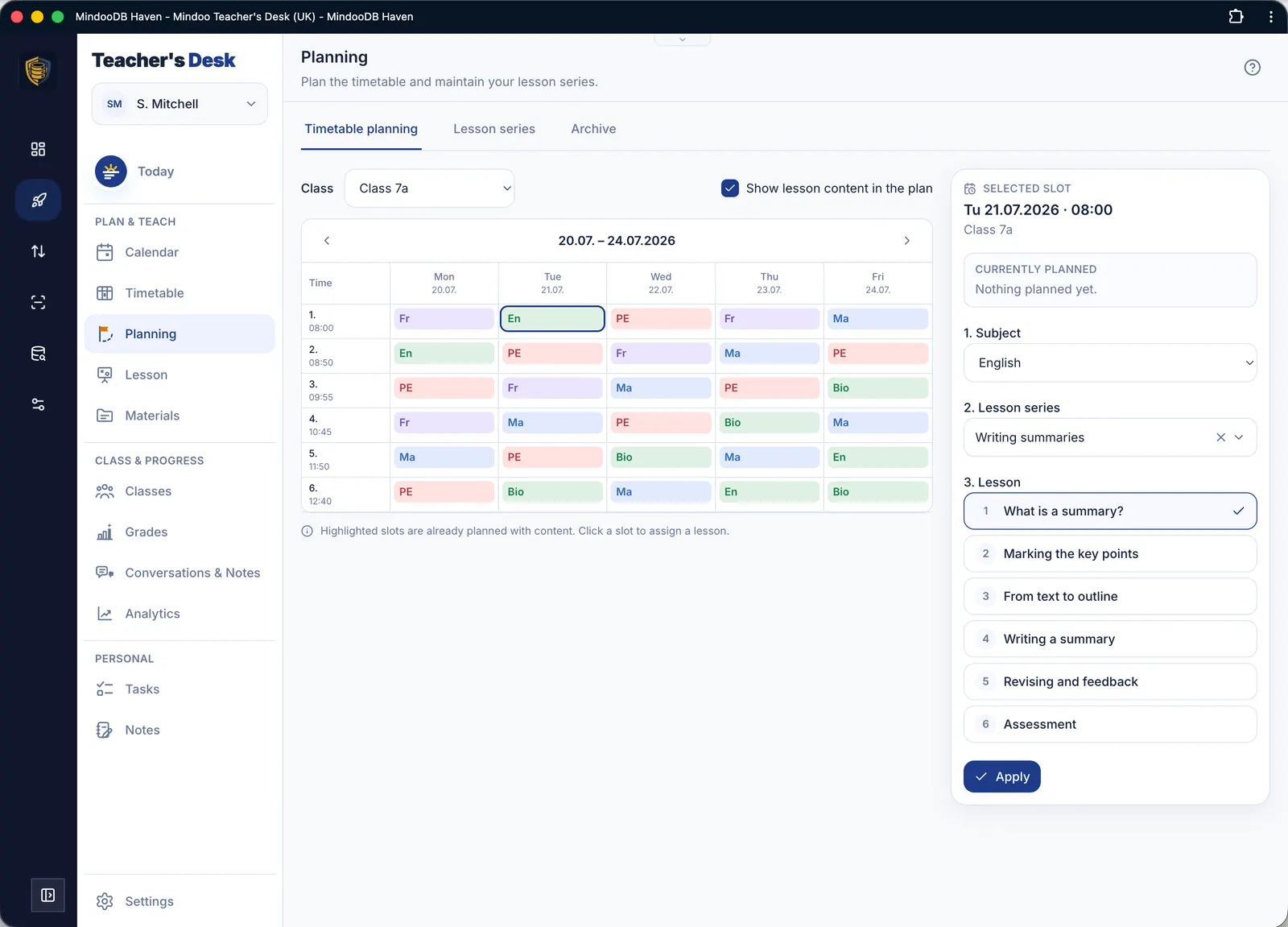
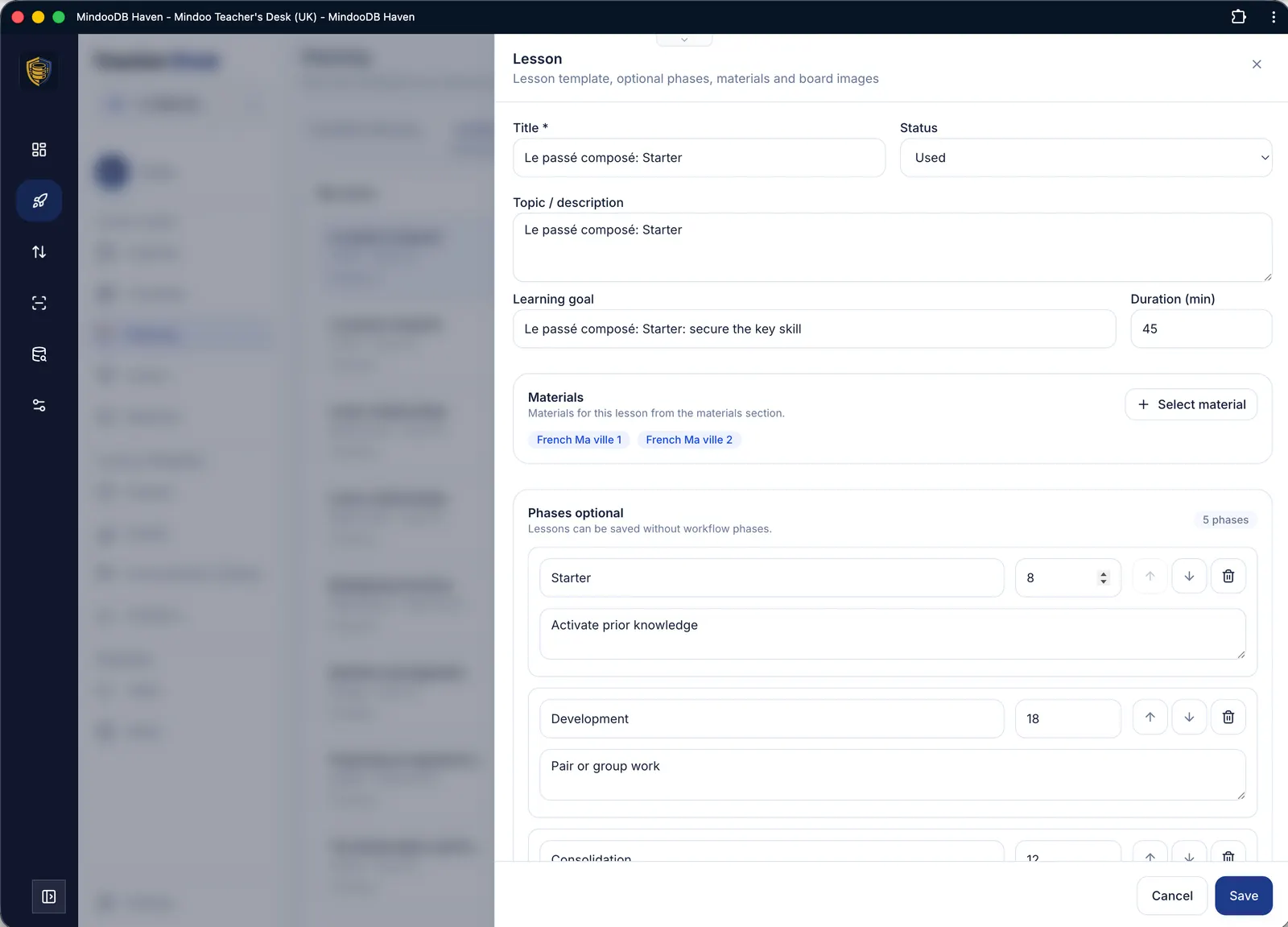
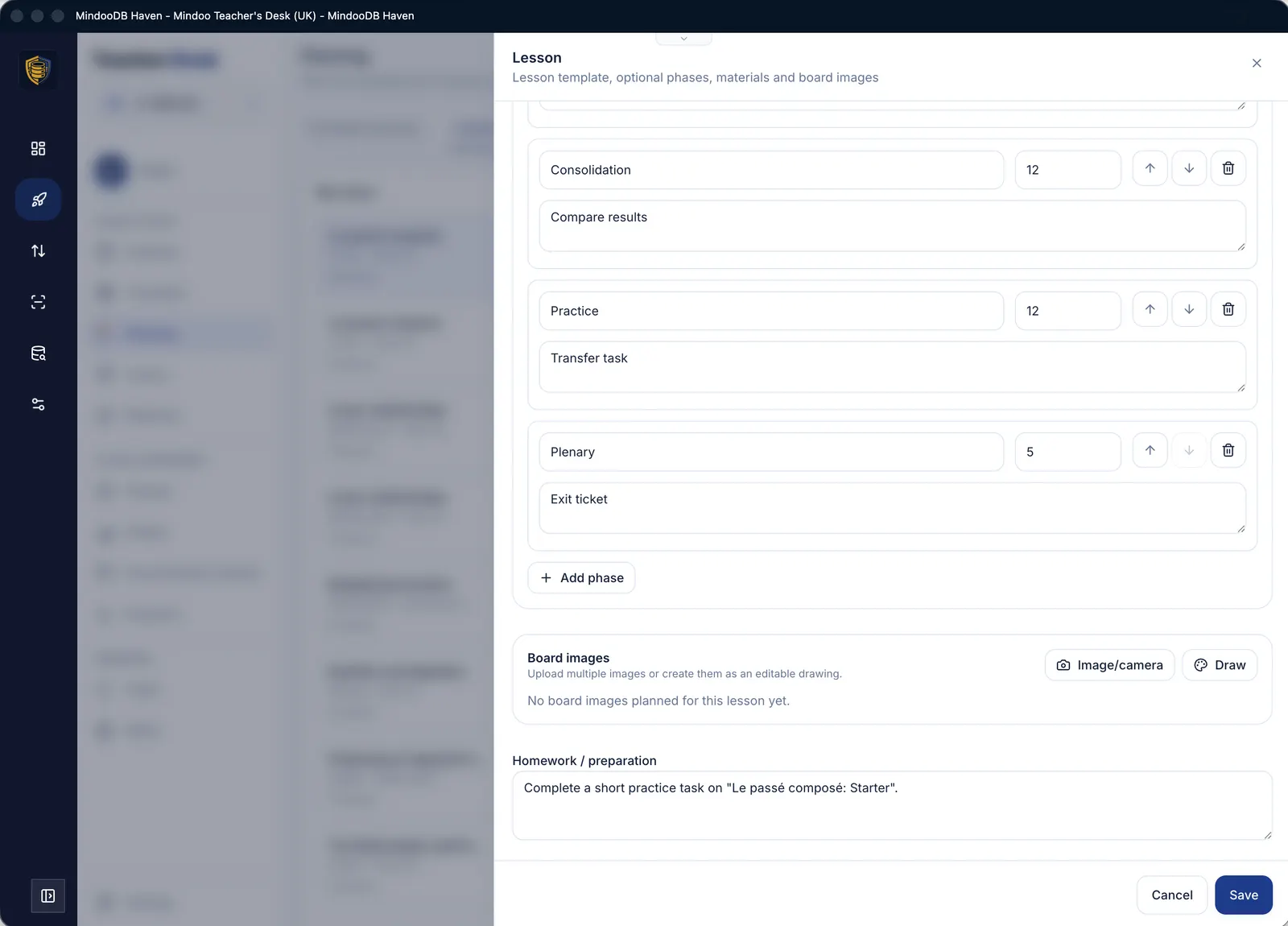

Lesson
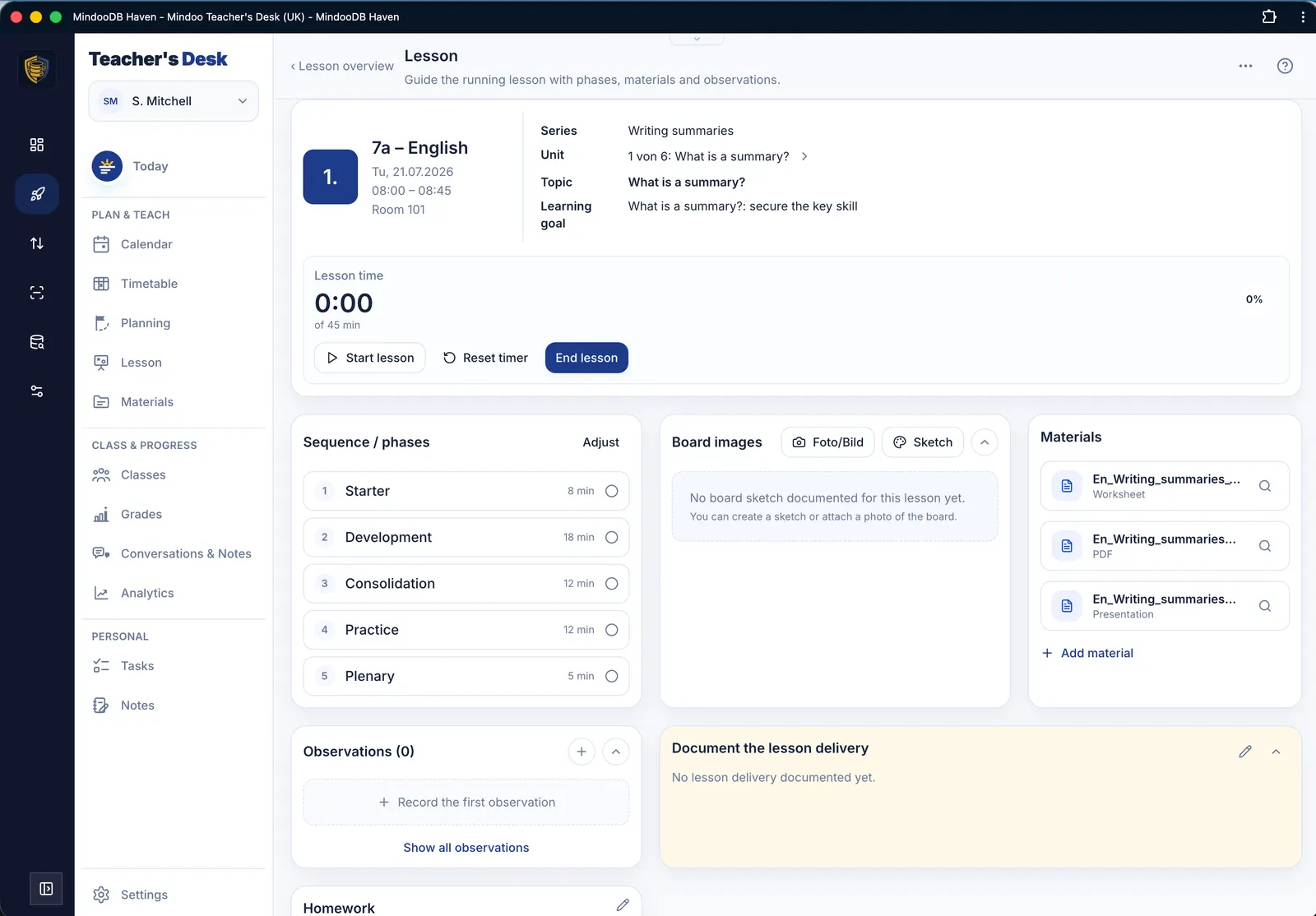
Running an actual lesson: a timer tracks your progress along the planned phases and their durations, so you can see at a glance whether you are on schedule. Materials can be shown full screen with a presentation pointer.

Materials
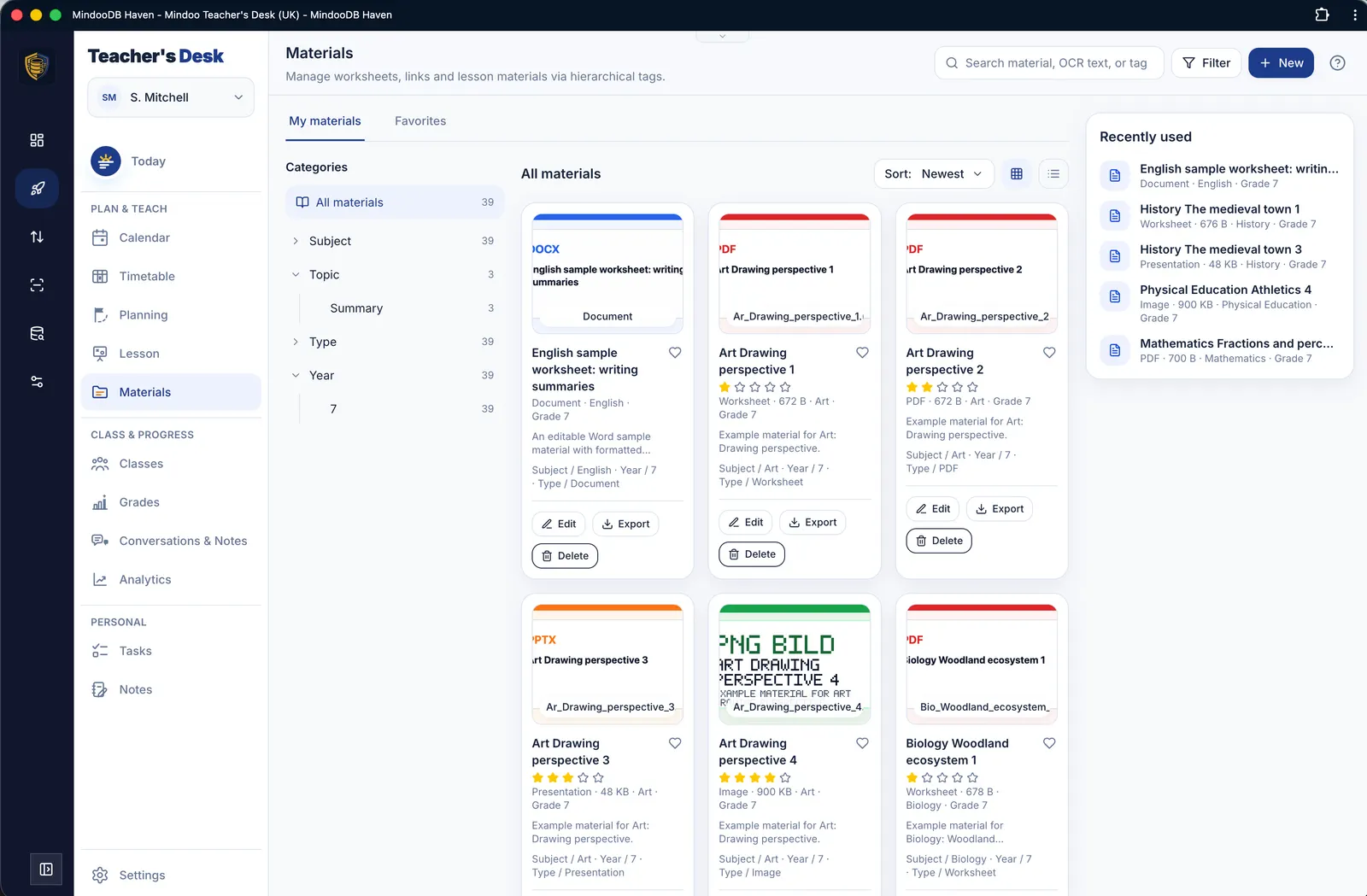
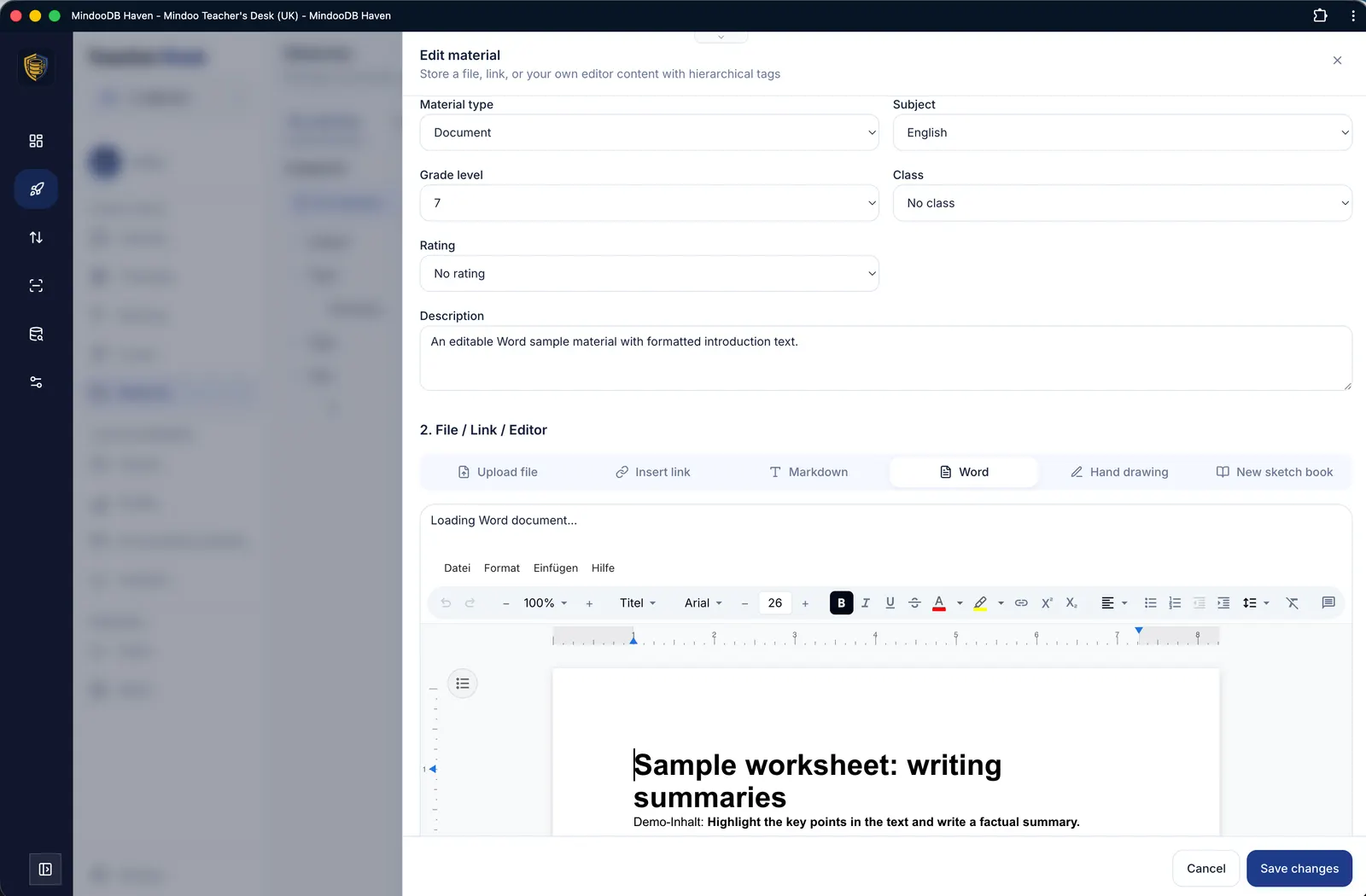
A collection of materials with free tagging – as many tags per item as you like. Gather any files, links, Markdown and Word documents edited inline, plus single- and multi-page drawings made on a tablet with a stylus.

Classes
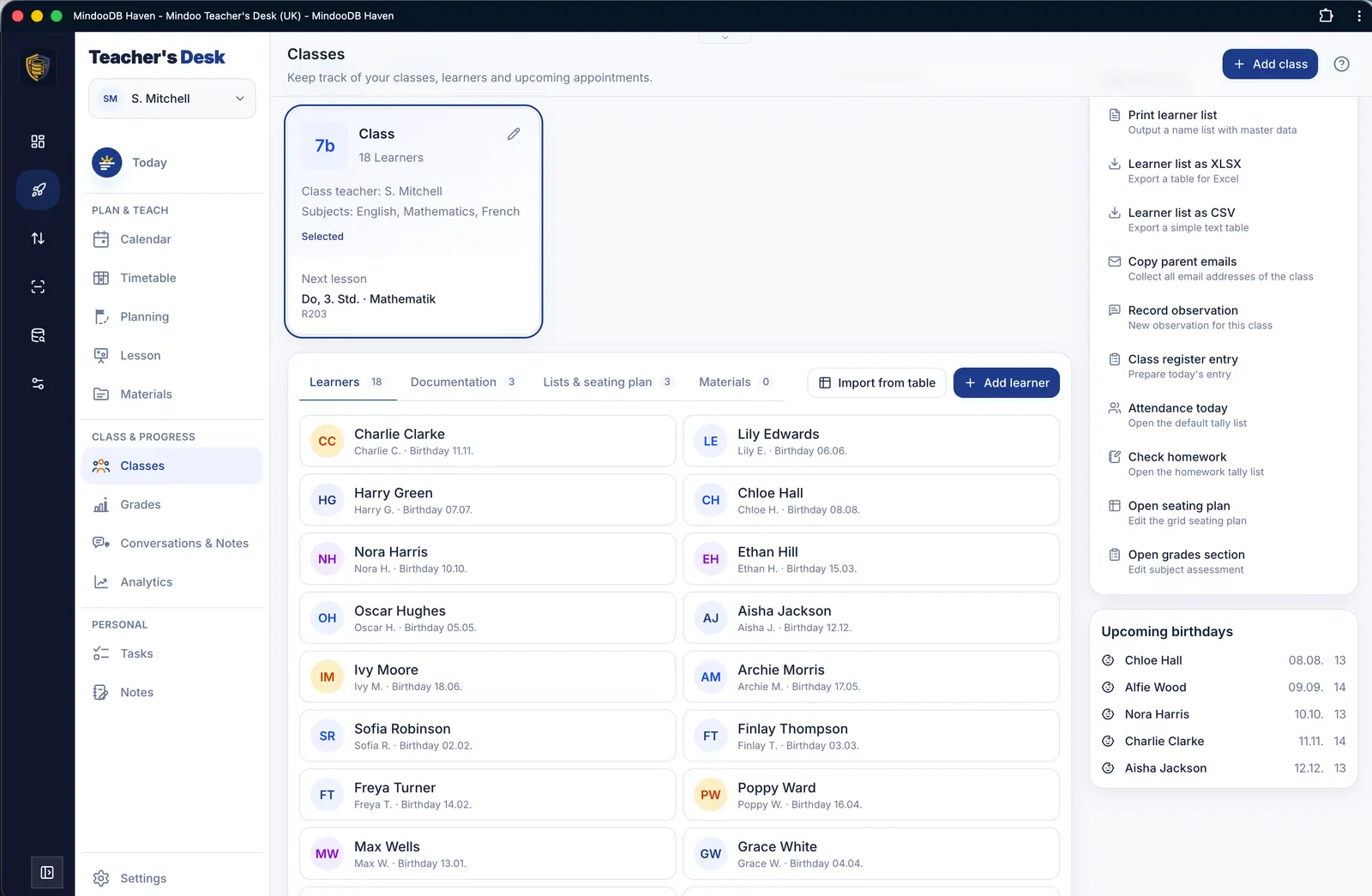
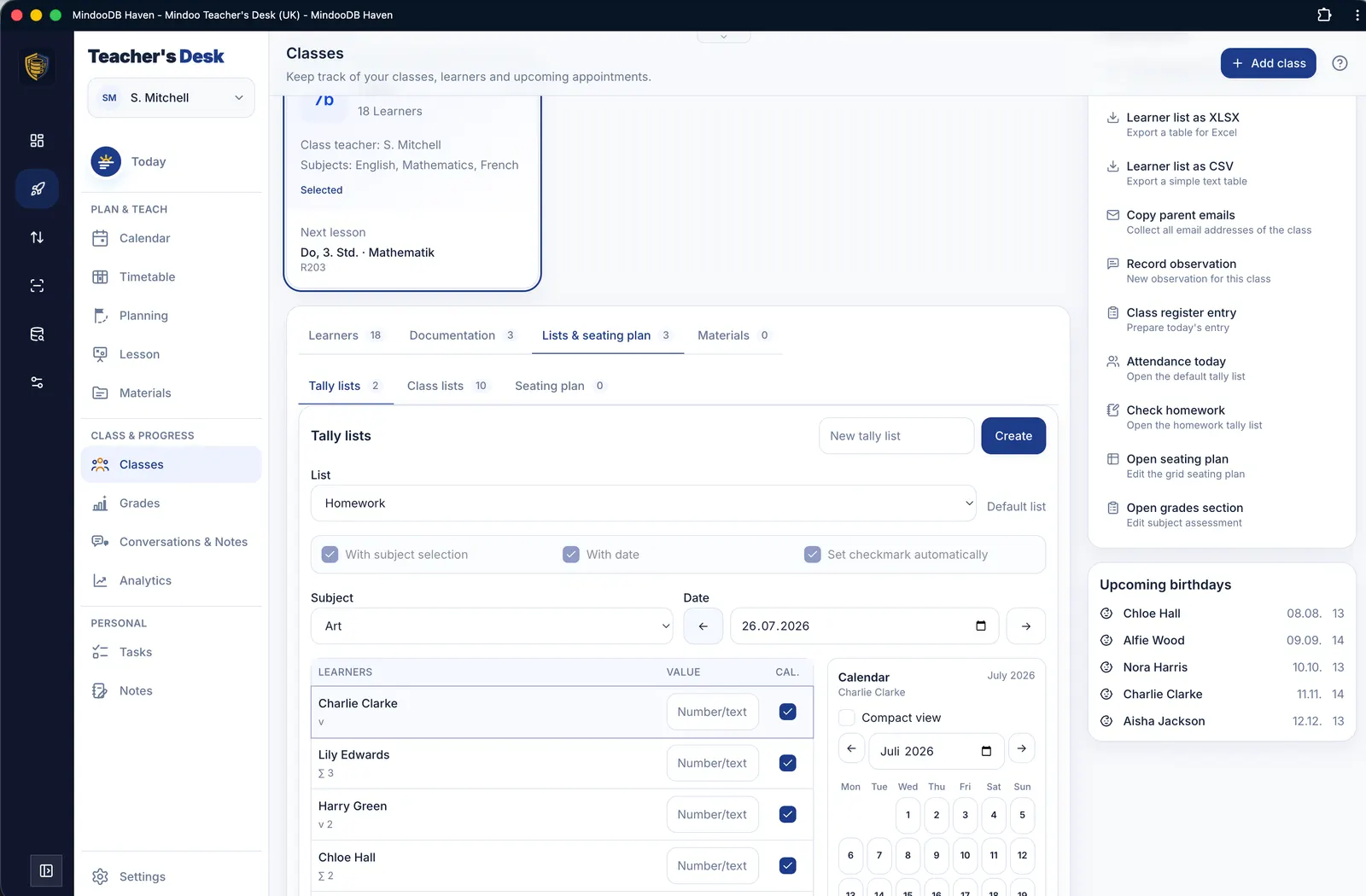
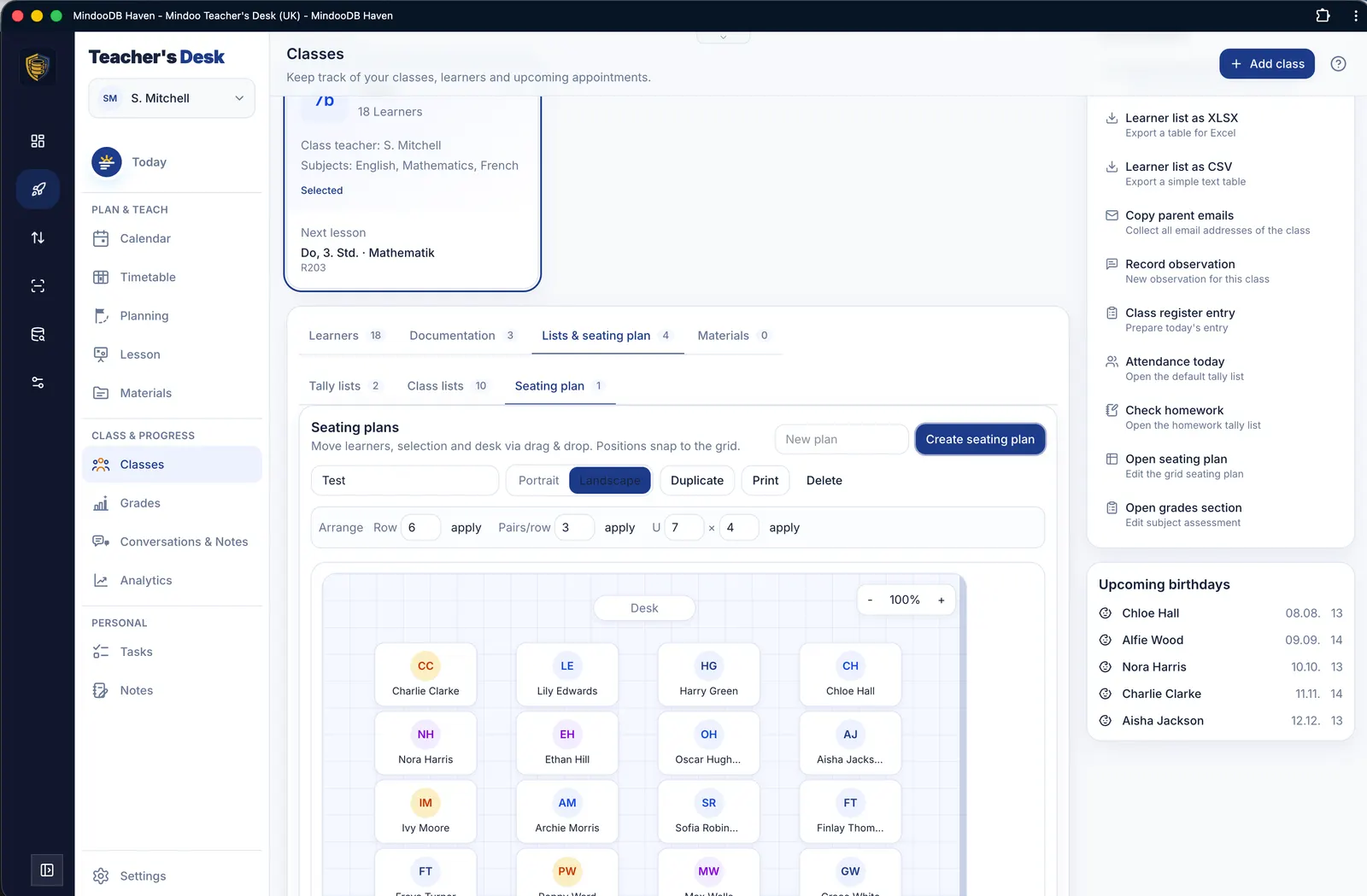
Class management with learner contact details, an electronic class register, custom tally and class lists, and as many seating plans as you need.


Grades
Grade management with weighted grading, support for point- and error-based grade boundaries, and a trend overview for individual learners.
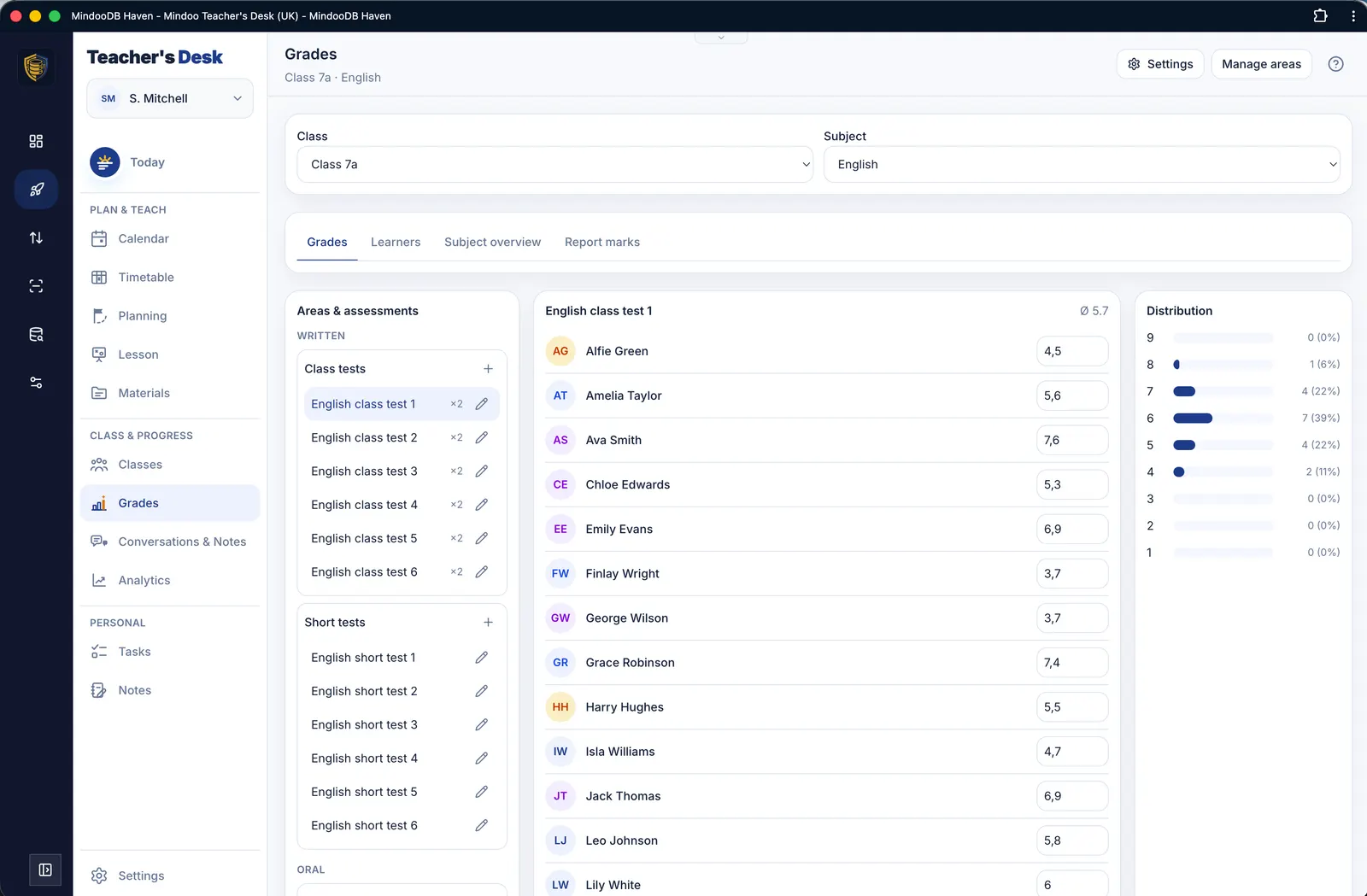 Record grades for class tests, short tests and participation
 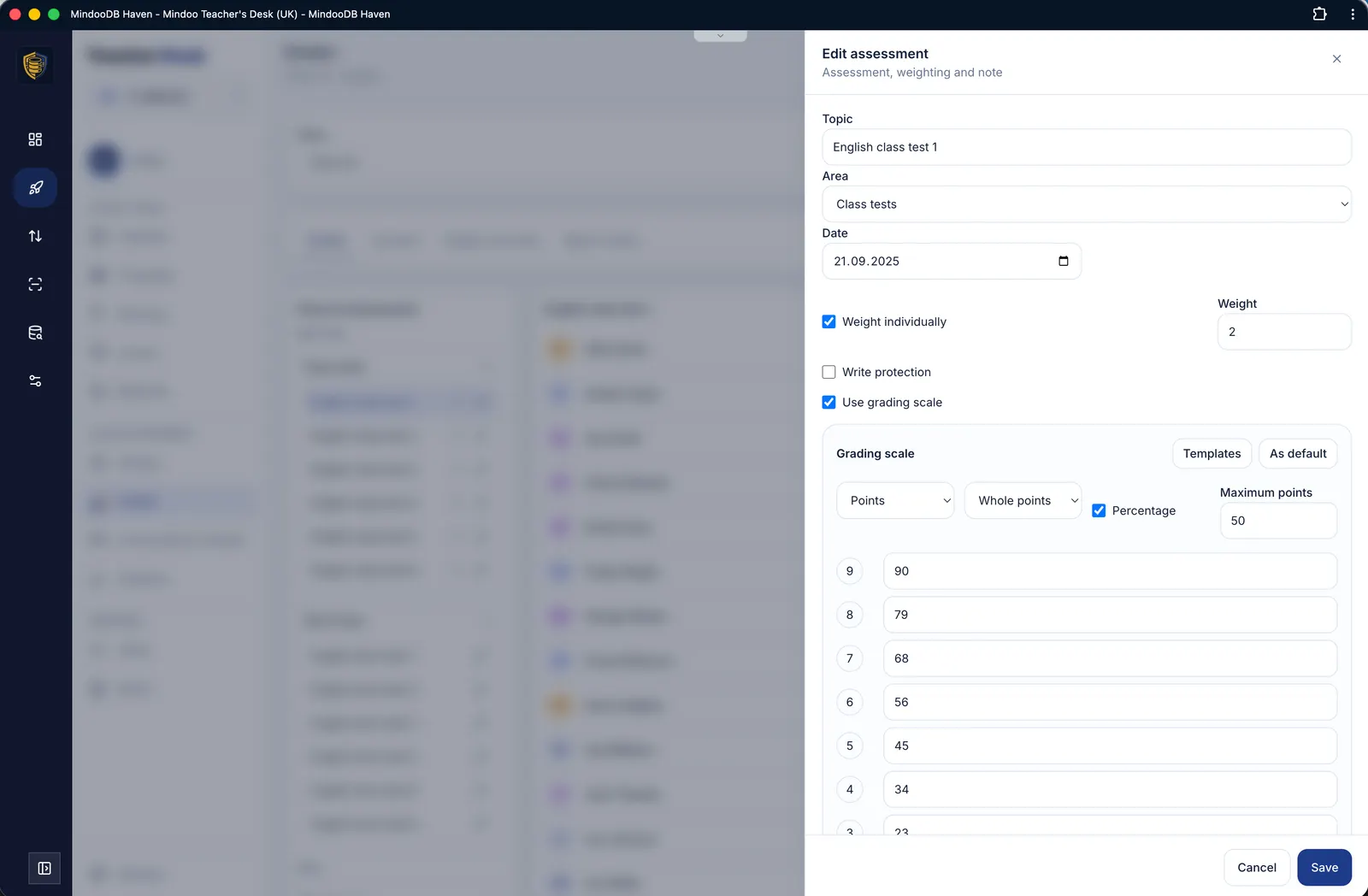 Grade boundaries and weighting per assessment
 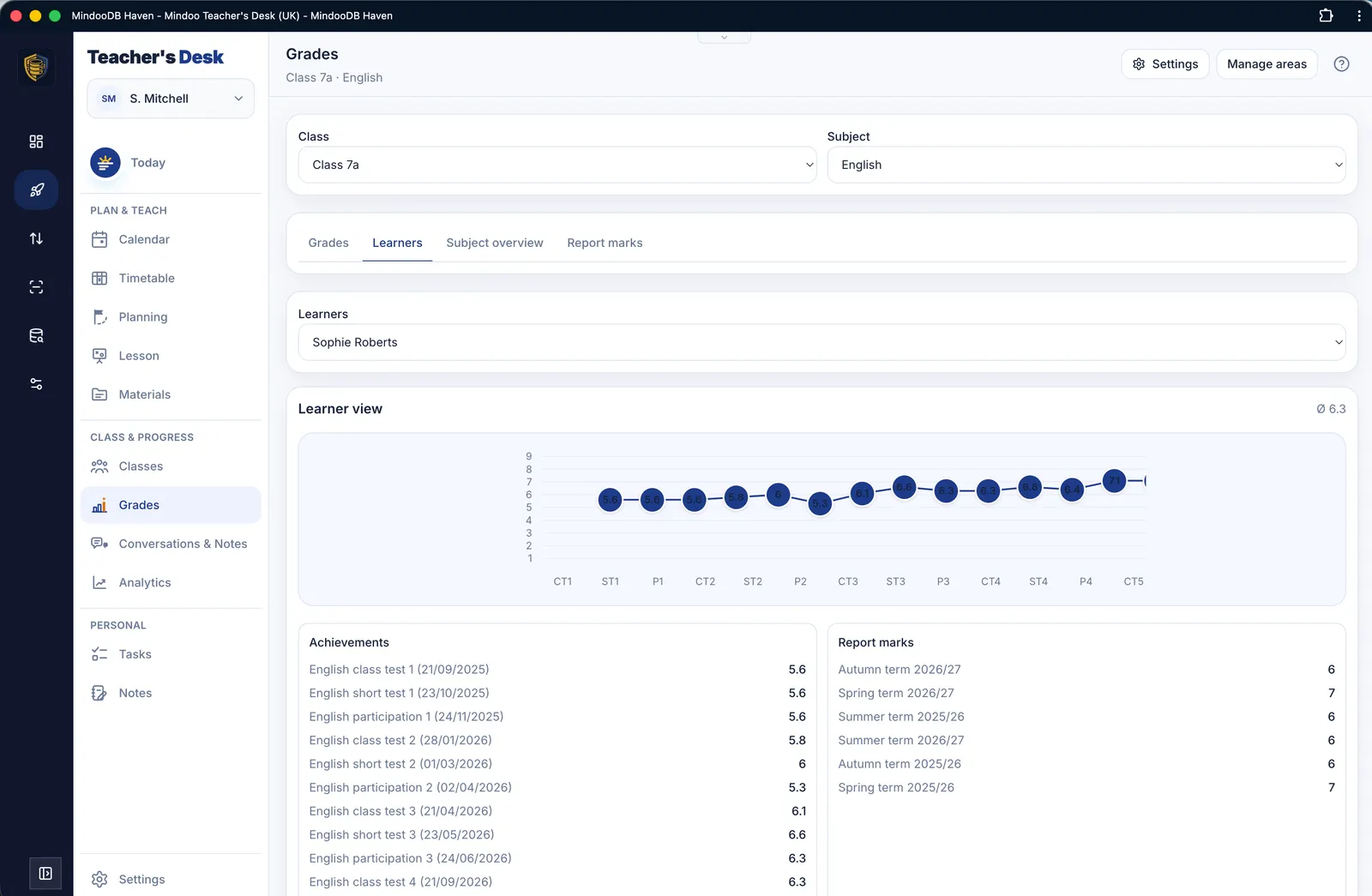 Trend overview for an individual learner
 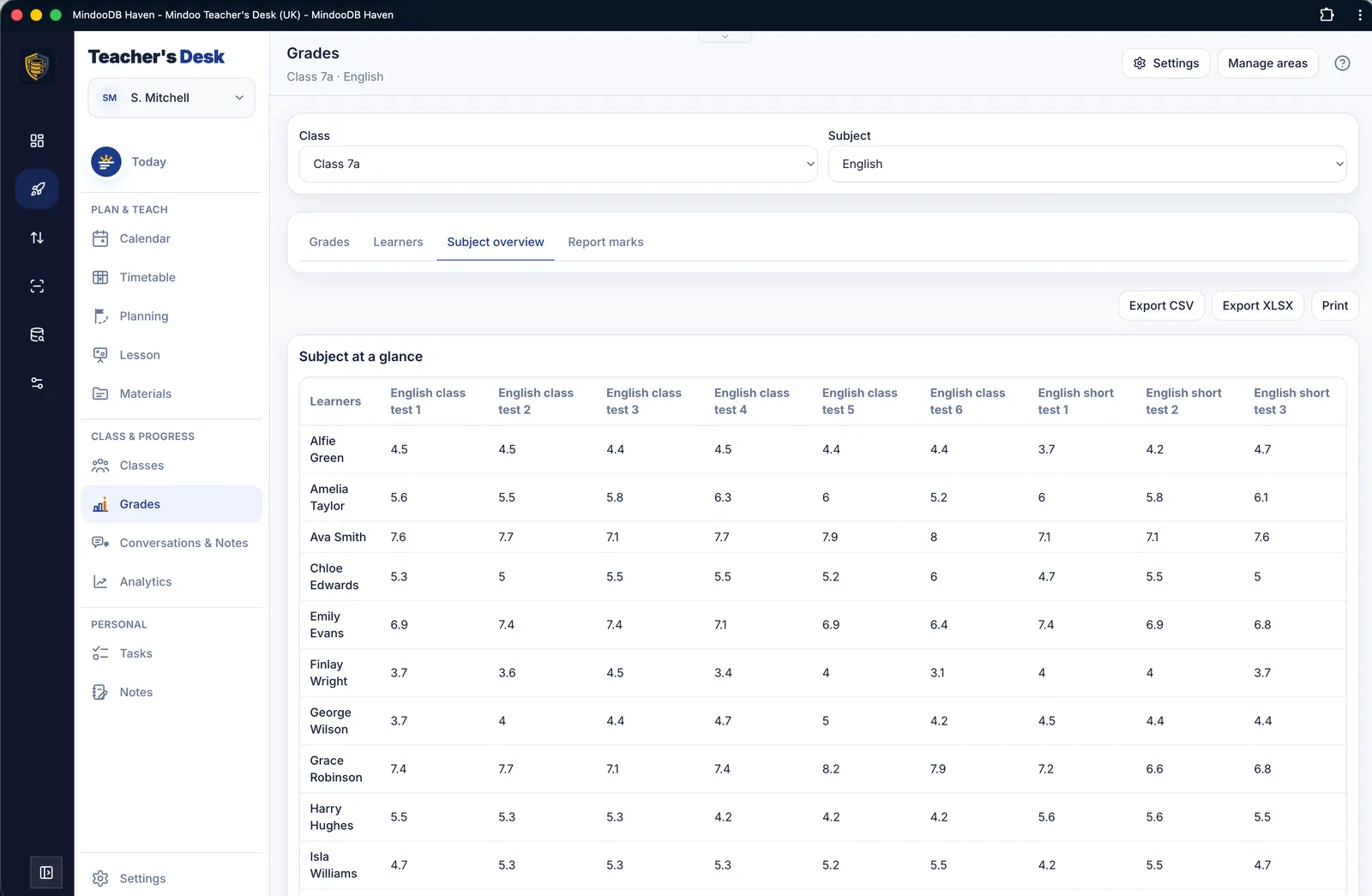 Subject overview of every grade in a class
 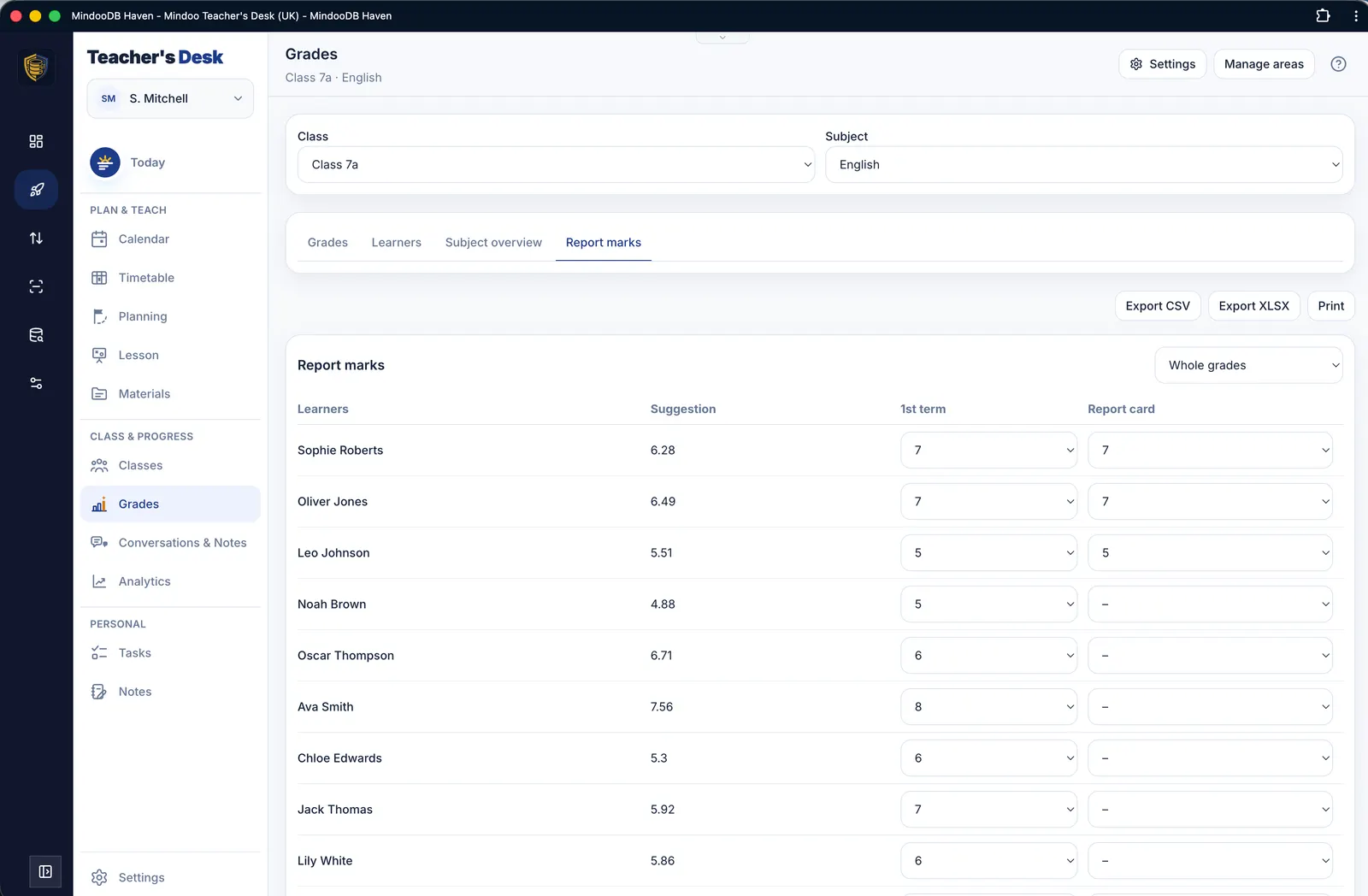 Report grades with suggestions and export
 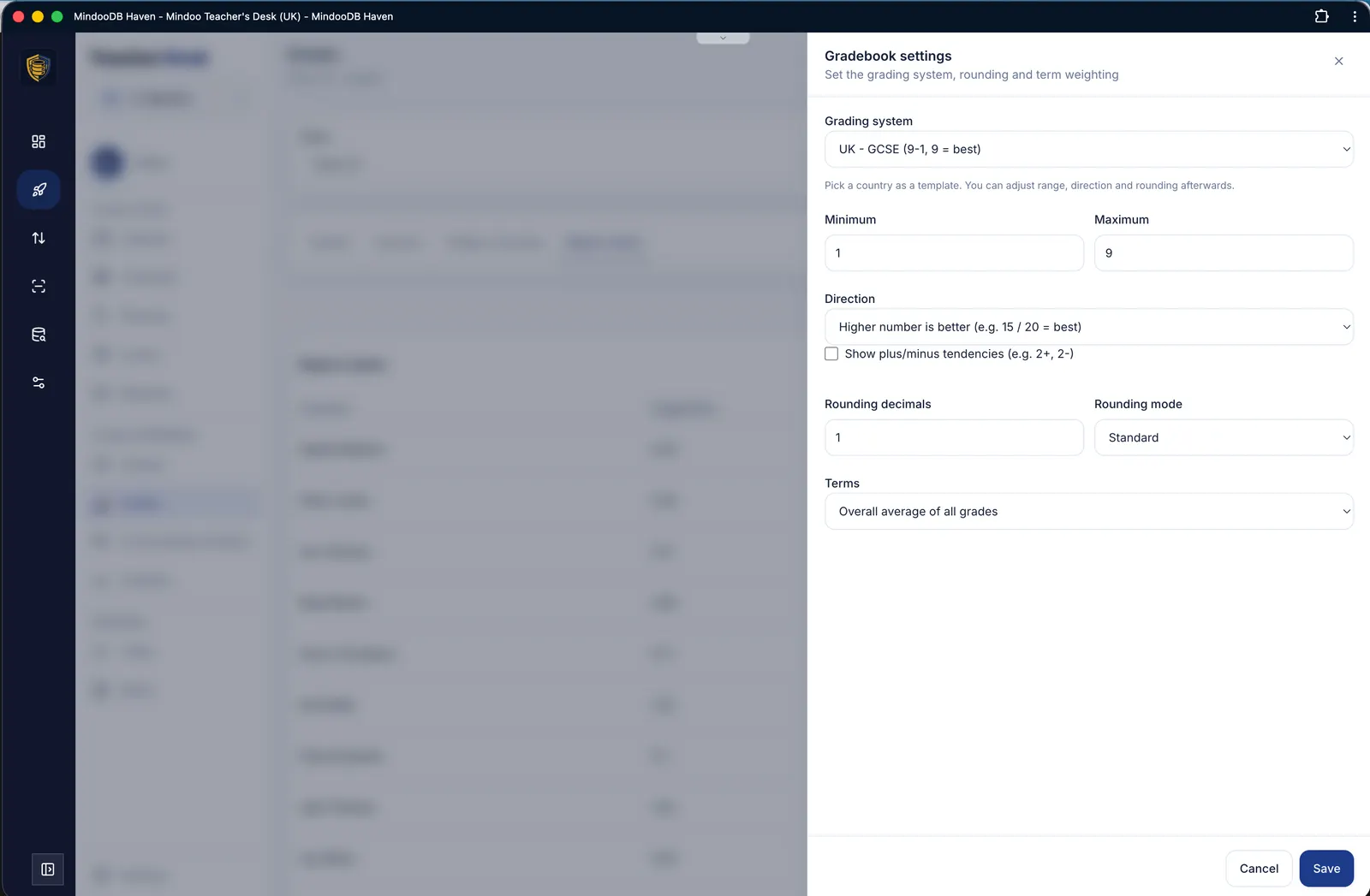 Grading system, rounding and semester weighting
 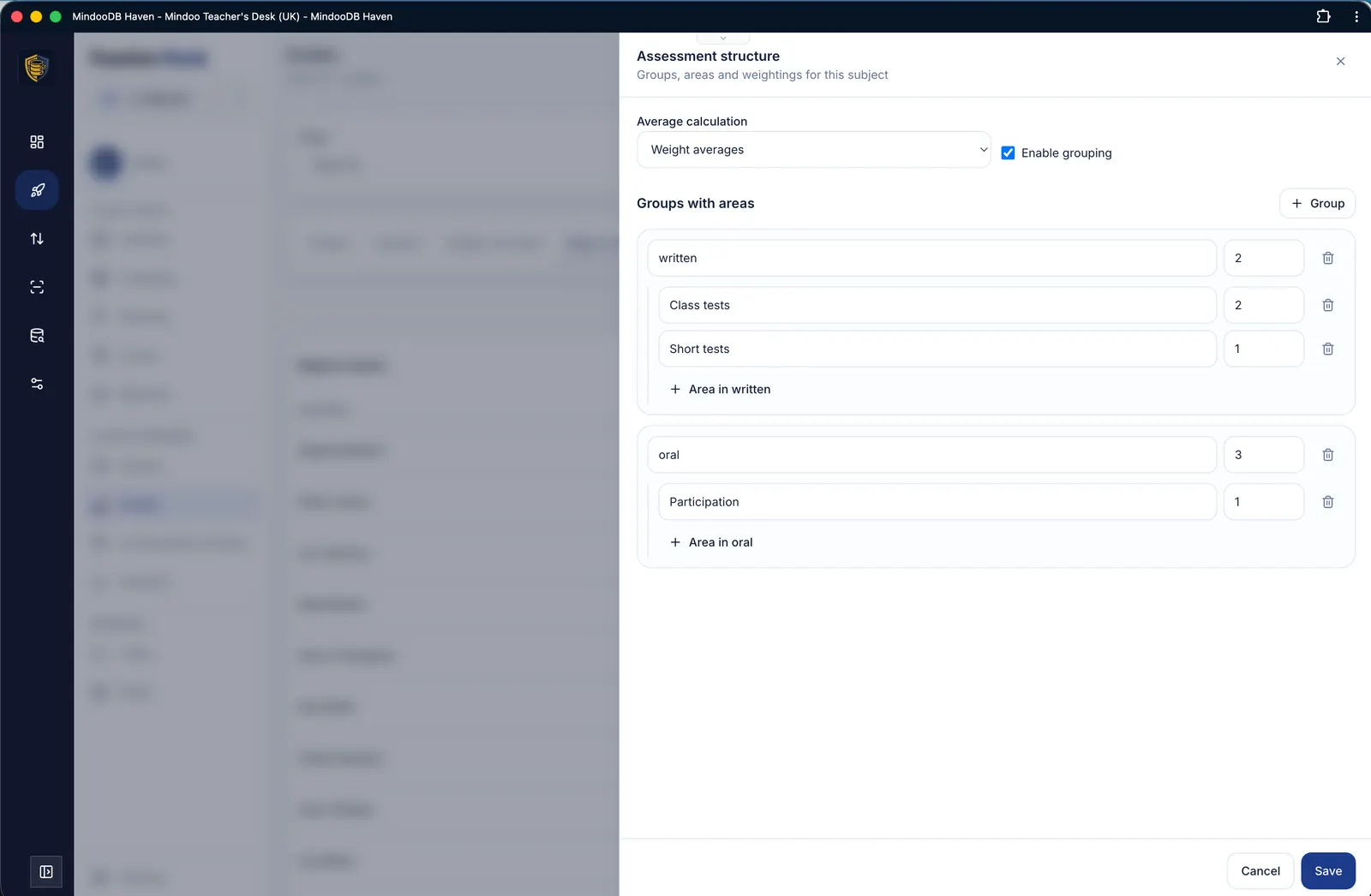 Assessment structure and weighting per subject
Conversations & records
Prepare, record and follow up on conversations – in Markdown or Word format, including agreements, follow-up tasks and attachments.
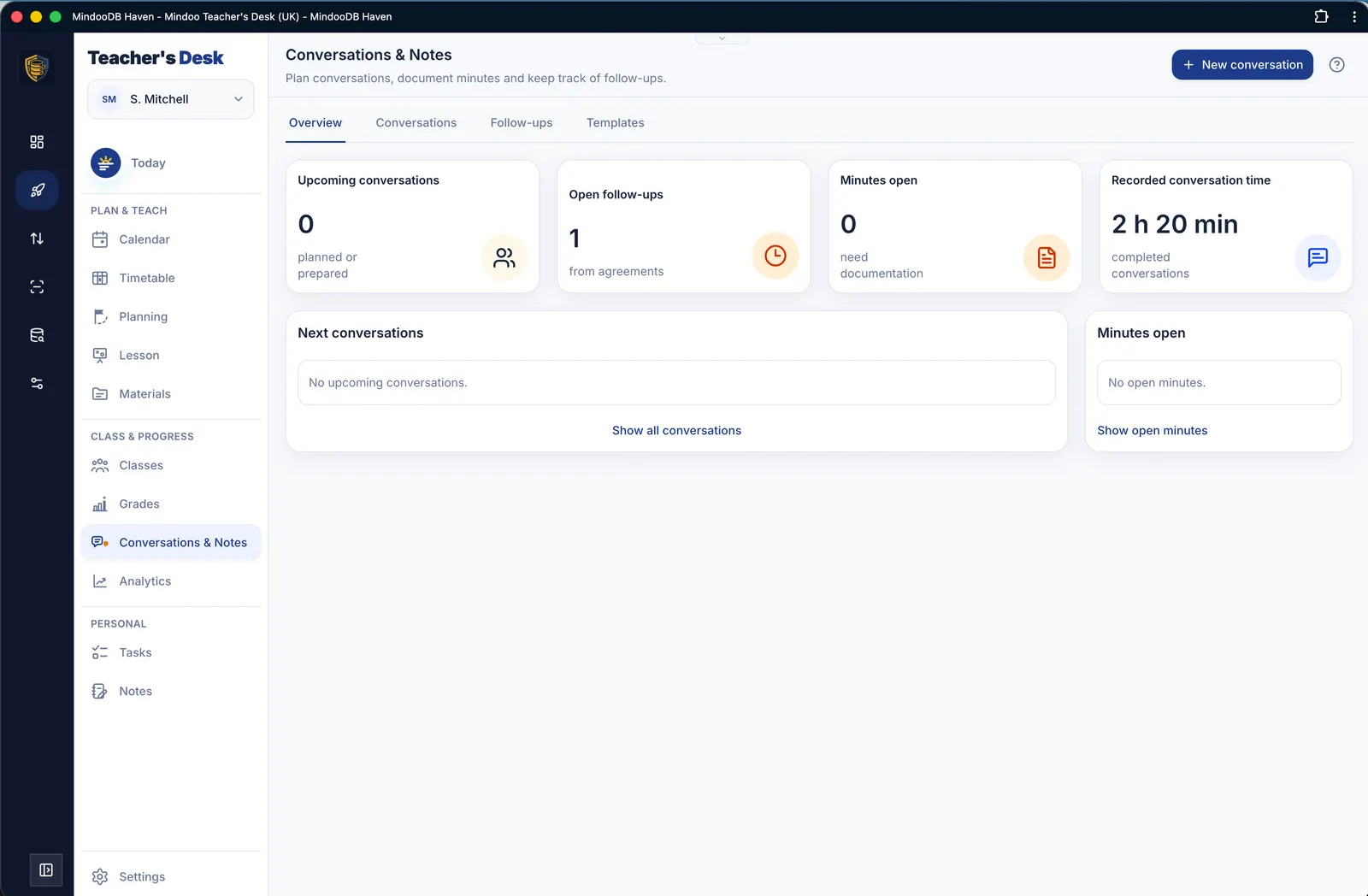 Overview of conversations, records and follow-ups
 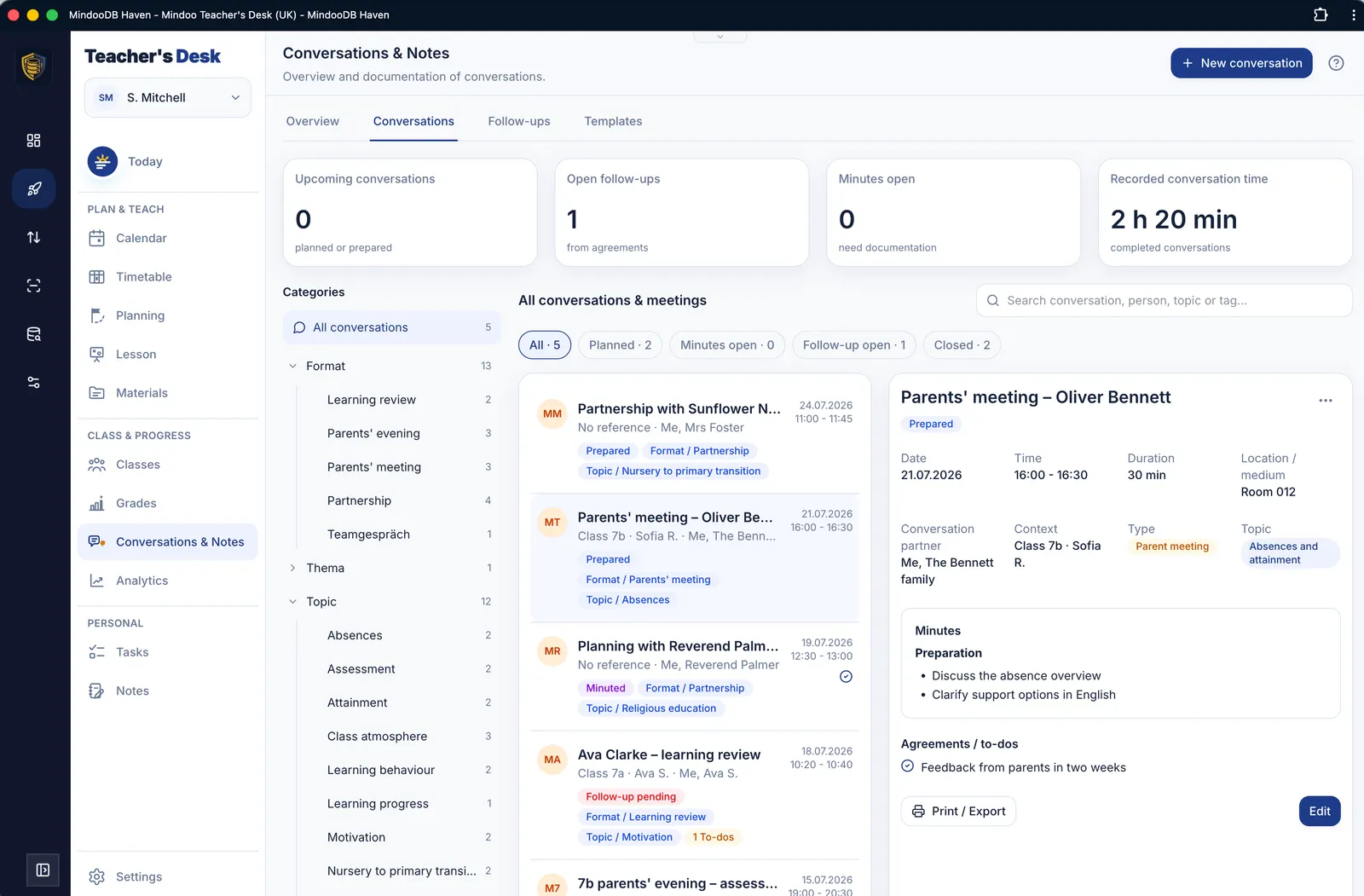 All conversations with filters and detail view
 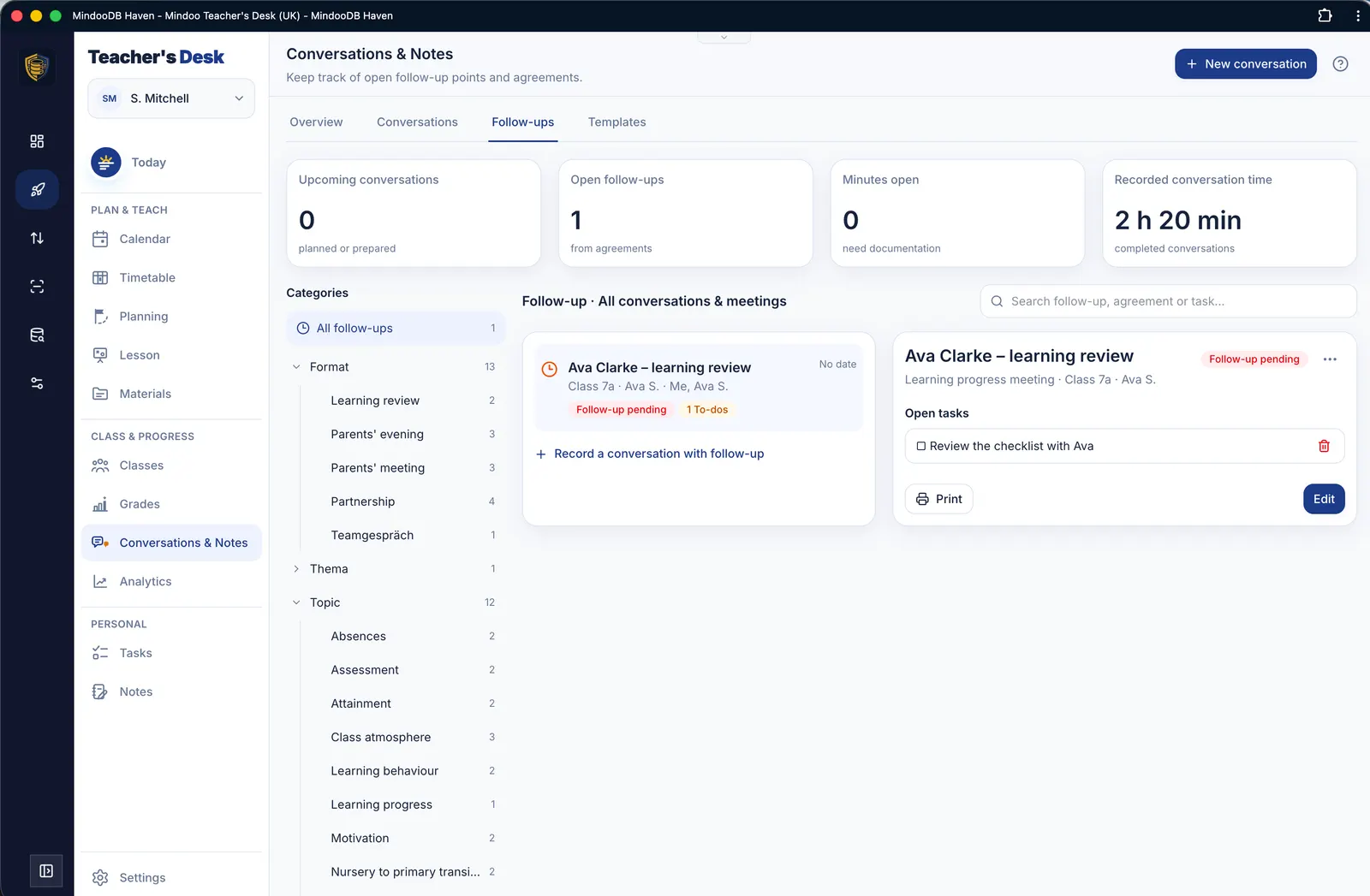 Open follow-up points and agreements at a glance
 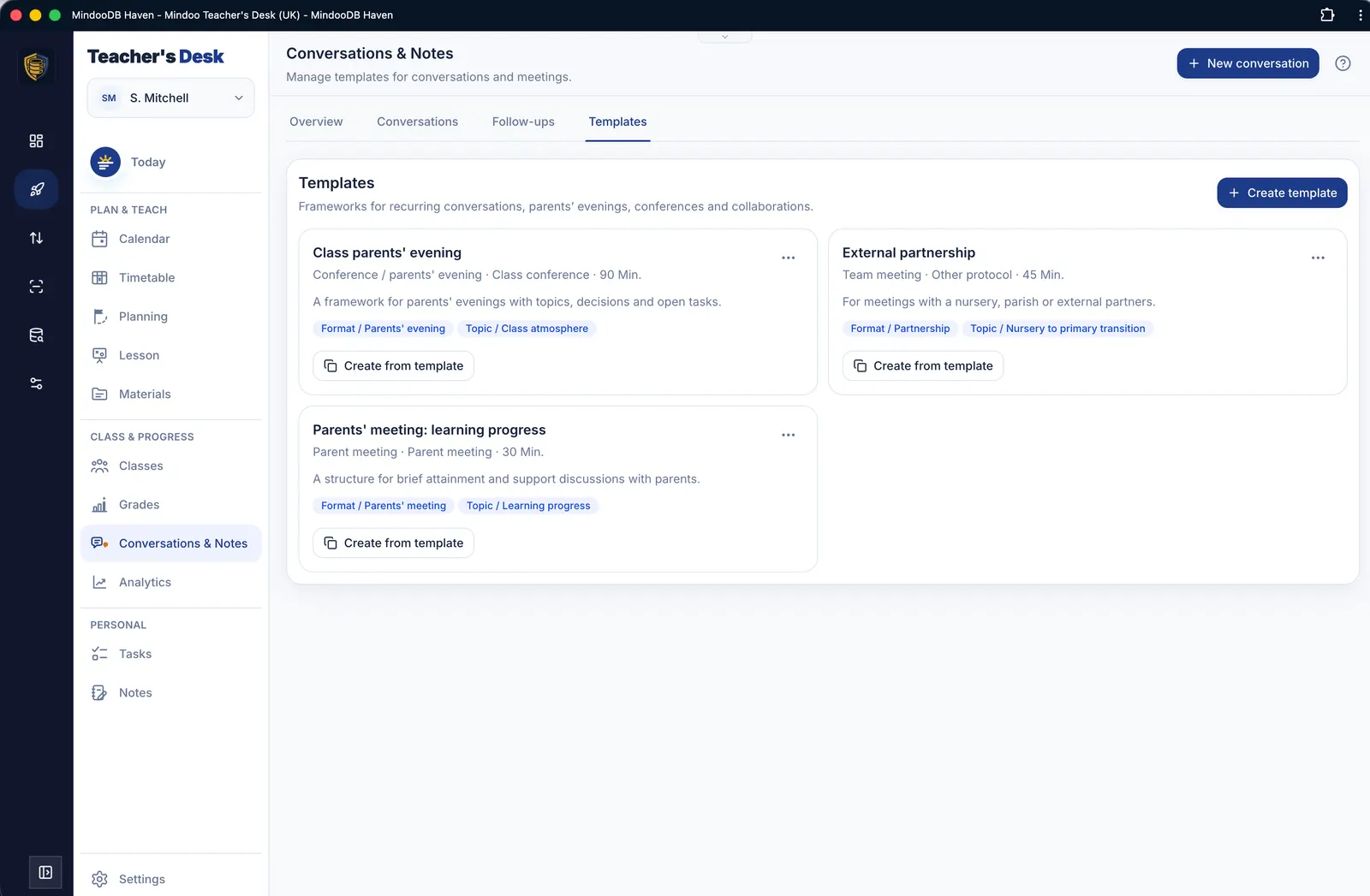 Templates for recurring conversation formats
 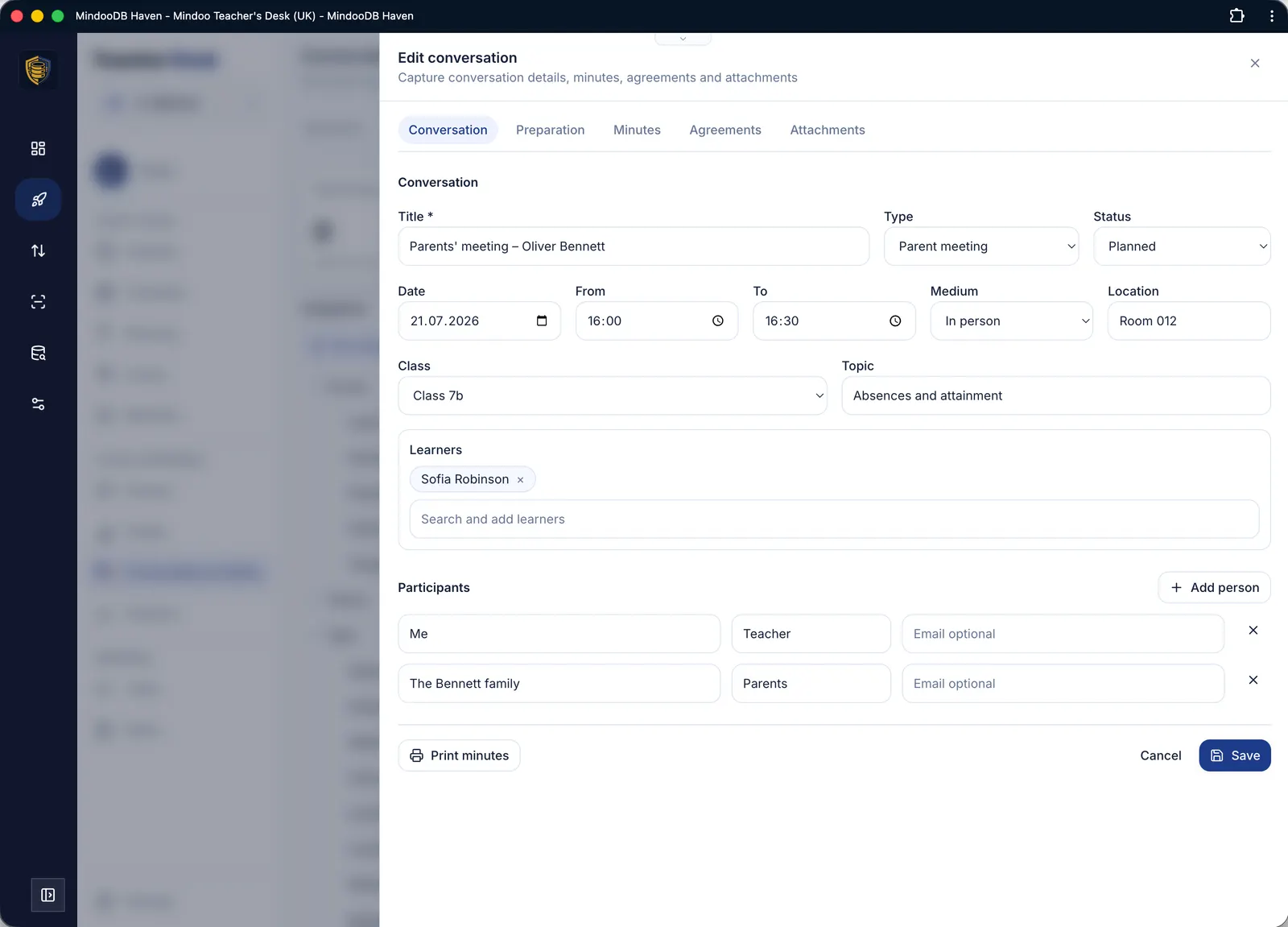 Conversation details with reason, time and participants
 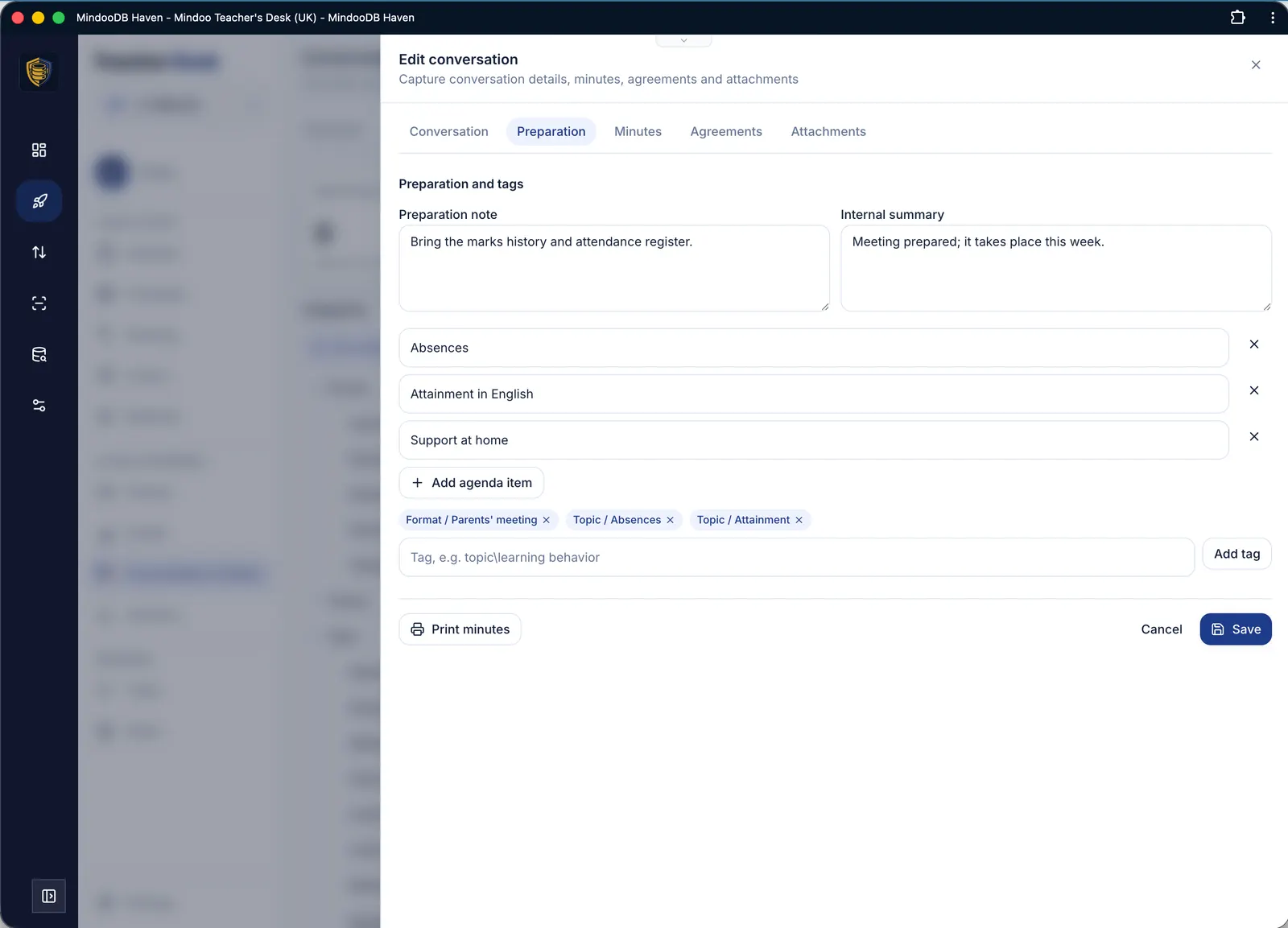 Preparation with agenda points and tags
 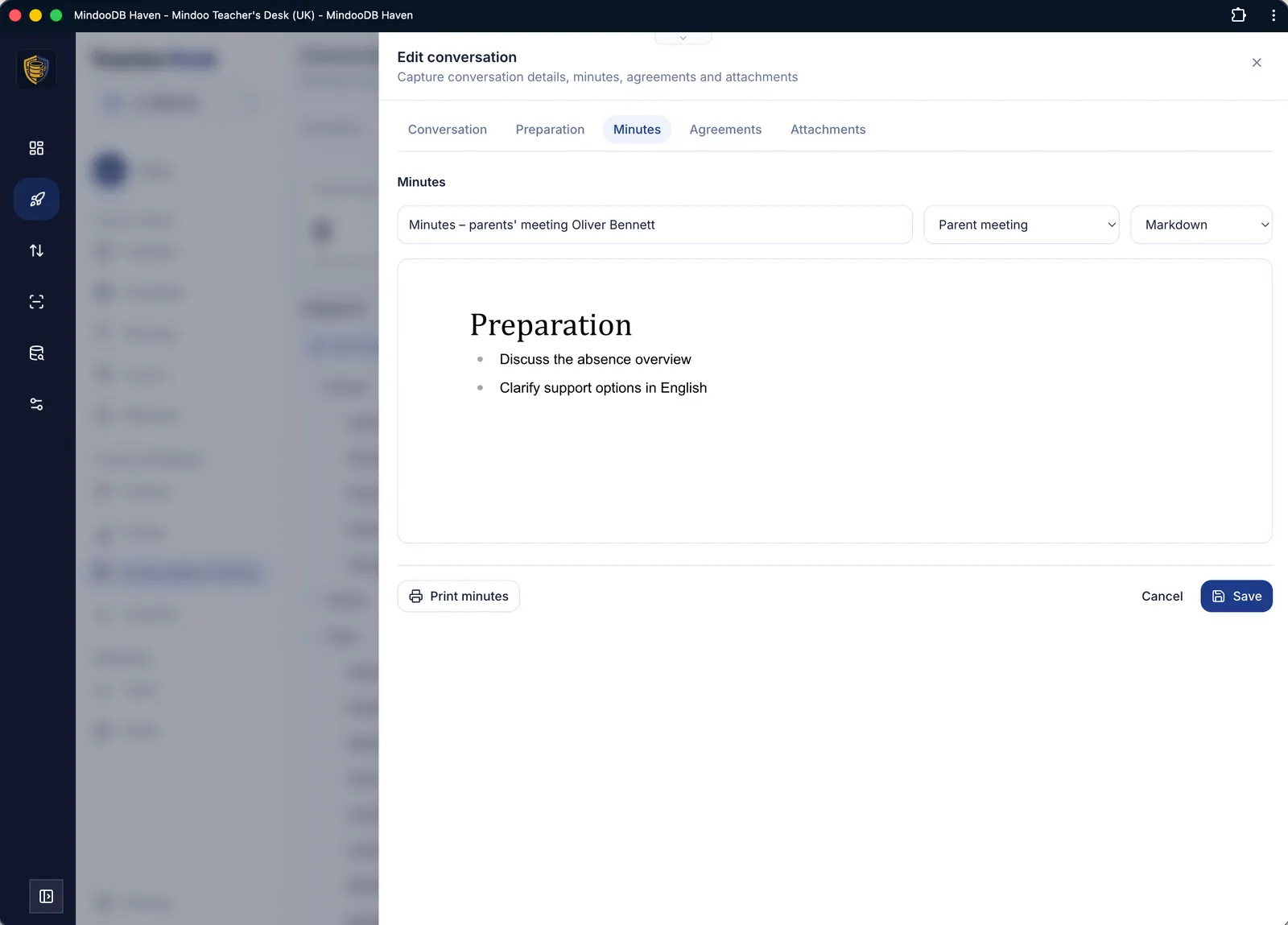 Write the record in the built-in editor
 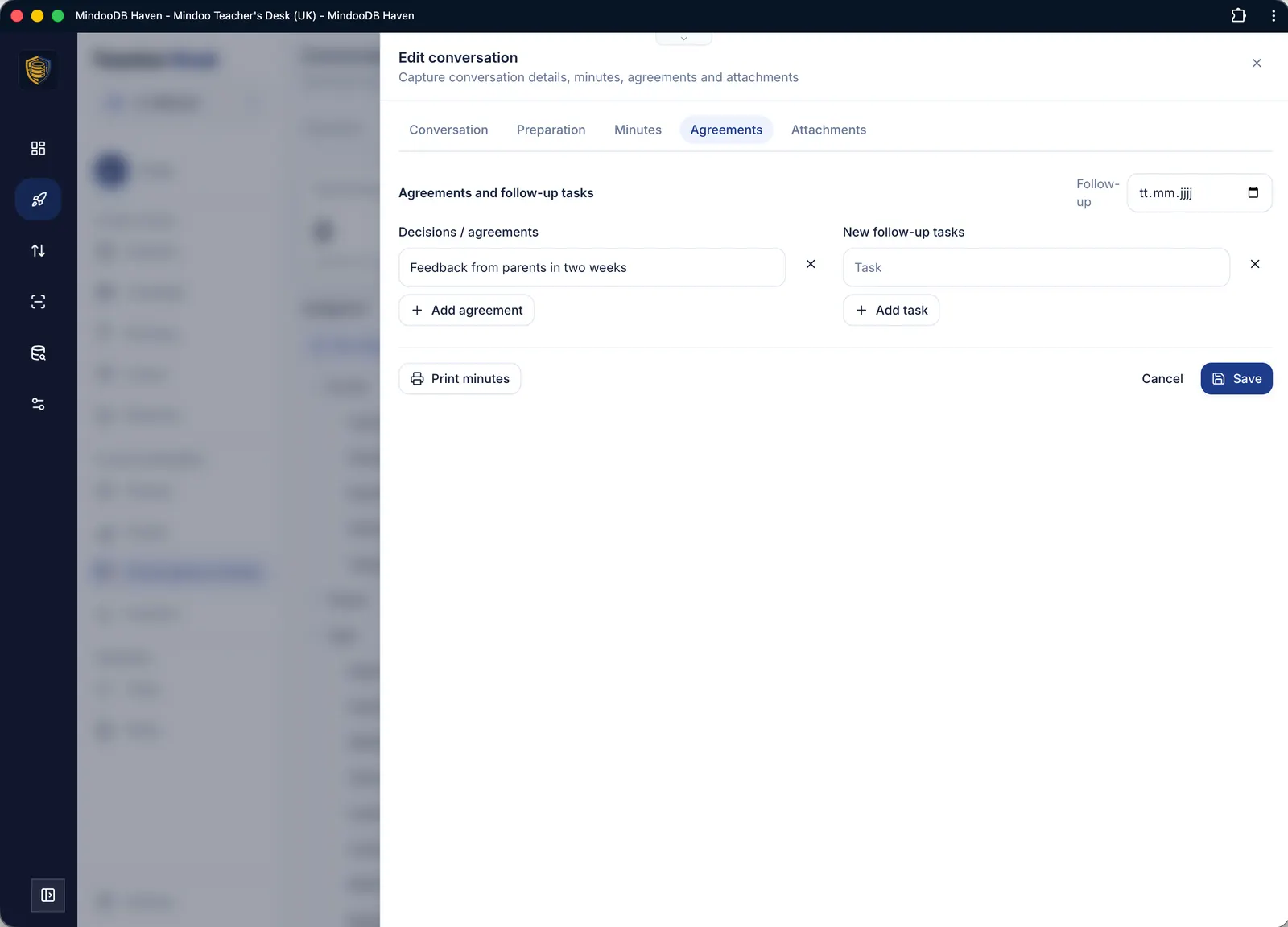 Capture agreements and follow-up tasks
 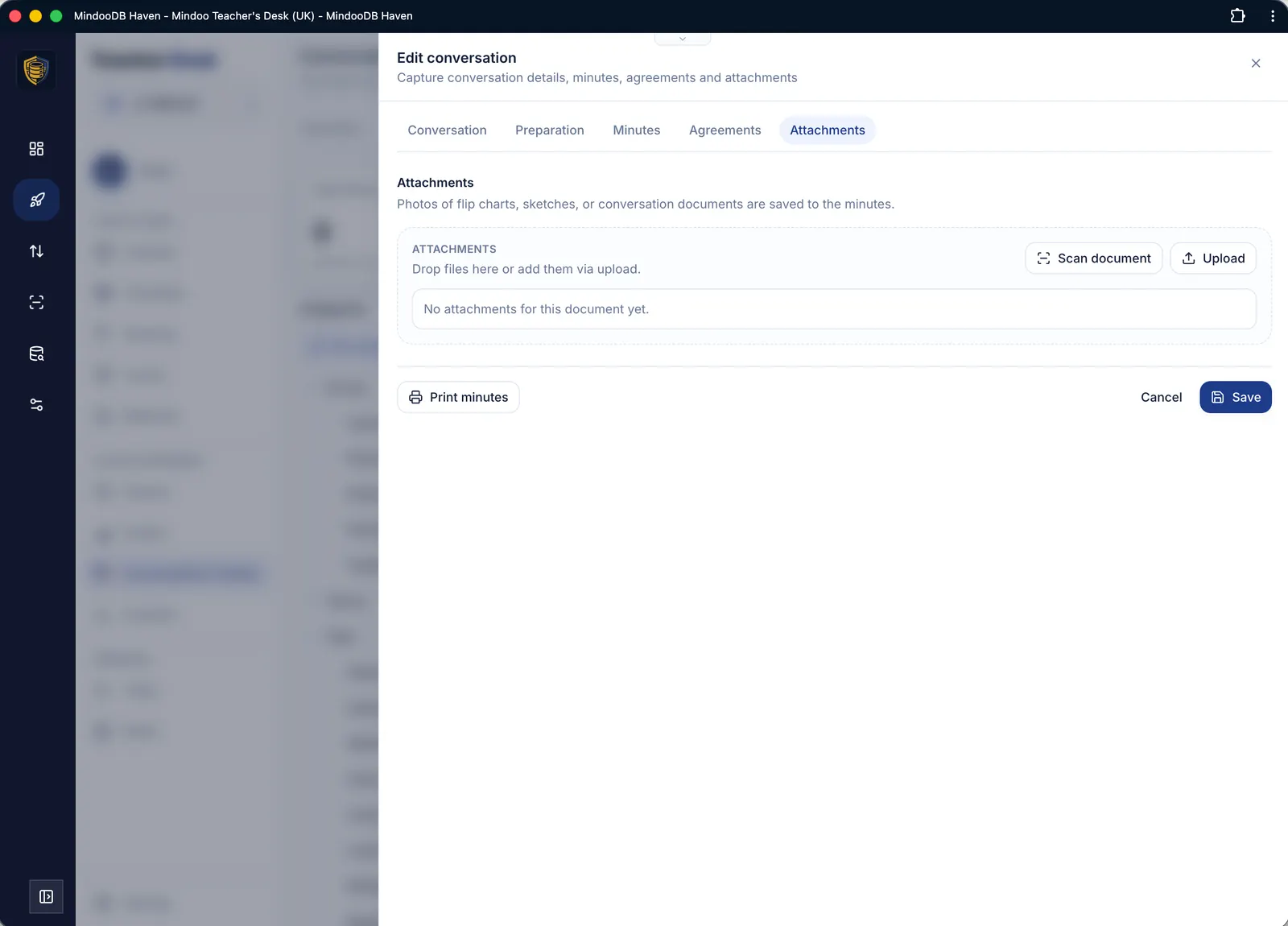 Attach scans and files to the record
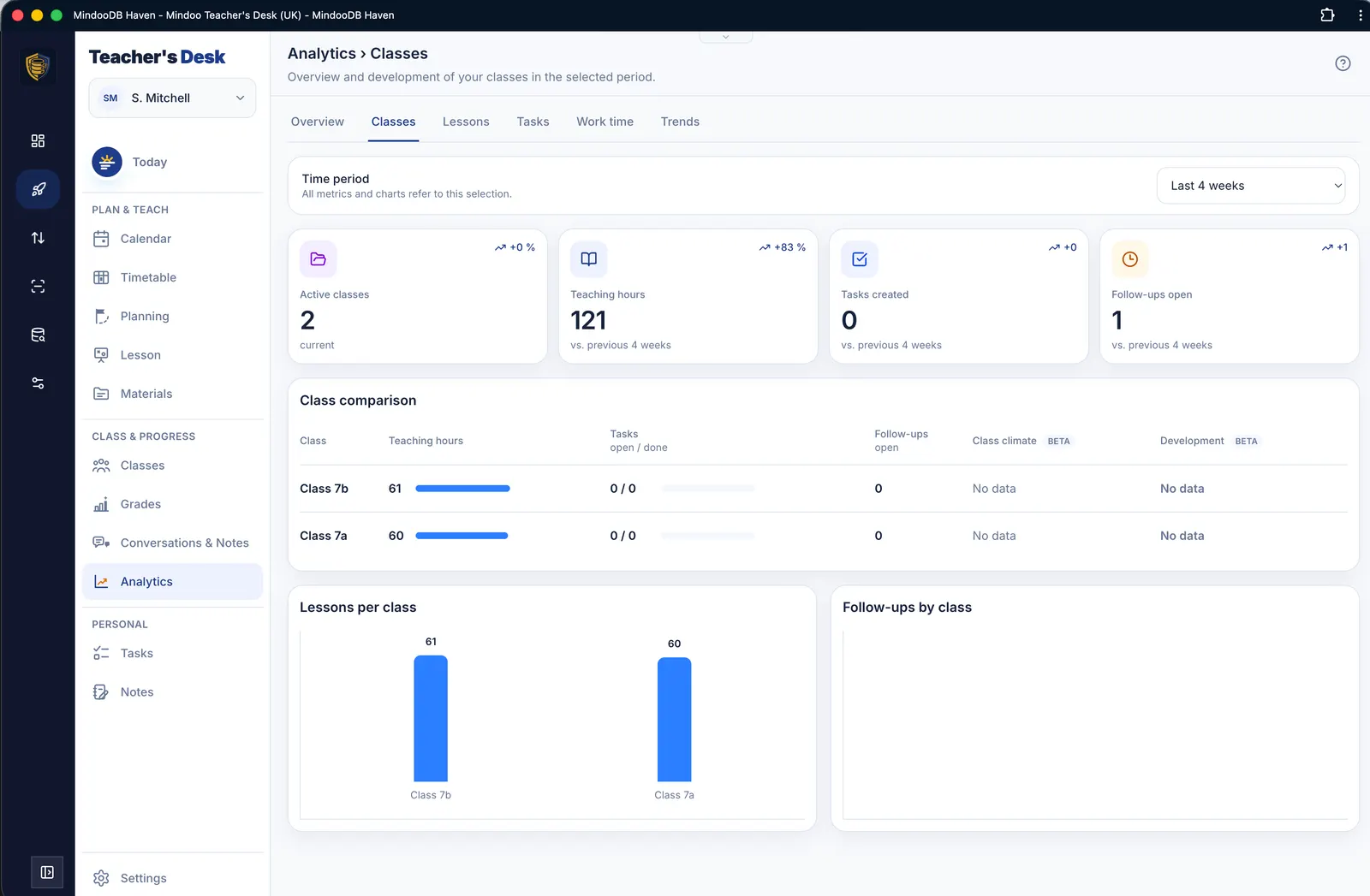
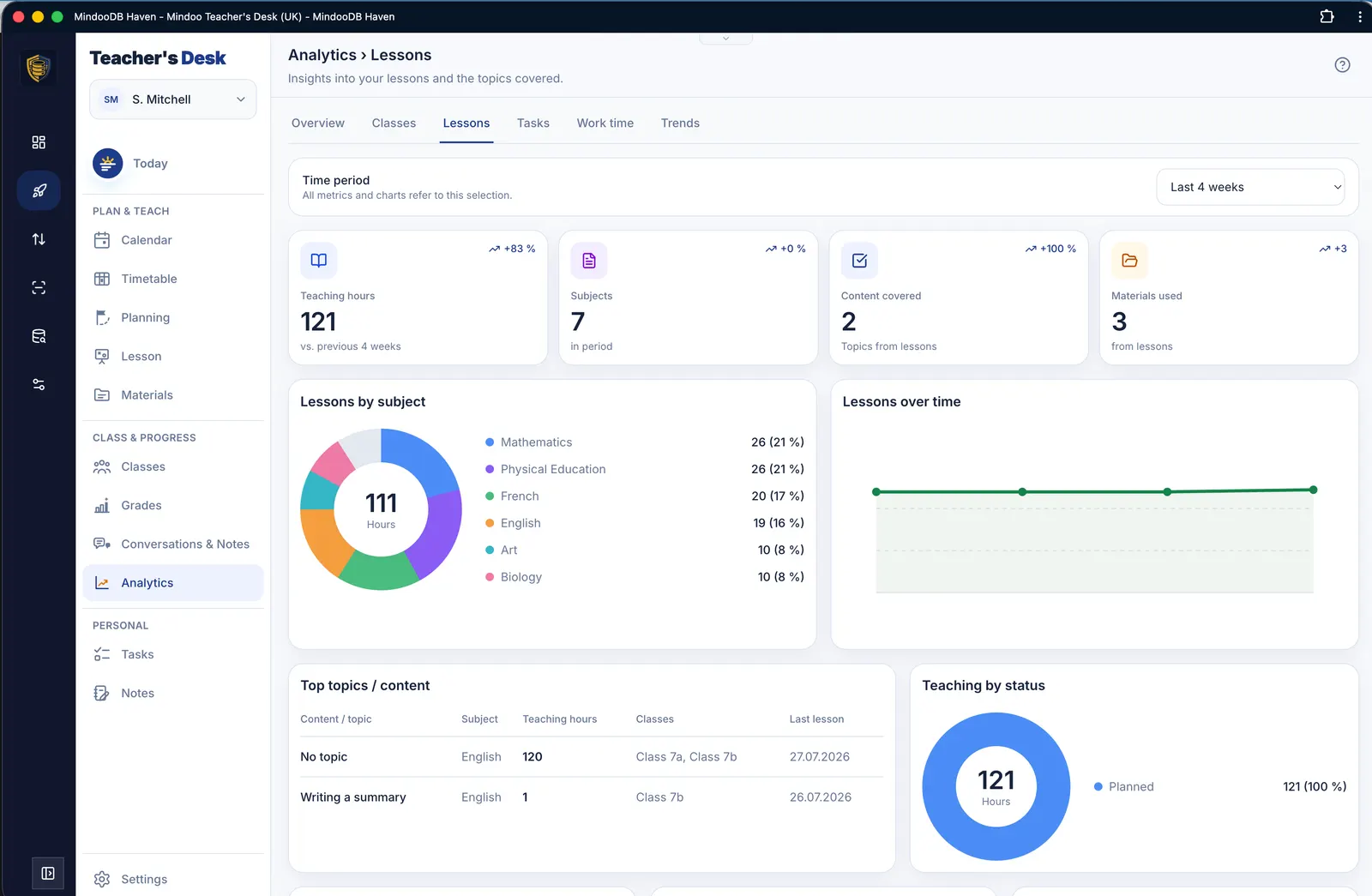
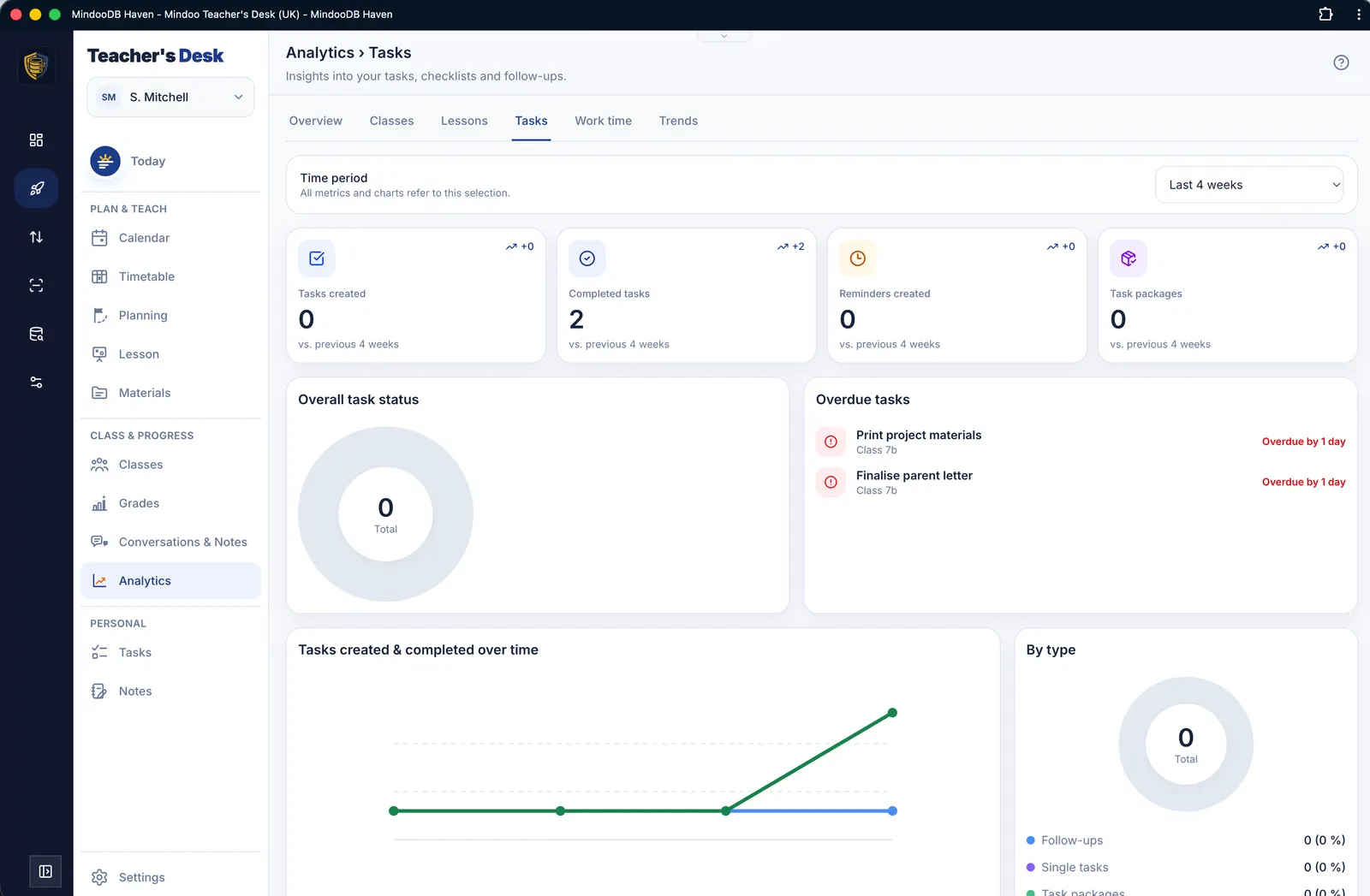
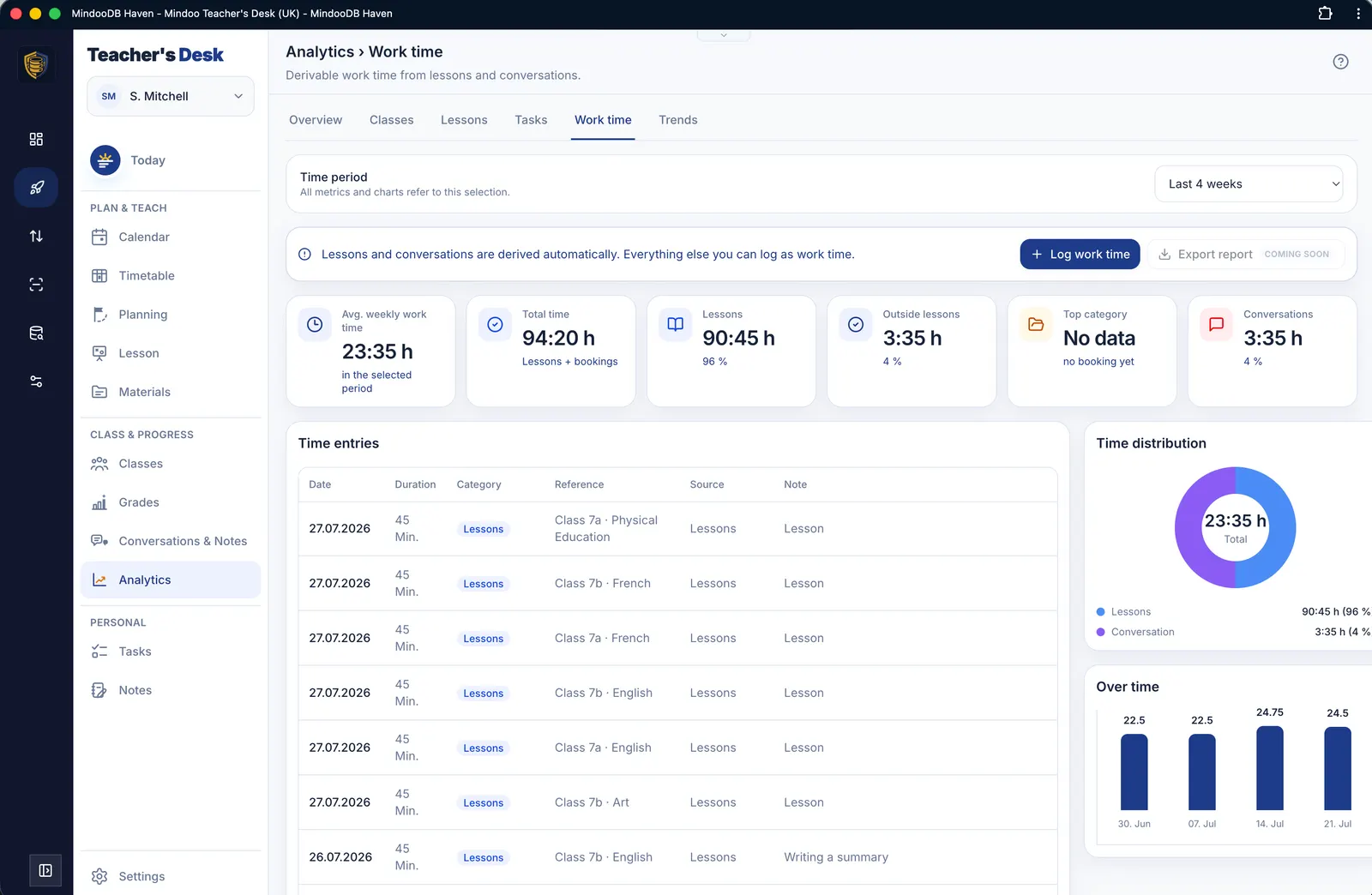
Analytics
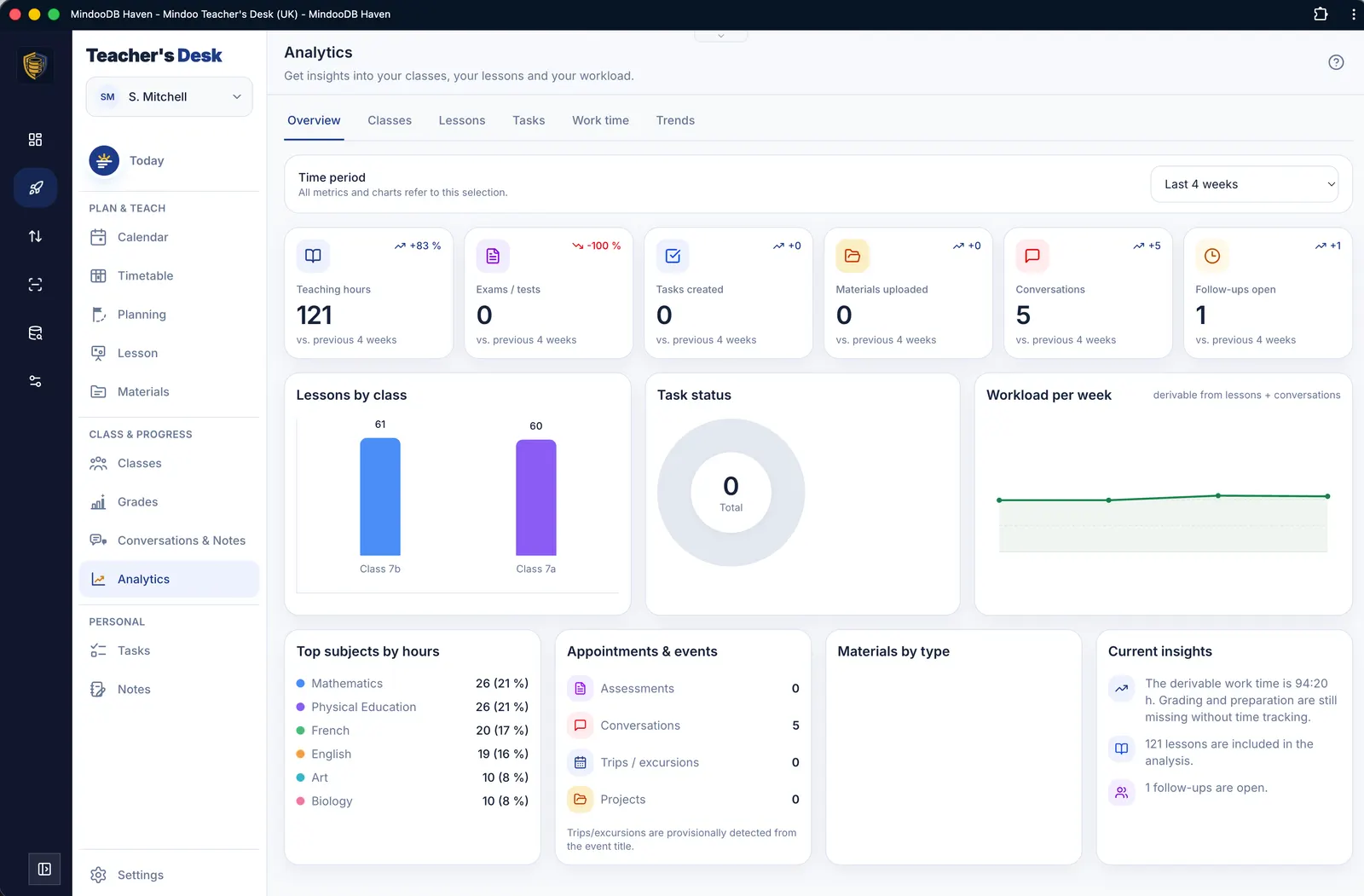
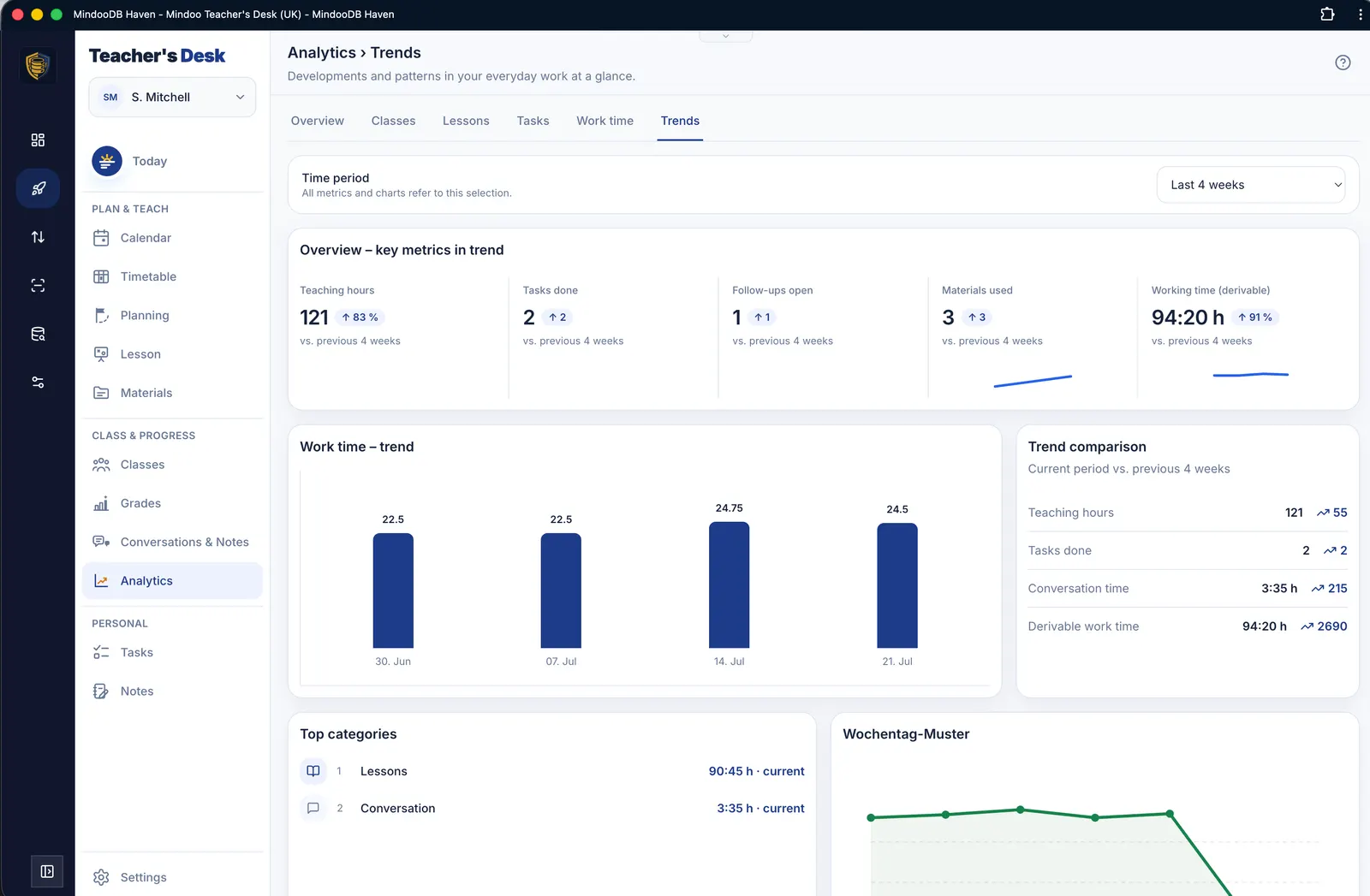
Trend analyses of the metrics from Teacher's Desk plus working-time tracking that shows where your time actually goes.

Tasks
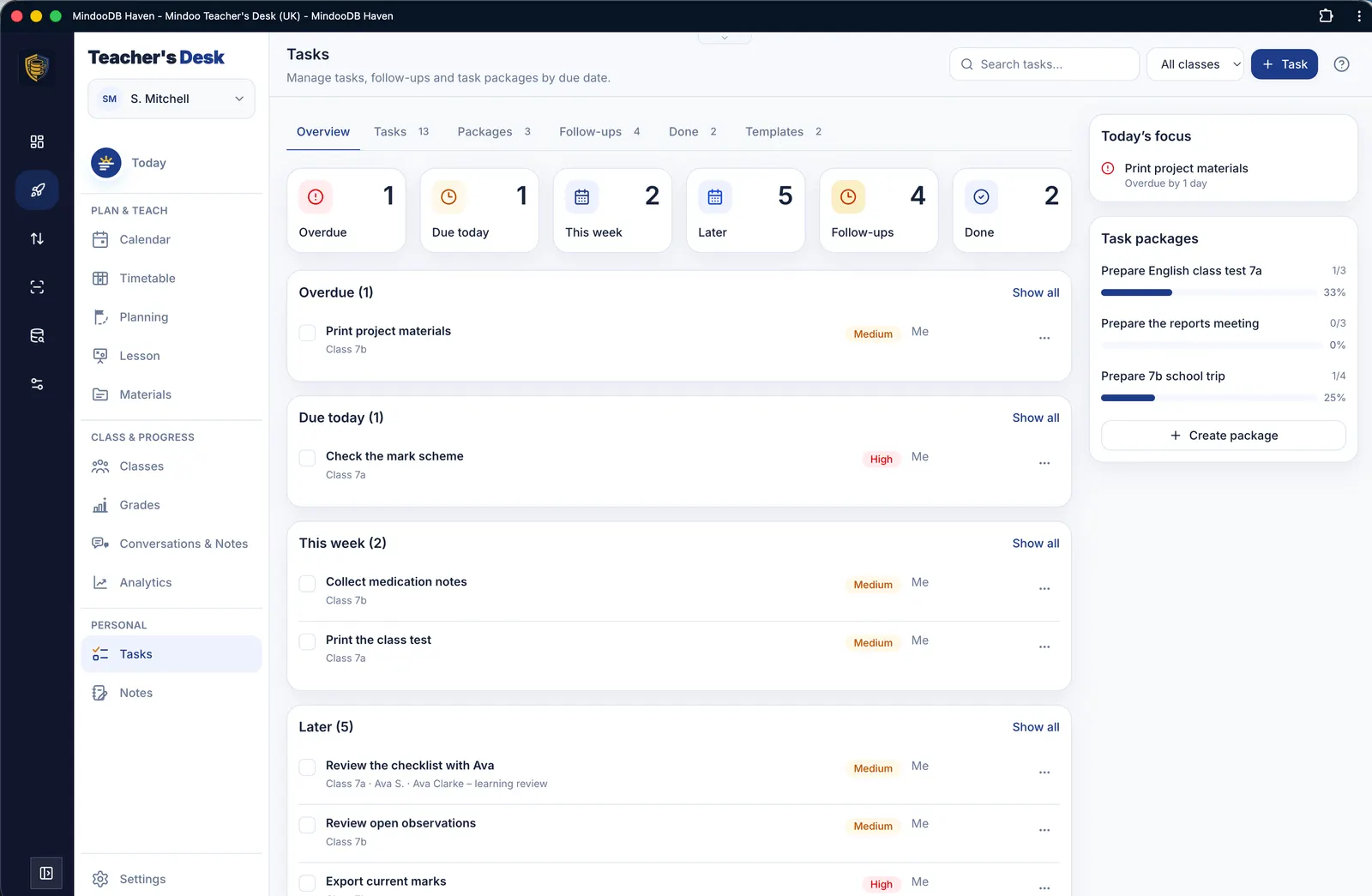
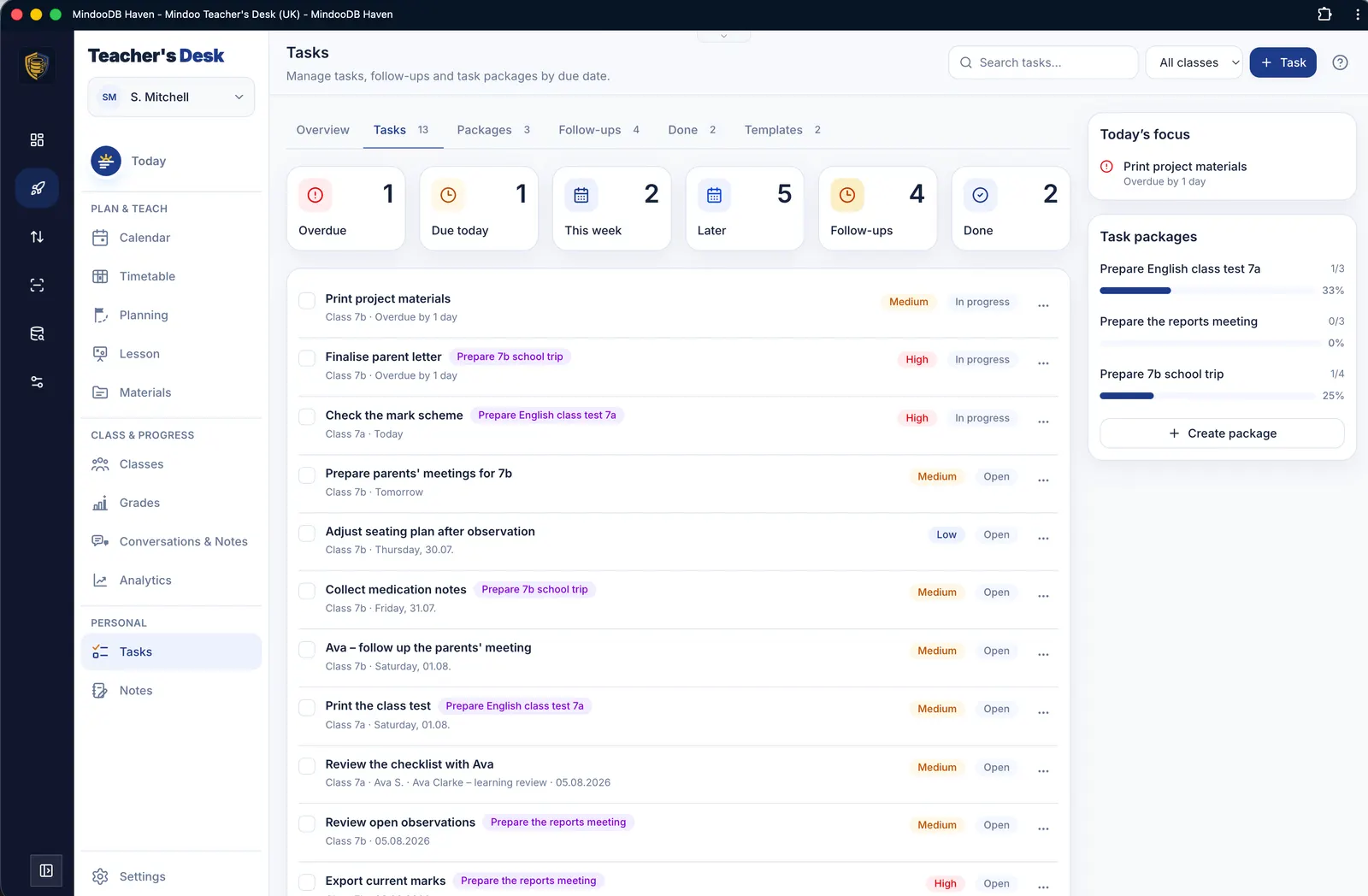
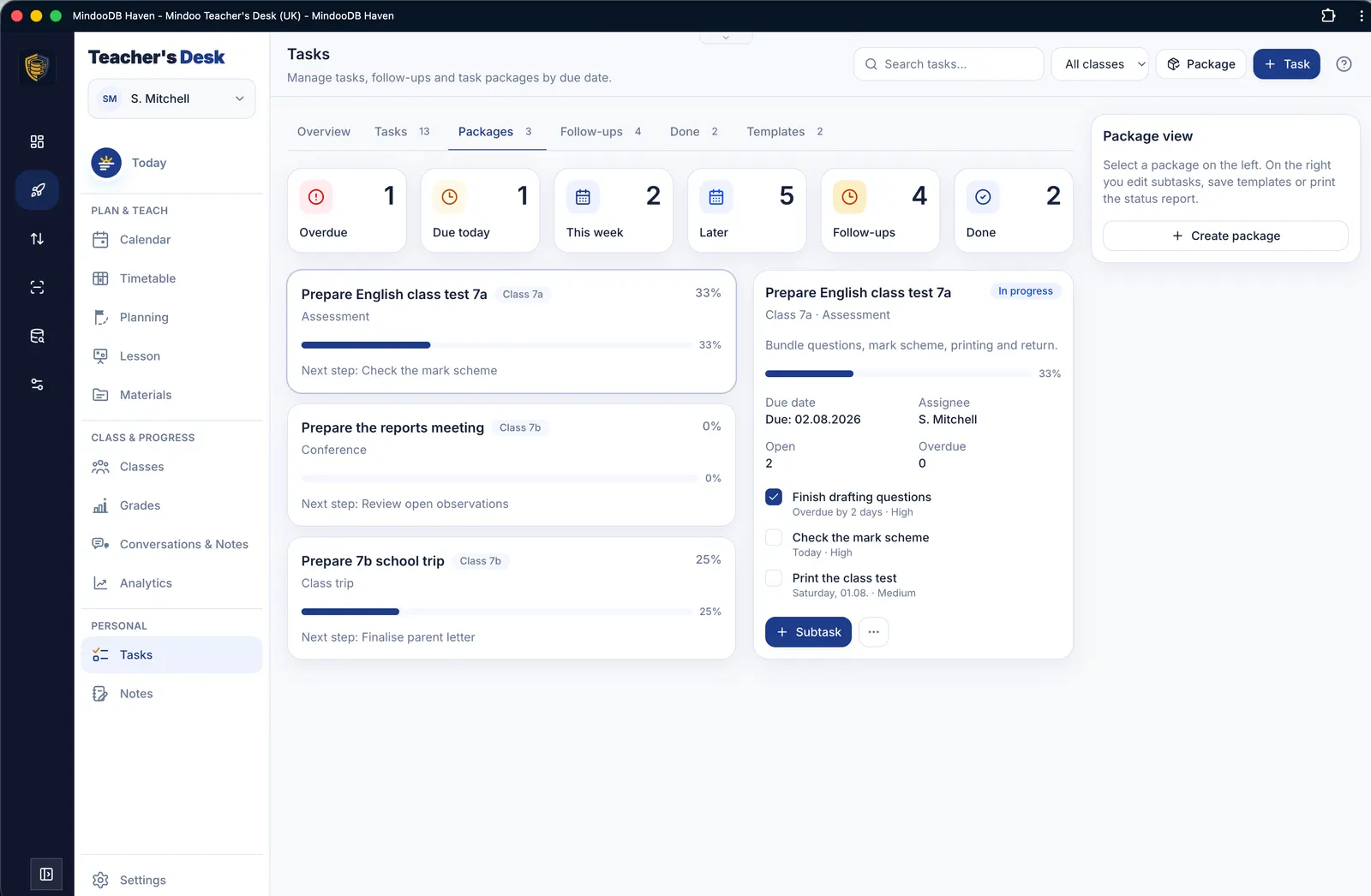
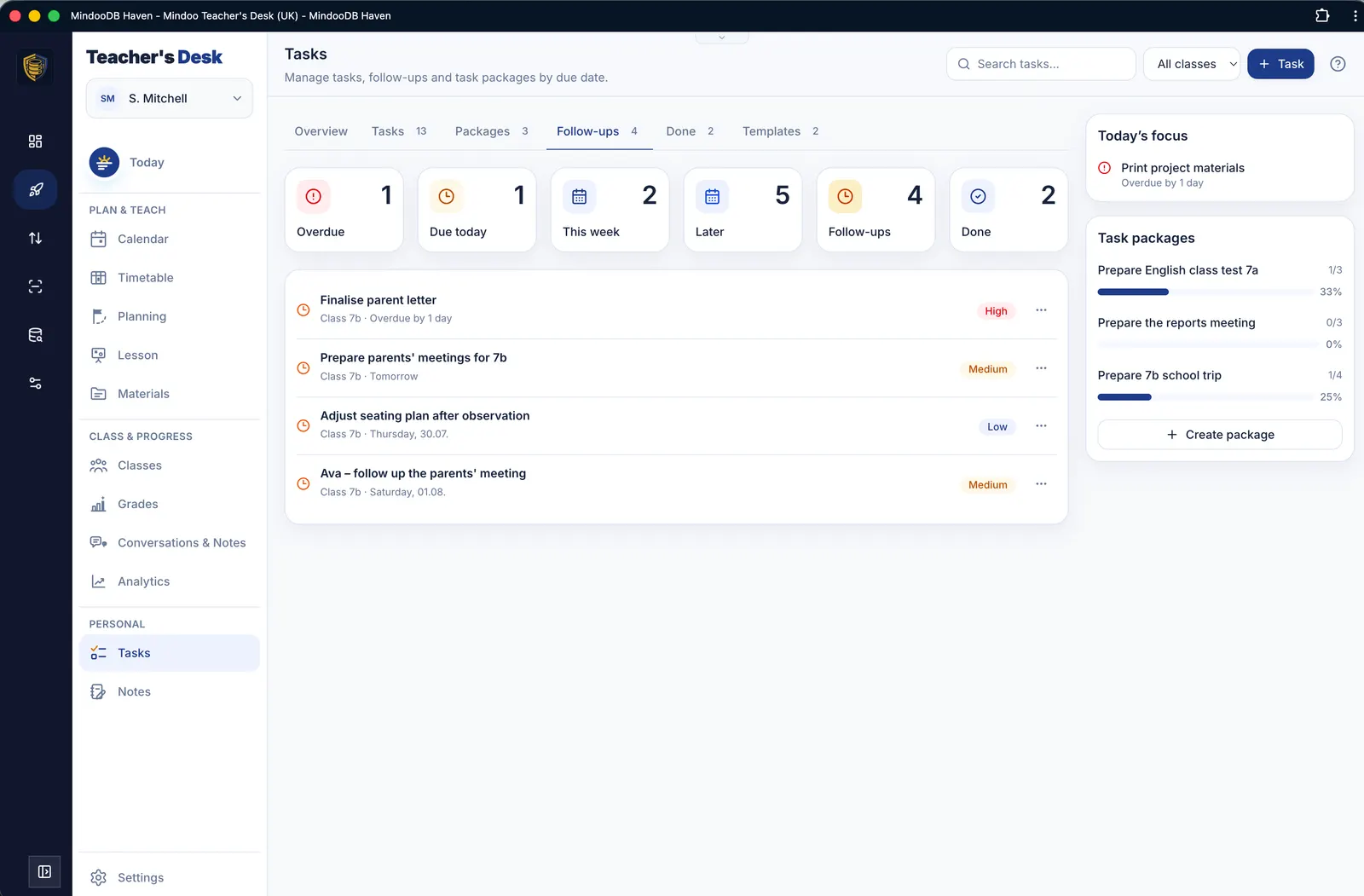
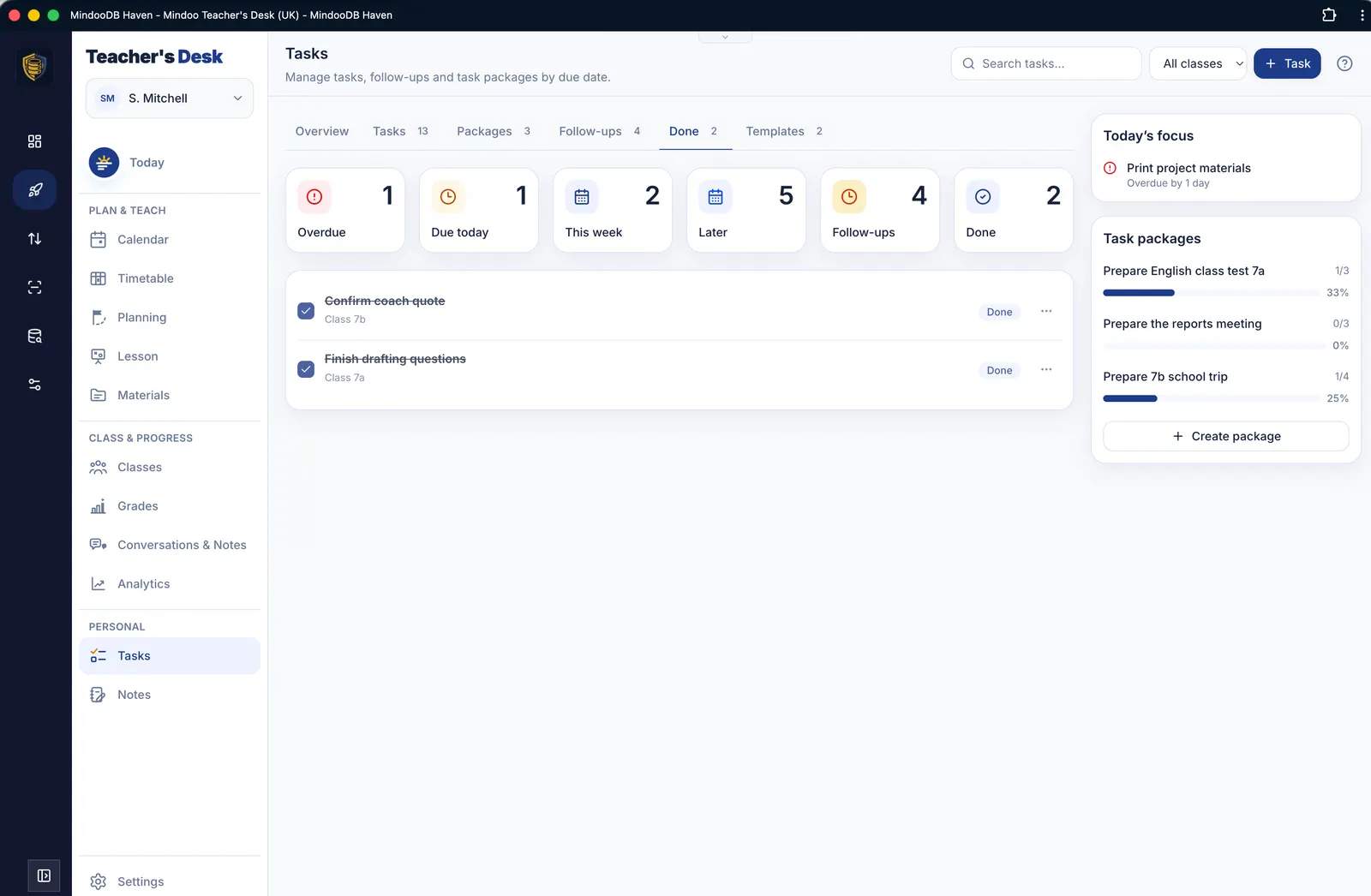
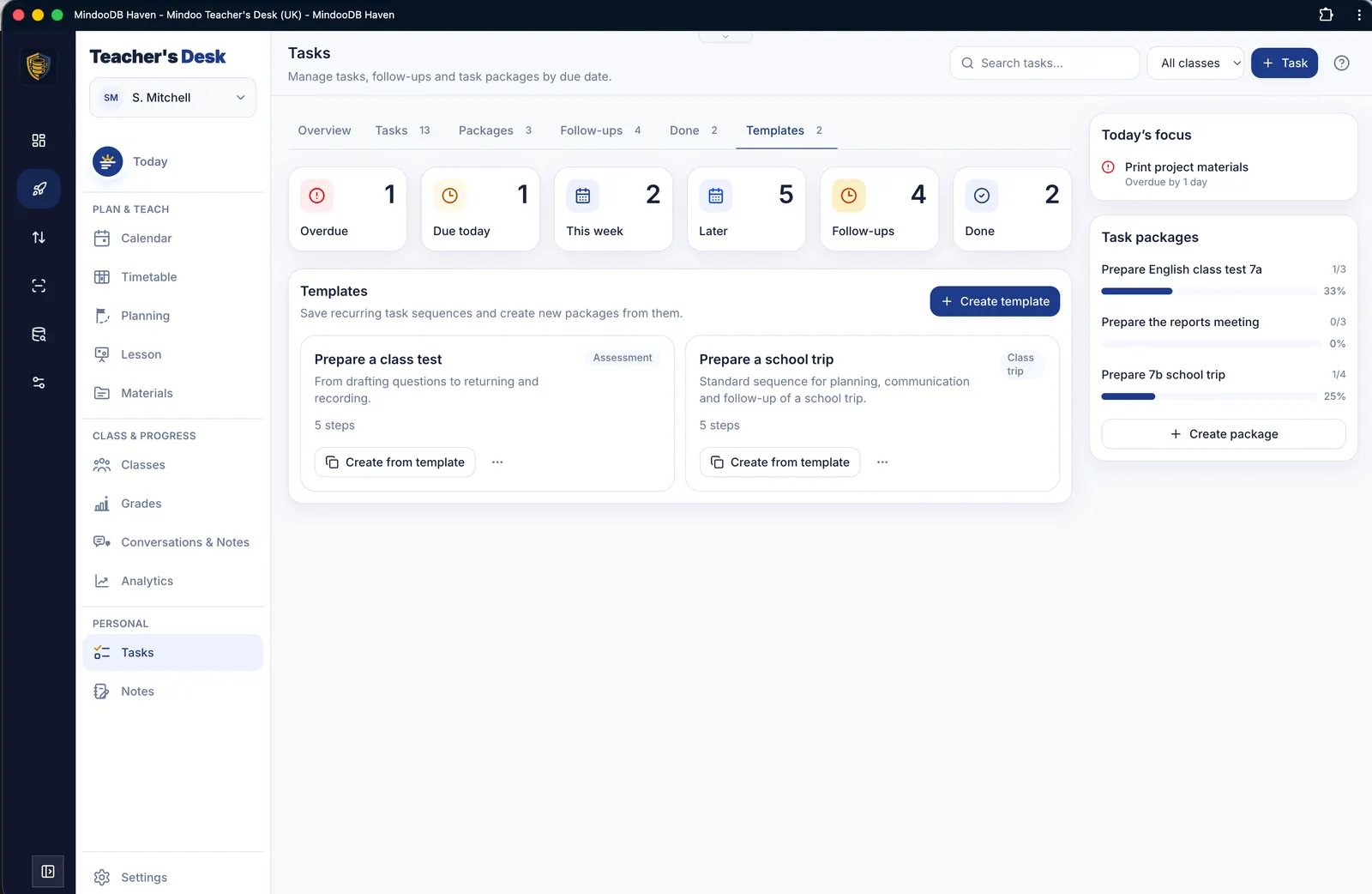
Manage single tasks and task packages, and reuse checklists you have already built as templates.

Notes
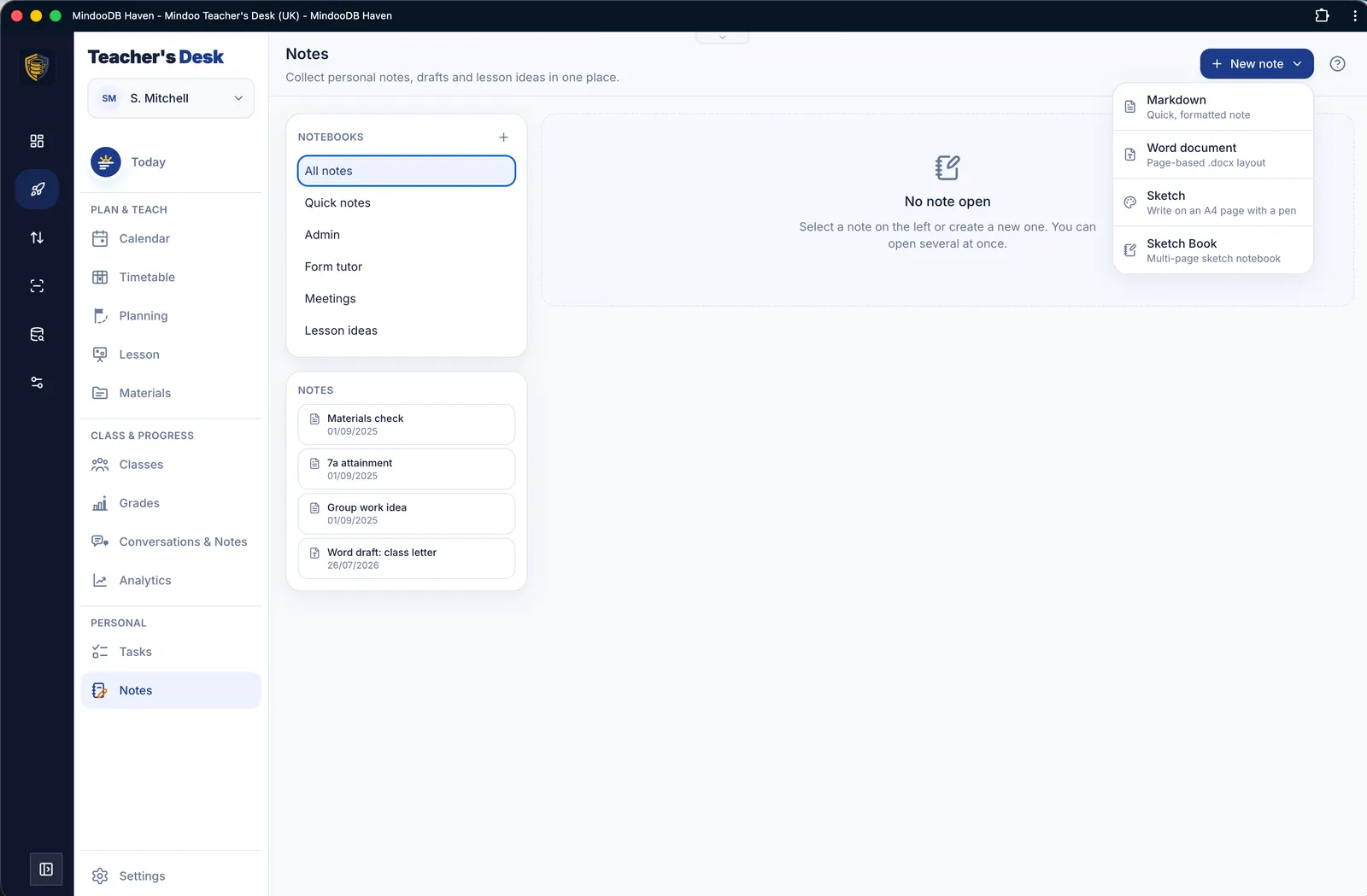
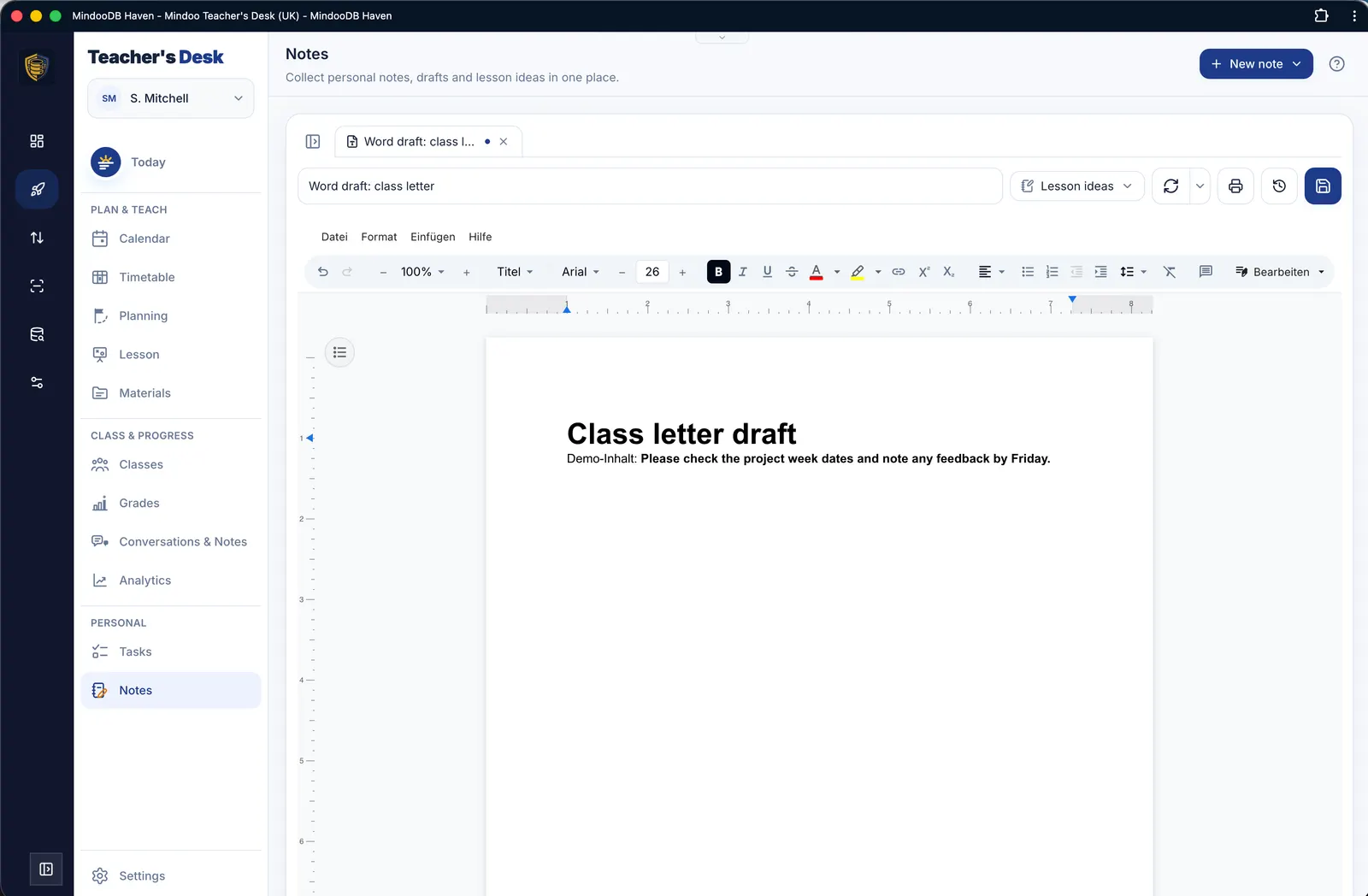
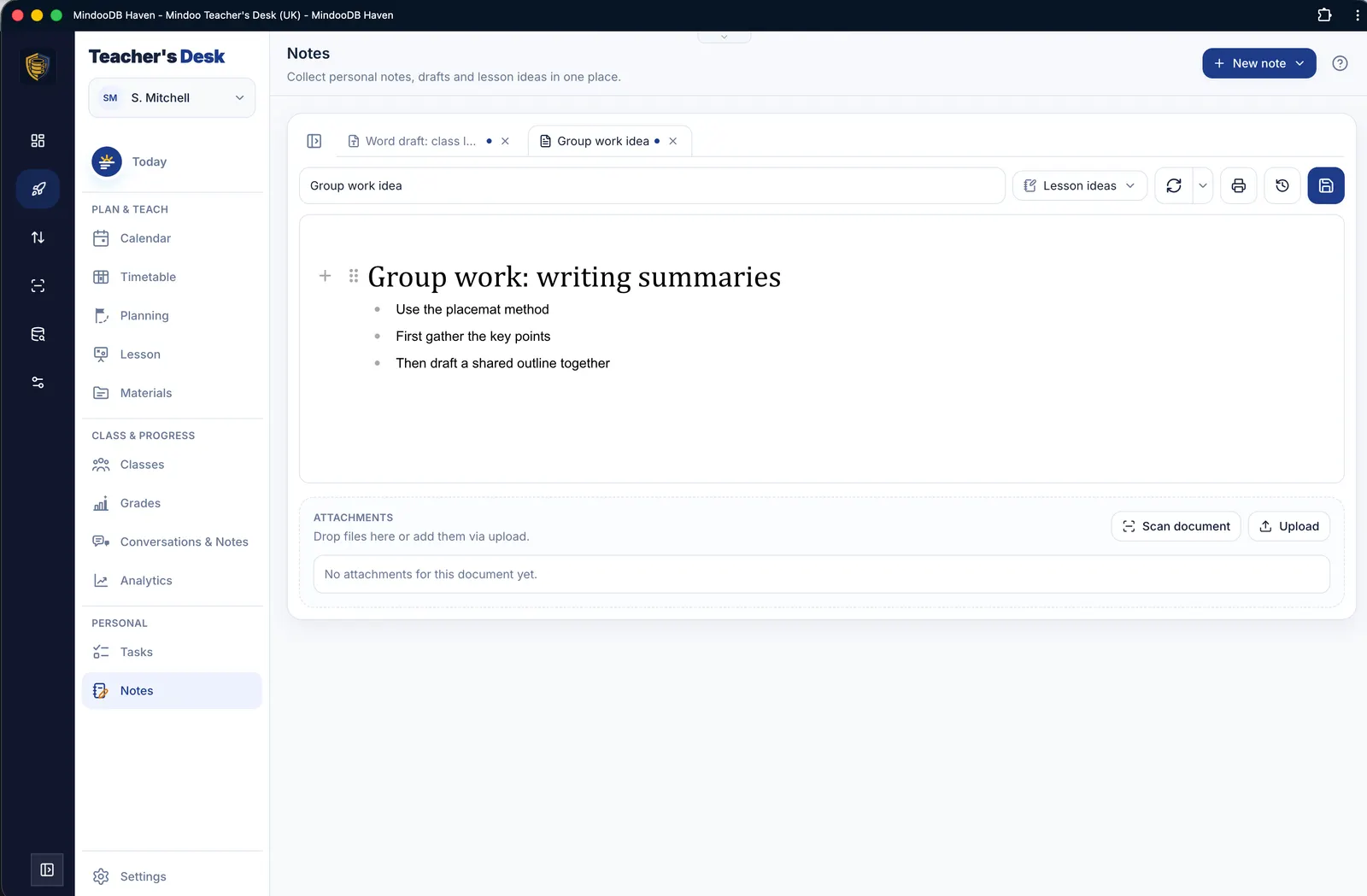
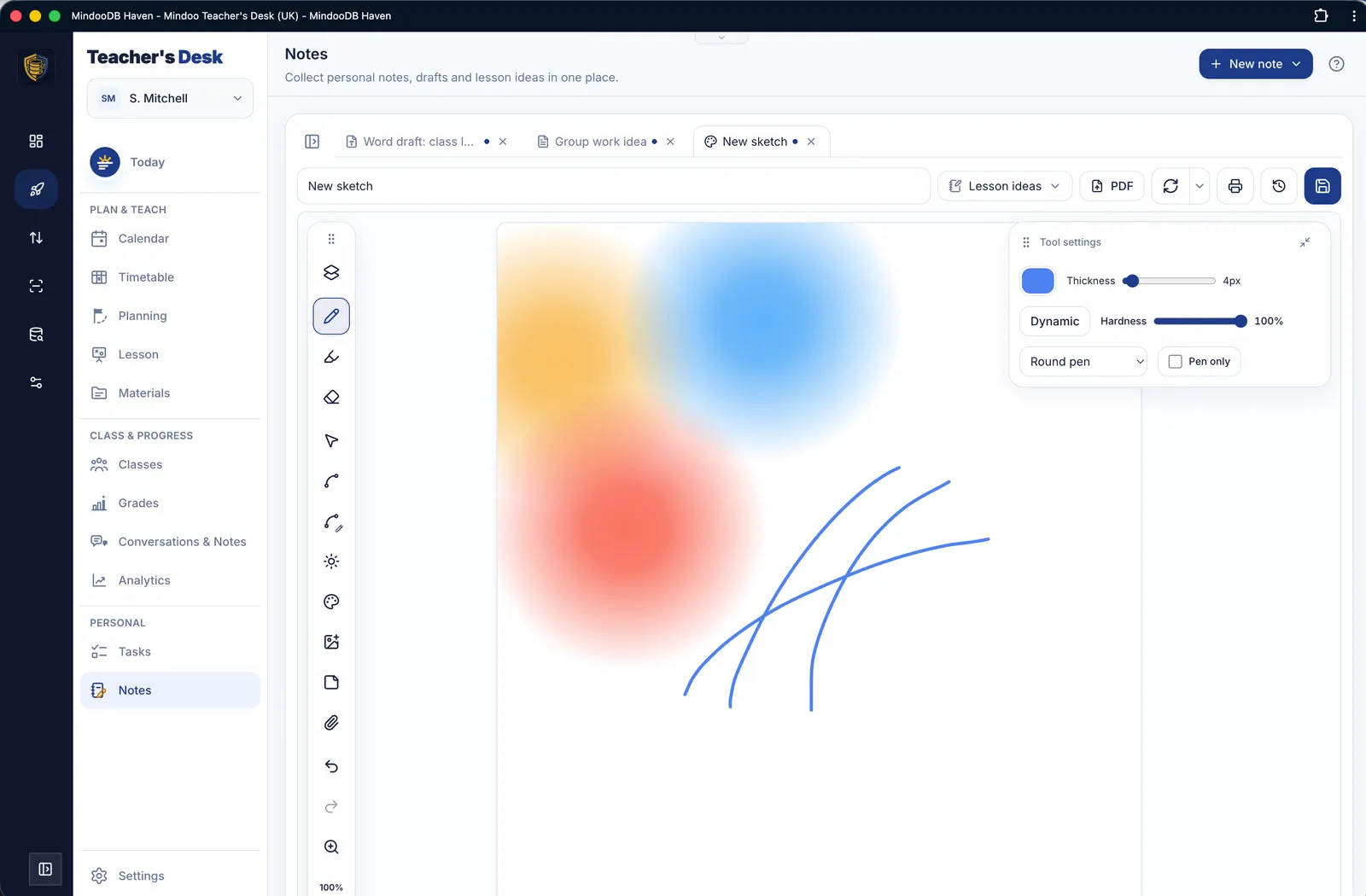
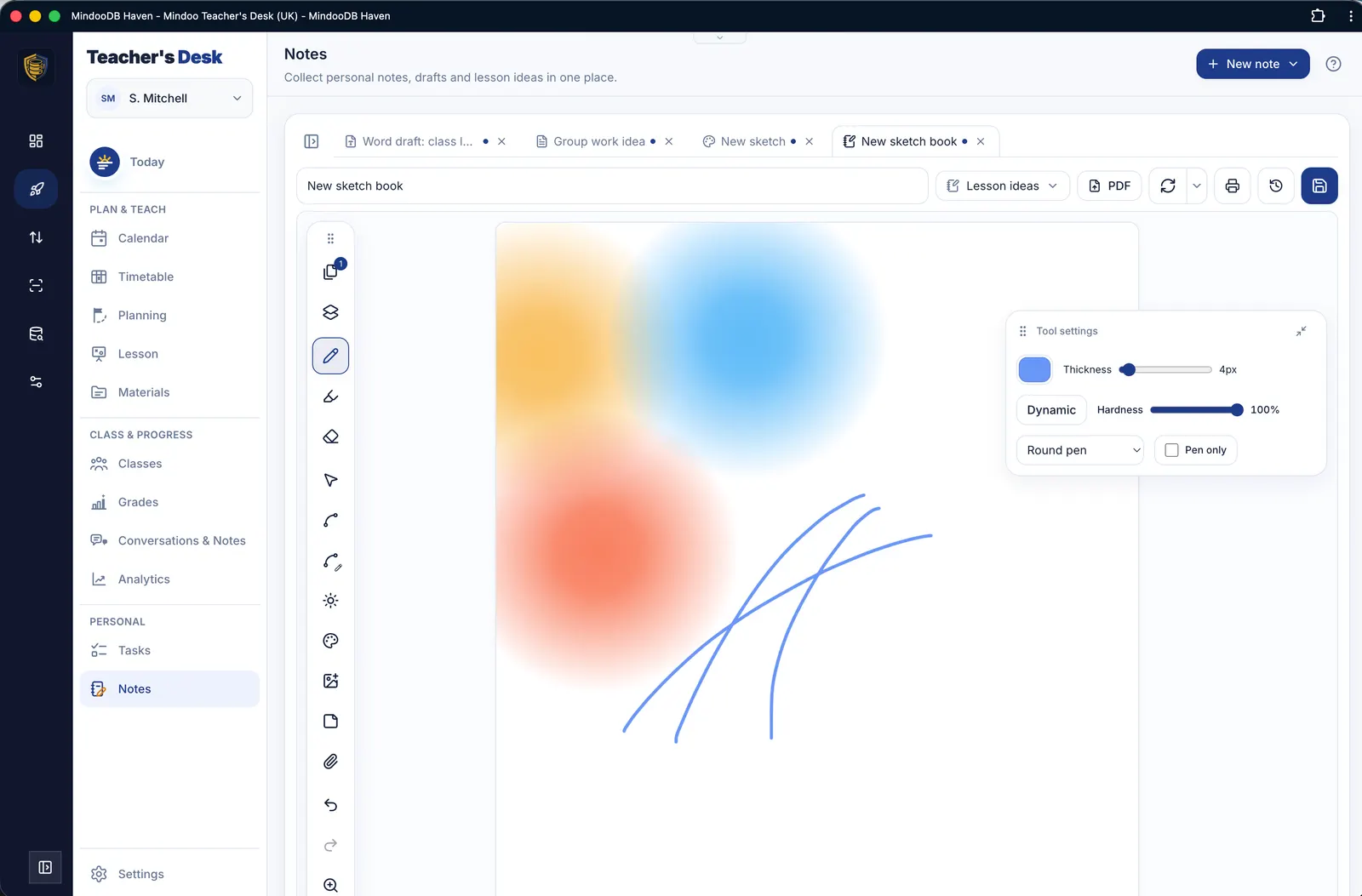
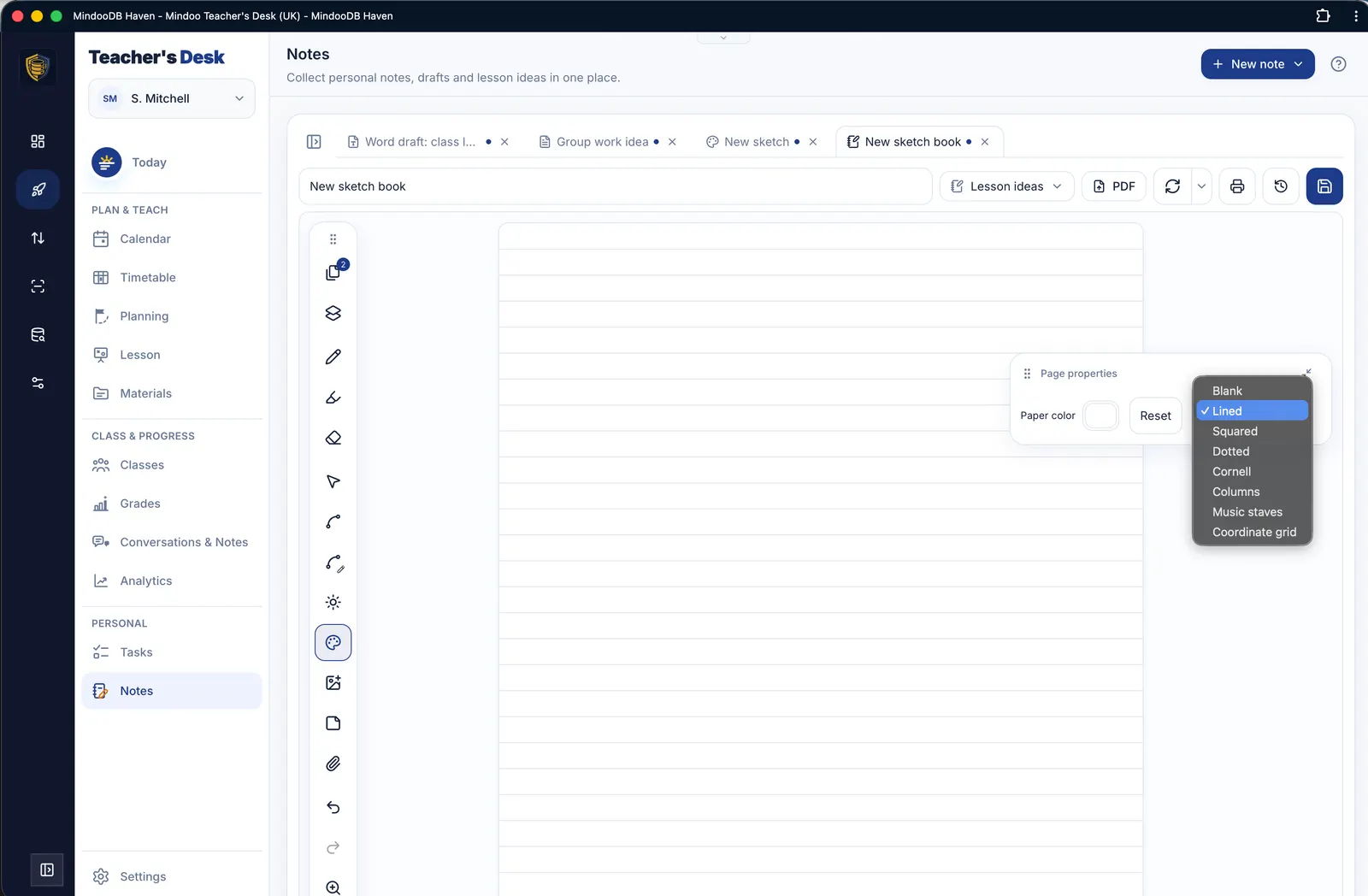
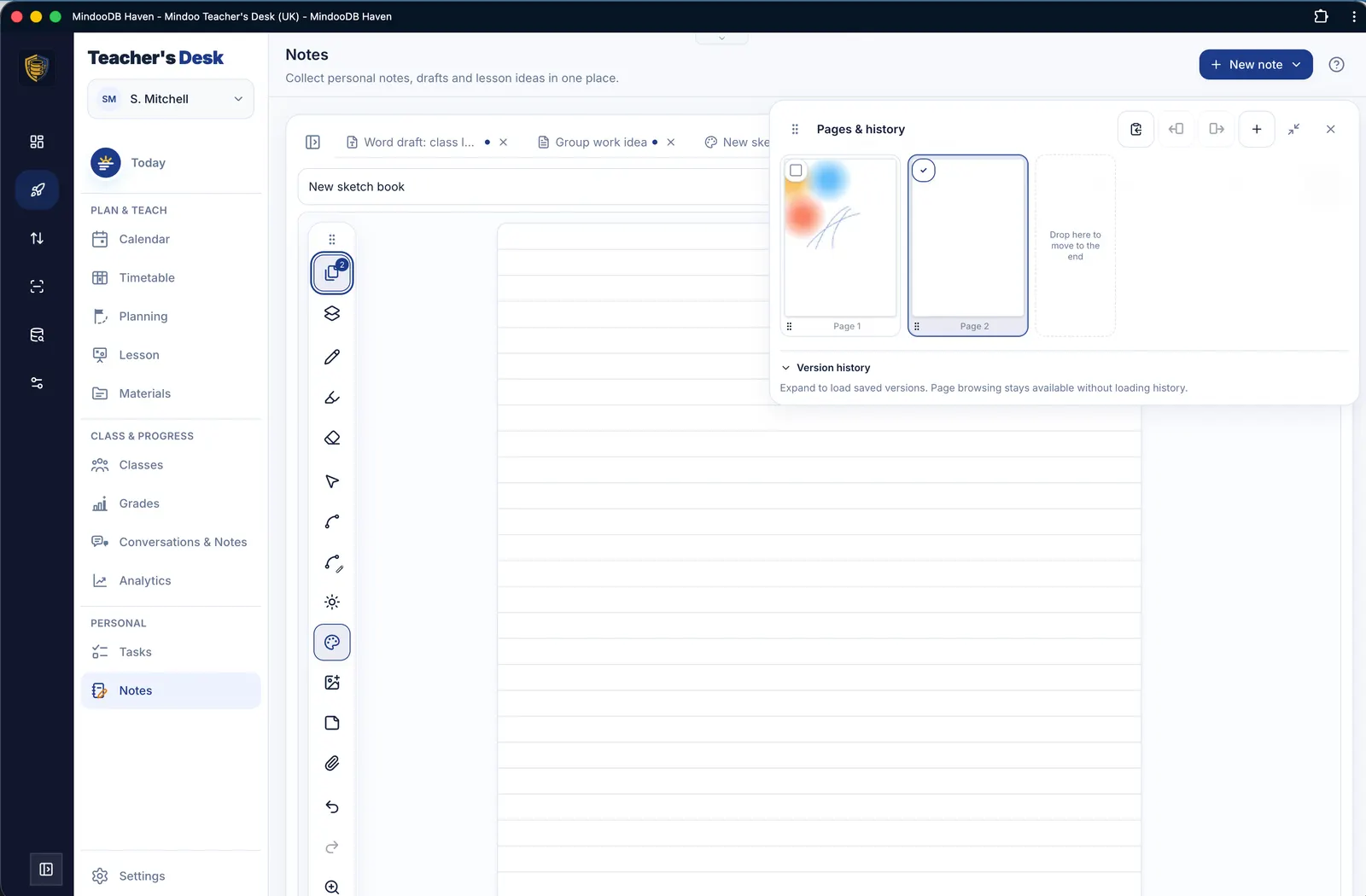
Typed and handwritten notes in one place: Markdown and Word content, sketches and multi-page sketchbooks with eight paper types, stylus input, PDF annotation and photos from the camera or your photo library.

Settings & core data
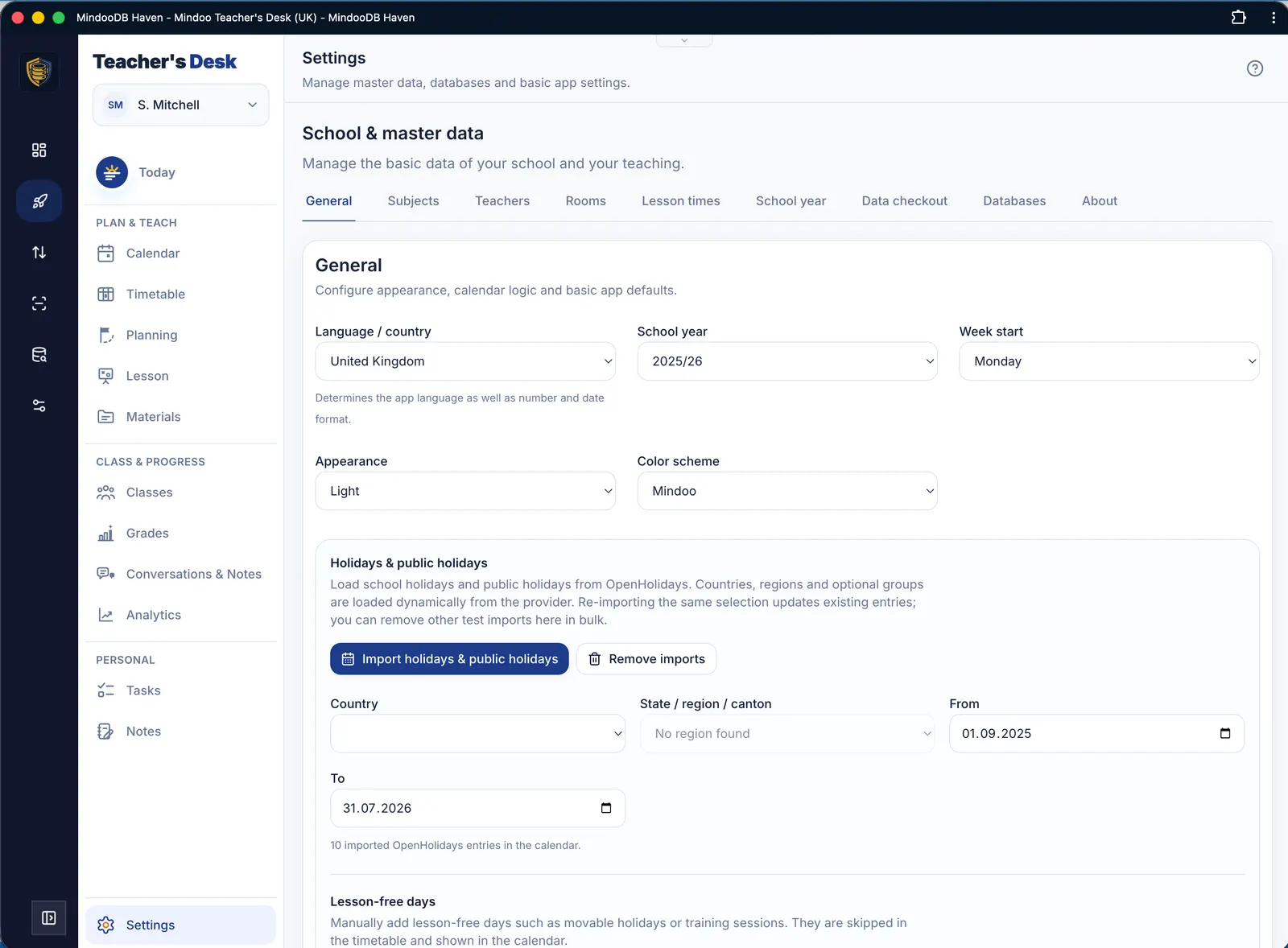
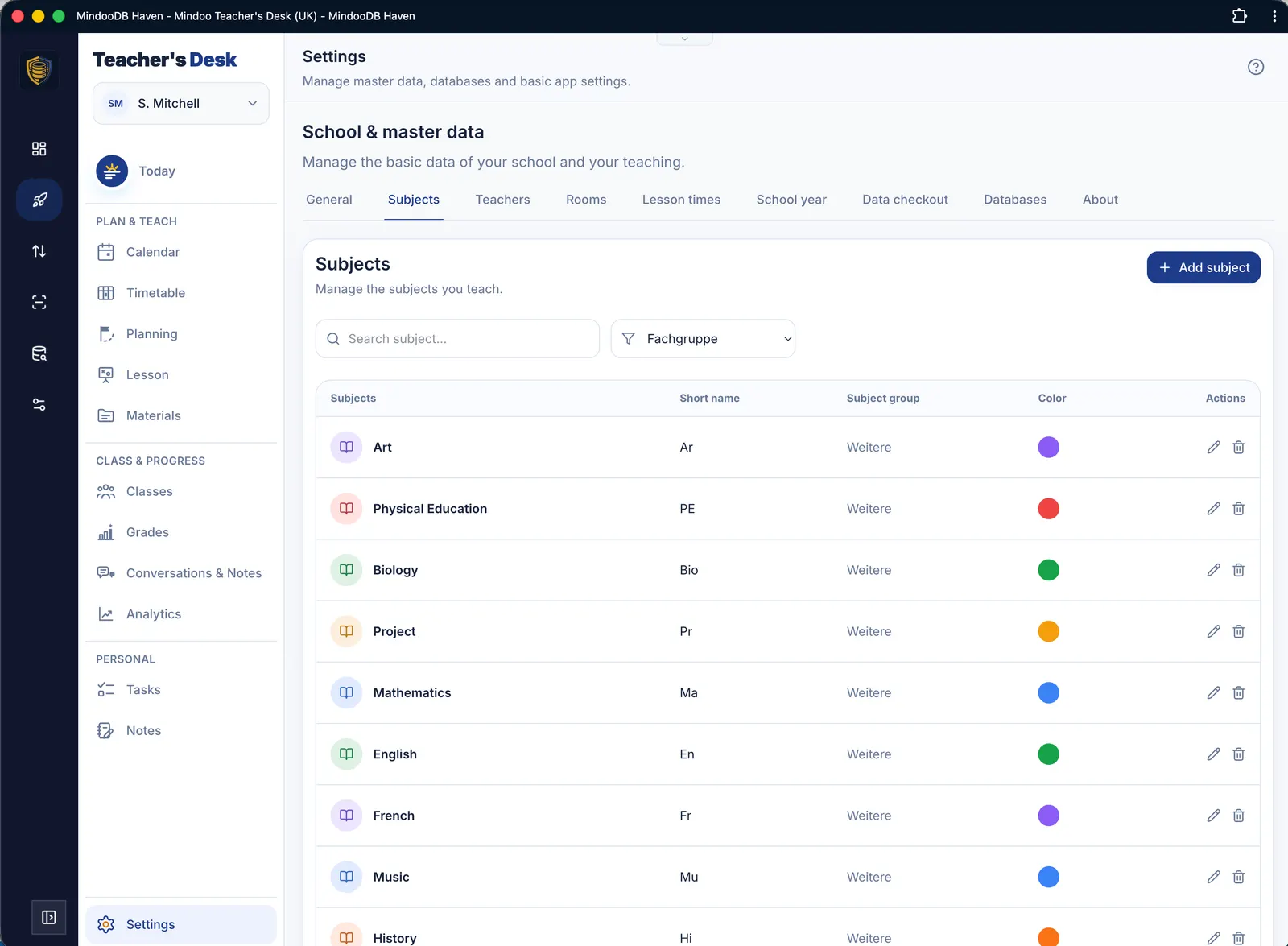
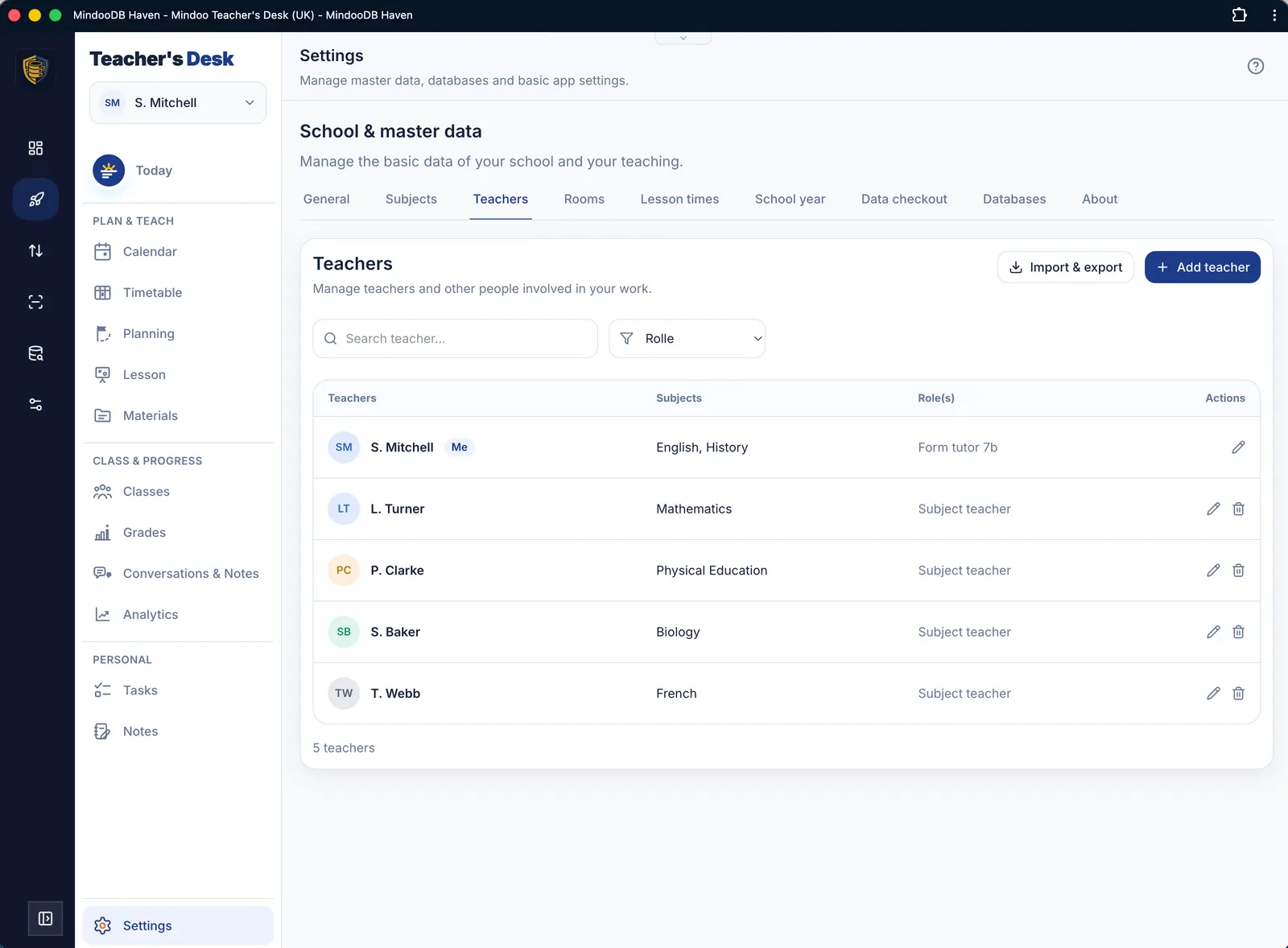
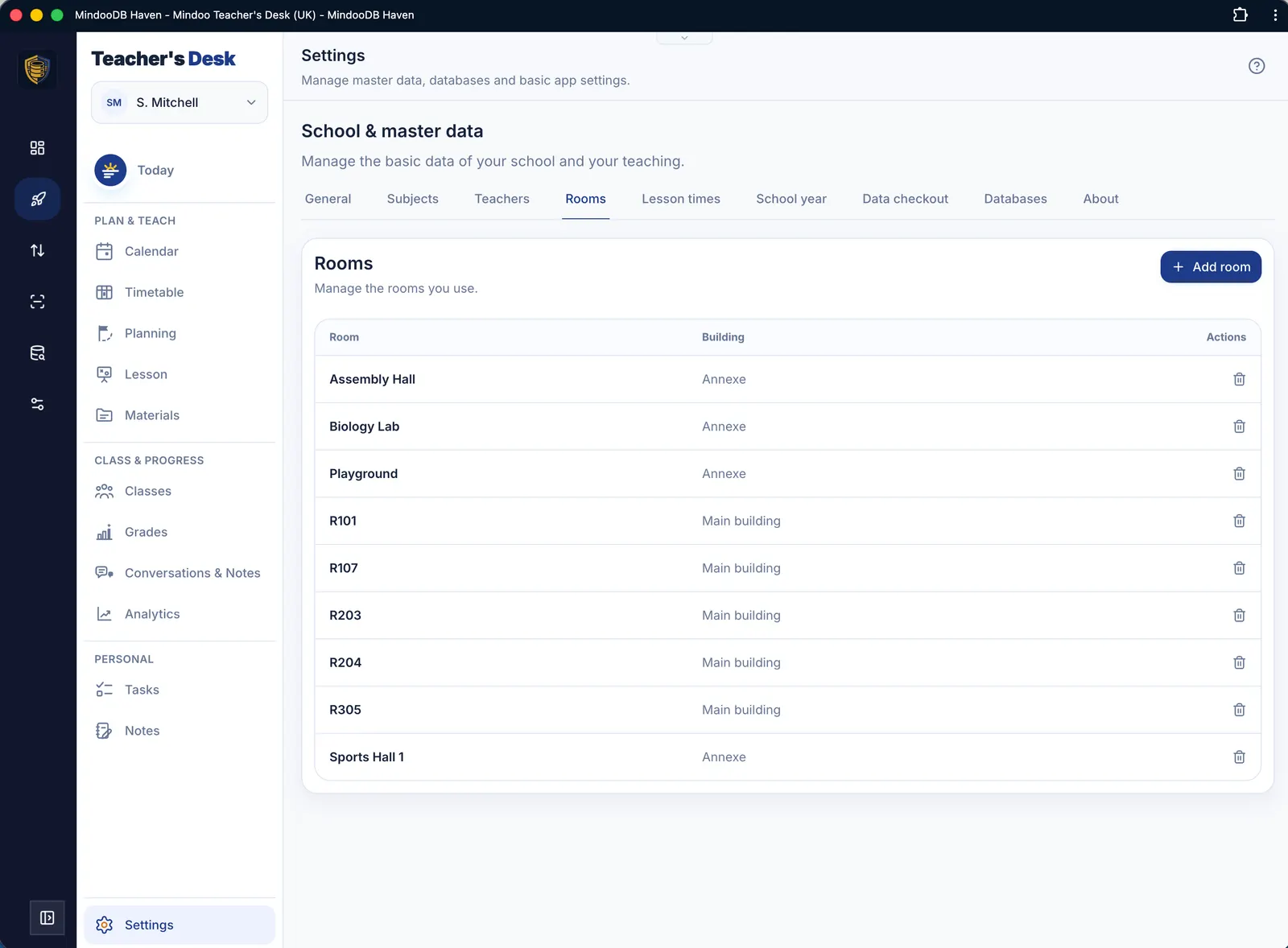
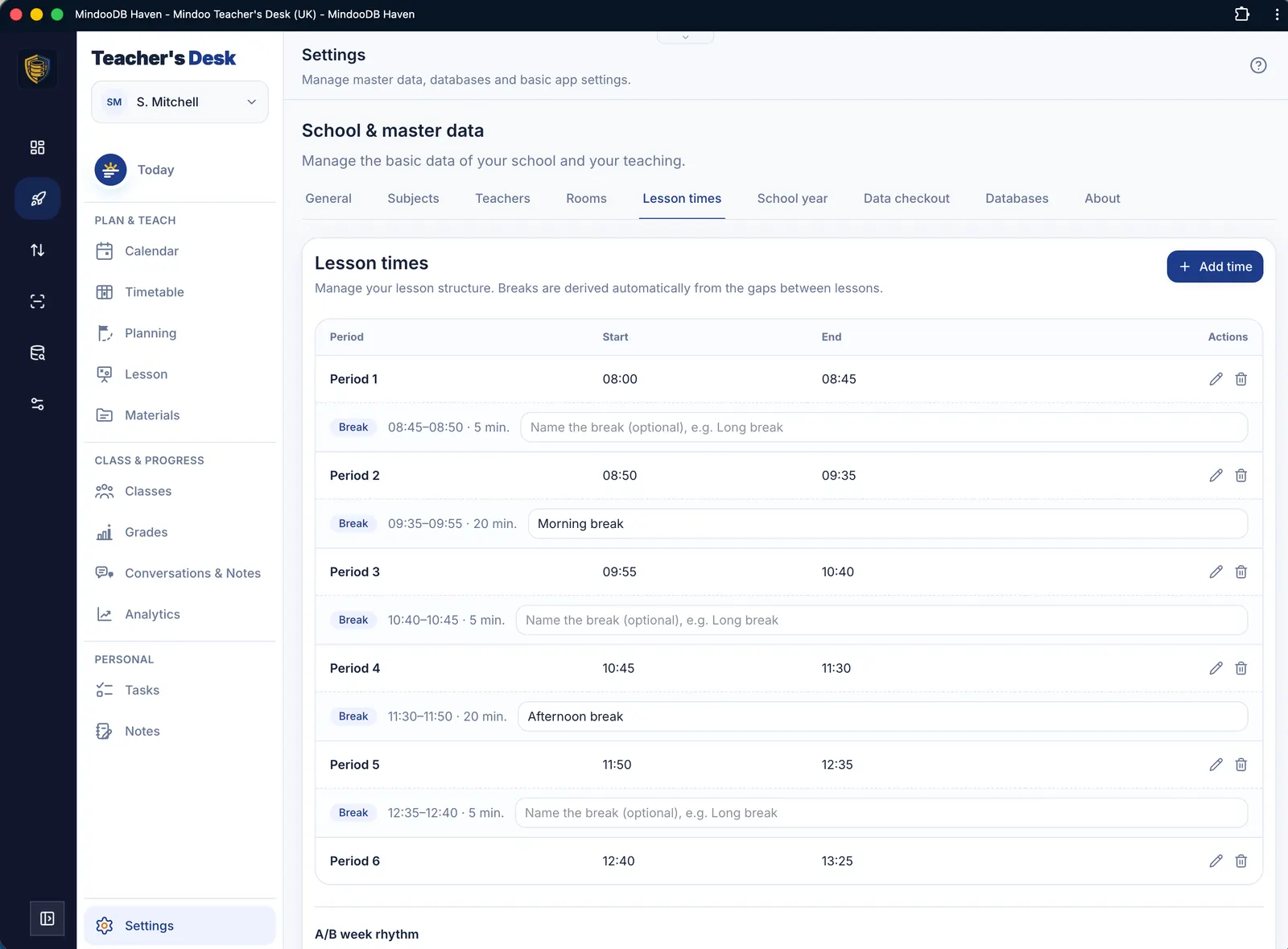
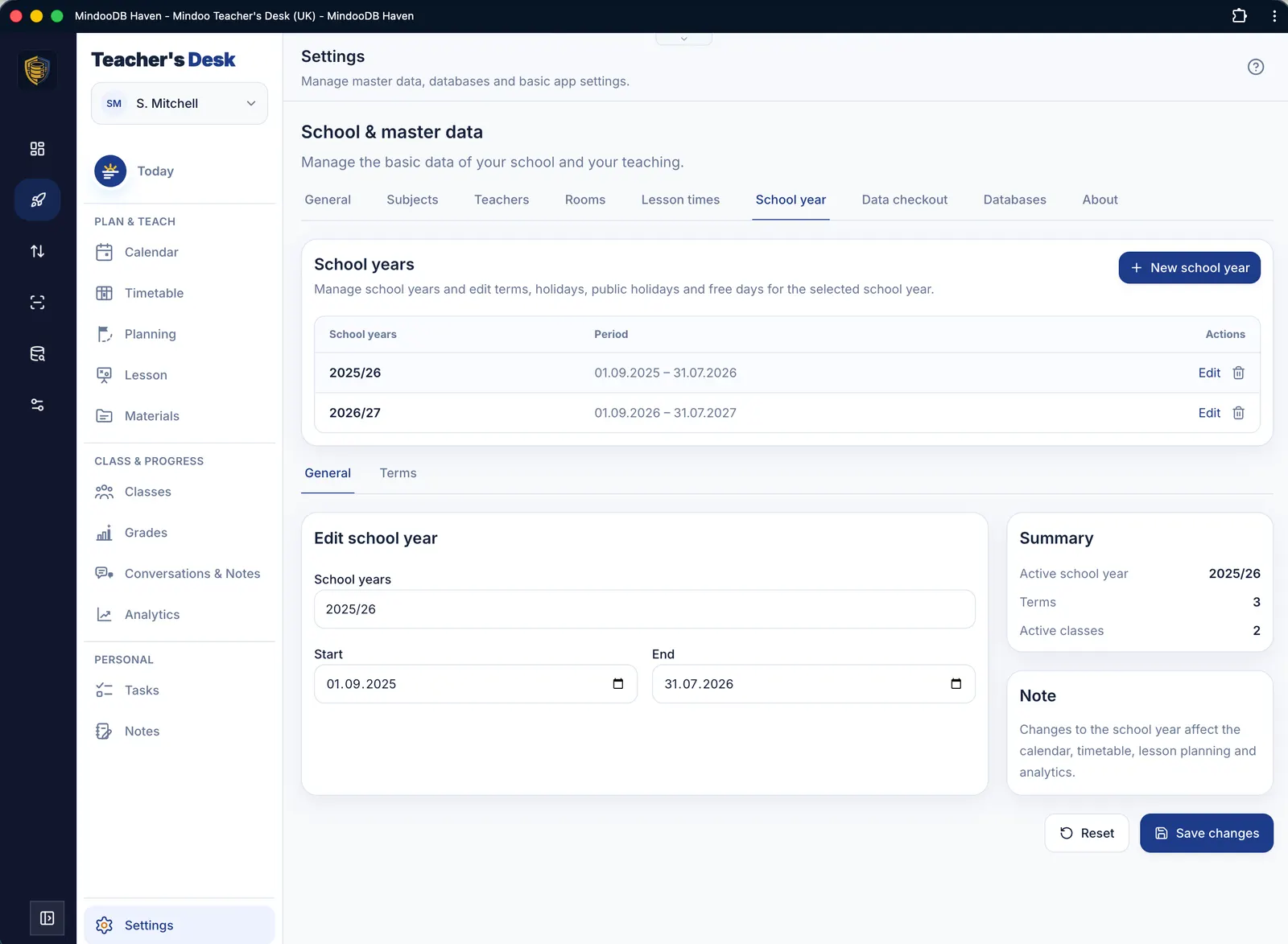
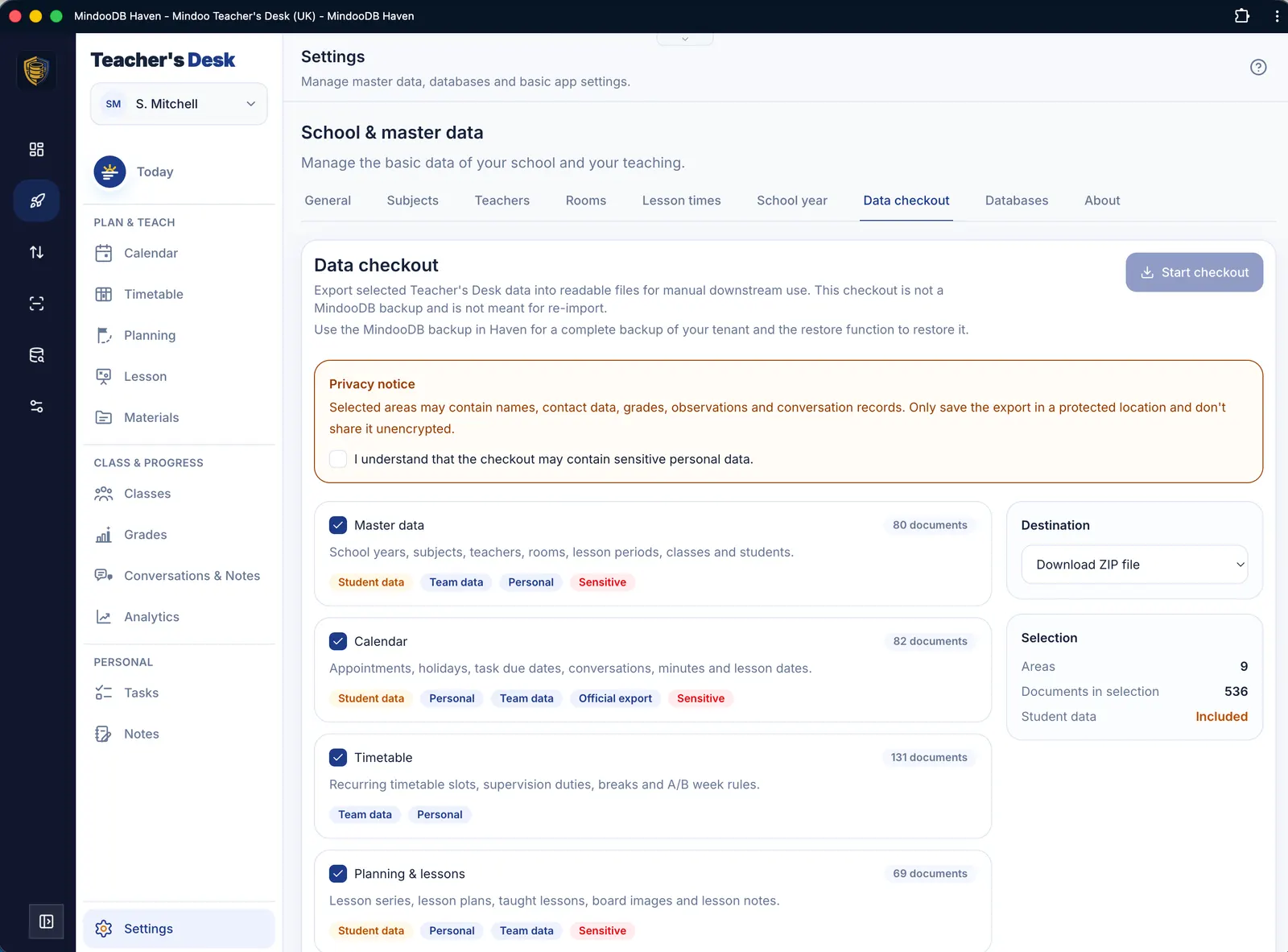
Lesson times, subjects, rooms and teachers in one place. Holiday dates can be imported from OpenHolidays, and the data checkout exports all your content in a readable form.
Take a proper look for yourself
Start Teacher's Desk with realistic demo data – no setup required and no risk to real class data.